
The best Sprout Social alternatives in 2026 depend on the work you need to replace. Sociality.io fits analytics-heavy teams that need competitor reporting and unlimited users on Business; Agorapulse offers a balanced publishing-and-inbox suite; Hootsuite has broad integrations; Statusbrew focuses on customer-care workflows; Sprinklr serves complex enterprise teams; SocialPilot suits budget-conscious agencies; and Buffer keeps publishing simple. I’d start by matching the tool to your team size, profile count, and must-have features, not by comparing the lowest advertised price.
Sprout Social is one of the most trusted names in social media management, especially if you need a solid publishing calendar, a unified inbox, and reporting that doesn’t embarrass you in front of leadership.
But the moment your team grows, the same question starts showing up again and again:
Is Sprout still worth it? Or, are there better Sprout Social alternatives in 2026?
Because while Sprout is powerful, it also comes with pricing that scales fast, upgrades that change what you can do, and limits that don’t always show up until you hit them at the worst time.
And the “cost” issue is a clear pattern. Sprout’s Essentials plan starts at $79 per seat per month on annual billing, but it only covers five profiles and simpler publishing. Most teams end up on Standard at $199 per seat per month or Professional at $299 once they need the inbox, monitoring or more profiles, and Listening and Premium Analytics are priced separately on top. On Capterra, one marketing manager sums it up bluntly:
“Paying extra for features can make overall cost prohibitive… hard for small business owners and individuals.” (Capterra review, Marketing Manager, 11–50 employees)

So if you’re searching for alternatives to Sprout Social, whether you’re a mid-market team, an enterprise buyer, or an agency juggling multiple brands, this guide is for you.
In this post, I’ll walk you through:
Ready? Let the social media tool war begin. ⚔️
TL;DR: Here are the best Sprout Social alternatives (by use case)
If you don’t have time to read the whole article (I get it), here are the top Sprout Social alternatives depending on what you actually need:
- Best overall alternative (analytics, reporting & competitor insights) → Sociality.io (from $83/month)
- Best all-in-one suite for teams → Agorapulse (from $79/user/month)
- Most established Sprout Social competitor → Hootsuite (from $99/user/month)
- Best for customer care workflows + inbox routing → Statusbrew (from $69/month)
- Best enterprise alternative for listening & governance → Sprinklr (custom pricing)
- Cheaper agency-friendly option for publishing → SocialPilot (from $17/month)
- Best simple & affordable publishing tool → Buffer (free plan; paid from $5/channel/month)
Why do teams look for alternatives to Sprout Social?
Sprout is not a bad tool. In fact, it’s often one of the best.
So why are people searching for Sprout Social alternatives and Sprout Social competitors?
Because once you pass the “small team” phase, Sprout’s pricing and structure can feel… heavy.
Here are the real reasons teams switch:
1) Seat-based pricing becomes a bottleneck at scale
- Essentials ($79/seat/month, billed annually): five profiles, core publishing, and profile/post reporting.
- Standard ($199/seat/month, billed annually): five profiles, consolidated inbox, keyword/location monitoring, and review management. This is not the separately priced Listening add-on.
- Professional ($299/seat/month, billed annually): unlimited profiles, message tagging, and deeper competitor and paid insights.
- Advanced ($399/seat/month, billed annually): API/helpdesk integrations, care reports, sentiment in the inbox, and spike alerts.
- Enterprise (custom): tailored plan, implementation, and SSO setup support. Premium Analytics and Listening are separate add-ons to Standard and higher plans.
Sprout’s value makes sense when you’re a small team.
But when you go from 3 users to 8 users to 20 users?
Seat-based pricing can become a growth tax. Essentials looks friendly at $79 per seat/month, but with five profiles and core publishing it’s built for simpler setups. A team with more accounts usually lands on Standard ($199) or Professional ($299, the first tier with unlimited profiles), and that’s before Listening or Premium Analytics.
Our social media tool pricing comparison prices Sprout Social and five other tools for one team size, so you can see where the seat costs land.
And users do call that out. On G2, one reviewer says:
“The price may seem a little too high for small businesses.” (G2 review, Founder, Mid-Market, Dec 17, 2025)
This is why people start looking for cheaper alternatives to Sprout Social — not because they want “cheap,” but because they want predictable.
2) Listening becomes an “upgrade decision”
Sprout offers listening, yes.
But many teams (especially modern brands) need listening that captures what matters today — and the platform limitations show up fast.
One G2 reviewer, for example, points out:
“I wish their Social Listening could pull audio from places like Instagram and TikTok…” (G2 review, Marketing Team, Mid-Market, Dec 4, 2025)

So for monitoring-heavy teams, the question becomes:
If we’re paying extra for listening anyway… should we compare enterprise monitoring tools instead?
That’s where platforms like Sprinklr or other listening-first tools tend to come into the conversation.
3) Reporting needs become more stakeholder-driven (and Sprout can feel limiting)
This is one of the most common “Sprout maturity moments.”
When you’re a one-person social team, Sprout reporting is fine.
When you’re reporting to executives, regional teams, agencies, product, and customer care… you need reports that are:
- More flexible
- Easier to export
- Easier to benchmark
- Easier to automate
And even Sprout fans still mention reporting friction.
A G2 reviewer explains:
“Reports/Analytics can get a bit clunky if you’re trying to separate organic and paid metrics.” (G2 review, Marketing Team, Mid-Market, Dec 4, 2025)

That’s exactly why people search for Sprout Social alternatives with better reporting and Sprout Social alternatives social media analytics platforms.
There’s one more reporting gap I’d add for 2026. Sprout’s plans don’t include an MCP server (the Sprout MCP servers you’ll find on GitHub are unofficial community builds), so there’s no official way to point Claude or ChatGPT at your Sprout data and ask it to build the report for you. Sociality.io has this built in, and its social media MCP server gives your AI assistant your own and your competitors’ stats and posts to work with.
4) Customer care workflows need structure
Once social becomes a support channel, you stop thinking like “a marketer” and start thinking like a customer care operation.
You need:
- Message routing
- Tags
- SLAs
- Assignment rules
- Escalation workflows
Sprout can definitely handle high message volume — and reviewers highlight that too. One G2 reviewer describes how it helped them:
“Monitor messages, comments, and mentions across multiple platforms all in one place.” (G2 review, Founder, Mid-Market, Dec 17, 2025)
But at the same time, enterprise teams often want more governance + routing + contact-center alignment — which is where tools built around contact center management, contact center intelligence, or CCaaS customer care start to make more sense than a marketing-first suite.
5) It can feel expensive when you add users or need higher-tier features
This is the big theme across Capterra’s sentiment summary too: “High cost for small teams.”
And it’s not even rare criticism. Capterra’s review analysis explicitly flags pricing as a recurring drawback, noting that “pricing is steep” and essential features can sit behind paywalls unlike many Sprout alternatives like Sociality.io.
So yes, Sprout is strong, but it isn’t always the best fit for every team:
- If they’re scaling fast
- Paying per seat
- Need deeper listening, more flexible reporting, or stricter governance than Sprout offers on their current plan
Should you not switch to another tool?
Before comparing tools, let’s be honest about why Sprout is so widely used.
Sprout Social is best for:
- Publishing and scheduling with a structured calendar
- Unified inbox and engagement workflows
- Reporting that covers most “standard” marketing needs
- Collaboration and approvals (depending on plan)
- Social listening (depending on plan and add-ons)
- Reliable support and a strong product reputation
And the product experience is genuinely praised by many users.
One G2 reviewer says:
“Sprout makes managing multiple channels in one place a breeze. Publishing and scheduling is flawless.” (G2 review, Marketing Team, Mid-Market, Dec 4, 2025)
It also supports major networks like Facebook and Instagram, which is a baseline expectation for any serious social media management platform in 2026.
Okay. Now we can get into the fun part. 😌
How to choose the best alternative to Sprout Social
Not every Sprout Social alternative solves the same problem.
Some tools are “true suite” replacements.
Others are specialist tools that do one module extremely well.
Let me share how to choose without getting lost in long, long checklists.
Step 1: Suite or stack?
Option A: Suite replacement 🍓You want one platform that covers publishing and inbox or analytics and reporting.
Option B: Stack replacement 🫐You want to replace only what you need:
Publishing tool + analytics tool + listening tool
This is often the best move if you love Sprout for one module… but hate it for another.
Step 2: Choose based on your priority
- Need publishing → publishing-first tools (Buffer, SocialPilot)
- Need engagement/inbox → customer care tools (Statusbrew, Agorapulse)
- Need reporting → analytics-first tools (Sociality.io)
- Need listening → monitoring tools (Sprinklr, or a listening add-on)
- Need governance → enterprise suites (Sprinklr, Emplifi)
Step 3: Match the tool to your reality
Before you fall in love with a tool demo, ask:
- How many brands/profiles do we manage?
- How many users need access?
- Do we need approvals?
- Do we need stakeholder-ready reporting exports?
- Do we need mobile access (iOS/Android) or a clean web app version?
- Is listening included, or is it a paid add-on?
- Do we need SSO and governance?
How I evaluated Sprout Social alternatives (and where this info comes from)
Before jumping into the tools, I want to be clear about how I put this list together, because “best” means nothing without context. 🧐
I didn’t rank these tools based on feature lists or sales pages. I looked at them the same way teams do when they’re actually trying to replace Sprout Social and not break their workflows in the process.
Here’s what I focused on while evaluating each alternative:
- Publishing & scheduling: how reliable and flexible the content calendar actually is
- Inbox & engagement workflows: whether teams can manage comments, DMs, and mentions at scale
- Analytics & reporting: how deep the data goes, how easy it is to customize, and whether reports are stakeholder-ready
- Social listening & monitoring: if it’s included, limited, or a paid add-on
- Collaboration & approvals: how well teams, agencies, and clients can work together
- Governance & permissions: roles, approvals, audit logs, and SSO for larger teams
- Pricing model: seat-based vs profile-based vs usage-based — and how painful it gets as teams grow
- Usability: how the tool actually feels in daily use, not just in a demo
To ground this in reality, I also reviewed verified user feedback from:
- G2
- Capterra
I focused on reviews from 2024–2026 and paid special attention to patterns — not one-off complaints or edge cases. When I quote a reviewer in this post, it’s because that comment reflects a recurring theme I saw across multiple reviews, not a single opinion taken out of context.
Ratings shown in this guide reflect public averages at the time of writing and may change as products evolve.
I also cross-checked:
- Vendor pricing pages
- Public product documentation
- Case studies and customer stories where available
This post is updated regularly to reflect pricing changes, feature updates, and shifts in user sentiment, because social media tools change fast — and outdated comparisons help no one.
For this September 2026 update, I rechecked every price and plan limit on the vendors’ own pricing pages and added a five-user, 15-profile cost example, so you can compare pricing units side by side instead of guessing.
What are Sprout Social alternatives?
Sprout Social alternatives are tools that replace all or part of Sprout’s core modules: publishing, engagement/inbox, reporting/analytics, listening/monitoring, and governance. Some tools are full-suite replacements, and others are specialist tools that do one thing better (like reporting or listening).
Comparison table: Sprout Social alternatives 2026
Before diving deeper, here’s a bird’s-eye comparison of the most relevant Sprout Social competitors.
I checked these prices on 29 September 2026. Amounts are US-dollar monthly equivalents on annual billing where stated, and features, add-ons, and account limits vary by plan, so confirm the final quote with each vendor.
| Tool | Best for | Annual starting price | Pricing unit | Main trade-off |
|---|---|---|---|---|
| Sociality.io | Analytics, competitor reporting, and multi-user teams | $83/month Pro; $166/month Business | Plan and pages; Business has unlimited users | Monitoring is a custom add-on; Pro has one user |
| Agorapulse | Publishing and inbox workflows | $79/user/month | Per user; 10 profiles shared | Additional profiles and advanced features cost extra |
| Hootsuite | Broad, established suite | $99/user/month | Per user; Standard has 10 accounts | Approval workflows require a higher tier |
| Statusbrew | Inbox automation and customer care | $69/month Lite; $229/month Premium | Bundled users and profiles by tier | Premium is needed for 6 users and 15 profiles |
| Sprinklr | Enterprise governance, care, and listening | Custom | Contract and modules | Requires a scoped implementation and quote |
| Emplifi | Enterprise marketing and care | From $1,249/month (Essential) | Subscription; unlimited users and owned profiles | Heavy implementation; care and commerce are custom-quoted |
| Planable | Agencies and approvals | $33/workspace/month (Basic) | Per workspace; unlimited users | Limited analytics; Basic caps 60 posts and 4 social pages per workspace |
| SocialPilot | Budget-conscious agency publishing | $17/month | Bundled accounts and users; add-ons available | Not a full listening replacement |
| Buffer | Simple publishing | Free; $5/channel/month Essentials | Per channel | Not a full enterprise care or listening suite |
| Sprout Social (baseline) | Full suite with seat-based pricing | $79/seat Essentials; $199 Standard | Per seat; both plans have five profiles | Professional ($299/seat) is the first listed tier with unlimited profiles |
Sprout Social alternatives comparison table
What does each Sprout Social alternative cost for a five-person team?
Worked cost example: five users and 15 social profiles. This compares public subscription structure, not feature parity. It excludes taxes and separately priced listening or analytics add-ons. Sprout Standard cannot cover 15 profiles, so the Sprout baseline uses Professional.
| Plan that fits the scenario | Estimated monthly cost, billed annually | What to check |
|---|---|---|
| Sprout Professional | $1,495 | 5 × $299; unlimited profiles; add-ons extra |
| Sociality Business | $166 | 15 pages, unlimited users; owned and competitor pages both count; monitoring custom |
| Agorapulse Standard | About $445 | 5 × $79 plus five extra profiles at the published $10 annual rate; confirm at checkout |
| Hootsuite Professional | $995 | 5 × $199; unlimited accounts |
| SocialPilot Standard | $64 | $34 base plus two $5 users and five $4 accounts; narrower feature set |
| Statusbrew Premium | $229 | Six users and 15 profiles included, with approvals and social and web listening |
| Buffer Team | Use the vendor calculator | Per-channel volume discount above 10 channels; not feature-equivalent |
| Emplifi Essential | From $1,249 | Unlimited seats and owned profiles; heavier implementation |
| Sprinklr | Custom | Requires a scoped quote |
The best Sprout Social alternatives
1. Sociality.io: best analytics-driven Sprout Social alternative for growing and enterprise teams

If your main reason for leaving Sprout Social is analytics and reporting, Sociality.io is the best alternative. For a team, Business is the plan to compare, with 15 pages and unlimited users, while social and web monitoring stays a custom add-on.
And by analytics and reporting, we don’t just mean basic charts. Sociality.io is built for teams that need stakeholder-ready exports, competitor benchmarking, and cross-platform performance insights they can actually use to make decisions — while keeping workflows secure and scalable for larger teams.
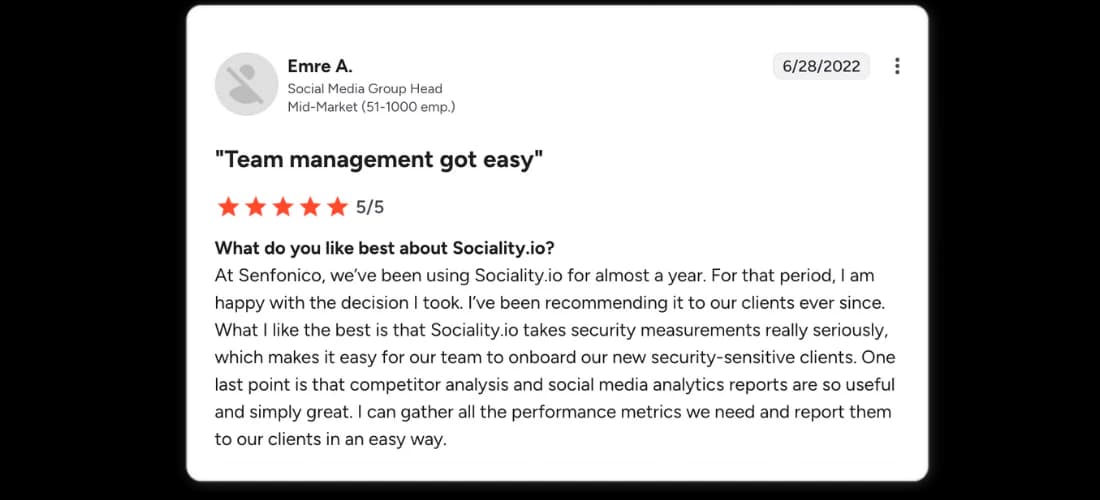
Emre A., Social Media Group Head at Senfonico (51–1000 employees), puts it on G2:
“Team management got easy.”
After nearly a year of use, he highlights both reporting and security as key reasons for recommending Sociality.io to clients:
“Sociality.io takes security very seriously, which makes it easy for our team to onboard security-sensitive clients. Competitor analysis and social media analytics reports are simply great — I can gather all the performance metrics we need and report them to our clients in an easy way.”
| Sprout Social | Sociality.io | |
|---|---|---|
| Best for | Publishing, unified inbox, and reporting | Analytics-driven teams (reporting, benchmarking, scale) |
| Limitations | High per-seat pricing; reporting limits at scale | Listening is an add-on; may be more than solo users need |
| Pricing | Sprout Essentials $79/seat/month; Standard $199/seat/month (annual billing) | Pro $83/month for one user; Business $166/month with unlimited users (annual billing where listed) |
Best for ❤️
In-house marketing teams at mid-market and enterprise companies, and agencies managing multiple brands, that want a true all-in-one Sprout Social alternative — not just a publishing scheduler.
Ideal team size/maturity
Small-but-growing teams, mid-sized or large organizations, and agencies. It’s more platform than a solo freelancer usually needs, but once you’re managing multiple stakeholders, brands, or markets, it starts to shine.
Key features and standout strengths 💪
- Unified suite: Publishing calendar, social inbox, analytics, competitor analysis, and optional social and web monitoring in one dashboard
- Unified inbox to engage with followers across supported platforms in real time
- Dashboard connections: Facebook Pages, Instagram Business, LinkedIn Pages, TikTok Business, and YouTube profiles; check channel-specific publishing and inbox support.
- Sociality MCP: connect ChatGPT, Claude or Gemini to your Sociality.io data through the Sociality.io MCP server and ask about your own accounts and your competitors’ stats and posts across Instagram, TikTok, LinkedIn, YouTube, X, and Facebook. Pro includes 1,000 MCP credits a month and Business includes 2,000.
AI across modules includes:
- Analyzing listening data and auto-tagging themes
- Replying, rephrasing, and rewriting responses in the inbox
- Summarizing analytics and competitor reports
- Turning raw listening or competitor data into concise, actionable insights
After switching from Sprout Social, Too Good To Go’s social media team uses Sociality.io to track KPIs like engagement and views across multiple markets. “The visuals and filters make it super easy to compare and evaluate performance,” says Gisela. She also highlights how smooth the transition was: “The onboarding process was seamless — it was one of the easiest tool transitions we’ve had.”
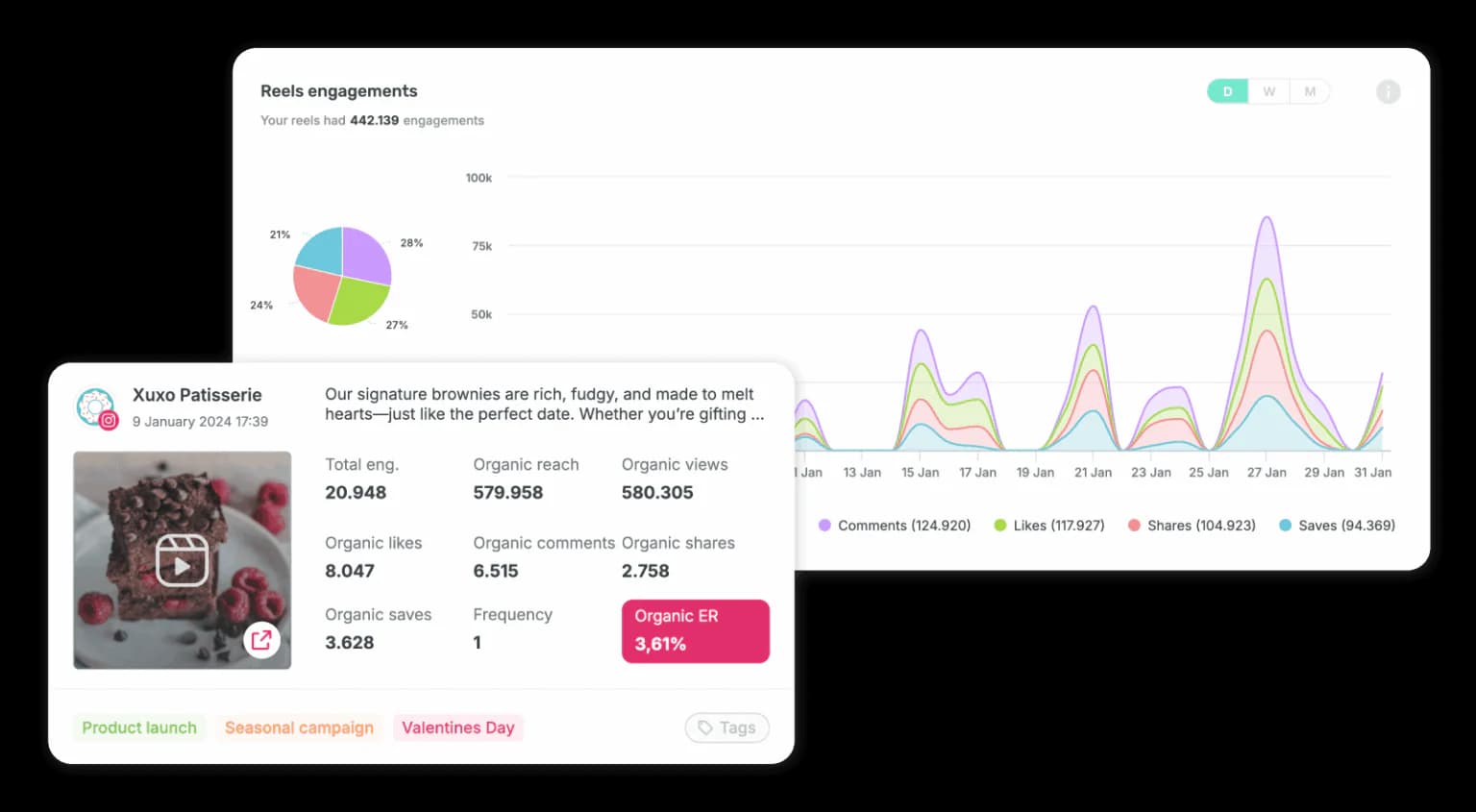
Analytics and reporting depth
Sociality.io is built for teams that live inside reports:
- Cross-network dashboards with post-level insights and time-series trends
- Channel-level performance data, including reactions, impressions, content-type performance, and paid vs. organic impact (especially on Meta)
- Campaign- and tag-based reporting to measure launches, promotions, and seasonal initiatives
- Viewer countries, traffic sources, follower heatmaps for best posting times, engagement breakdowns, hashtag performance, CTR, watch time, followers gained per post, and non-follower reach — all in one structured view
- Branded exports to PPT, PDF, and Excel, with reports scheduled and delivered automatically to stakeholders
For teams producing regular reports, this can save significant time. In the Rhino Runner case study, the team shared:
“Without Sociality.io, preparing monthly reports would be incredibly time-consuming. The ability to select time ranges and customize reports makes the process much easier.”
Users also report major time savings from reporting. Sena Arısoy (Engage Istanbul) shared: “Before using Sociality.io, I would spend a whole day preparing a detailed report. Now, it takes me 15 minutes tops.”
Collaboration and workflows
Sociality.io is designed with agencies and larger teams in mind:
- Multi-brand workspaces with roles, approvals, and internal notes
- Assignment workflows across inbox and publishing modules
- Team performance reports that track response times and workload
For the Mixtiles team, Sociality.io replaced more manual engagement workflows. Isidora shared that the team now handles over 18,000 incoming unique threads in a single month, while onboarding new team members in just one day, thanks to the platform’s intuitive interface and flexible inbox controls.
Pricing and value 💵
- Pro ($83/mo): 1 user, 10 pages, inbox + scheduling + analytics + competitor reports, 7-month retention.
- Business ($166/mo): unlimited users, 15 pages, approvals/workflows + team reports + roles, 13-month retention.
- Enterprise (custom): Business + dedicated manager, enhanced API, audit logs/security, 25-month data retention.
From the Business tier upward, there’s no per-seat pricing. This is where Sociality.io clearly diverges from Sprout Social.
Sociality.io’s costs are more predictable for agencies and multi-brand teams as they scale. Business doesn’t charge per seat, and extra users are free. Social and web monitoring is custom-priced on every dashboard tier, though, so compare Sociality.io dashboard plans against the pages and modules you actually need.
UX, support, and reliability
UX and customer support quality are frequently cited by teams switching from Sprout Social. Osman Zeren (Havas Group) notes: “We’ve been using Sociality.io for five years, and there hasn’t been a day where we didn’t get a reply within 10–15 minutes.”
Limitations & trade-offs
- Social listening is available as a separate add-on, which may matter for listening-heavy teams
- Solo users with very basic scheduling needs may find it more platform than necessary
Who should choose it
- You’re switching from Sprout Social because of analytics or reporting limitations
- You report weekly or monthly to stakeholders
- You care about competitor insights and benchmarking
- Your team is growing and you want predictable pricing
Who should not choose it
- You only need a simple scheduling tool for one or two profiles
- You need listen module without extra fees
- Reporting isn’t important to your workflow

2. Agorapulse: best balanced alternative for publishing and inbox workflows
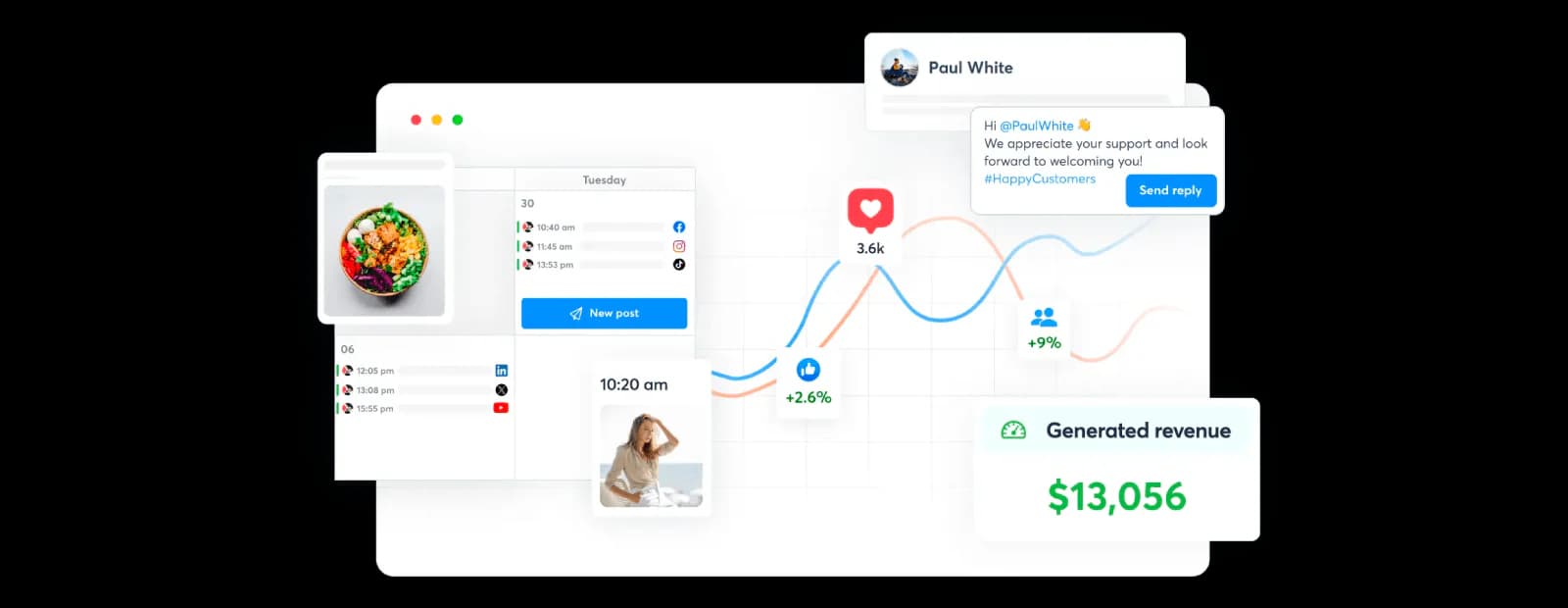
Agorapulse is a Sprout Social–style platform that brings publishing, a unified inbox, and reporting into a single tool. It’s often considered by teams that want a familiar “all-in-one” experience, especially when inbox workflows and day-to-day engagement are the priority.
If Sprout Social feels expensive or overly rigid for your team, and you still want a proper suite rather than a lightweight scheduler, Agorapulse is a common alternative — particularly for teams that spend a lot of time managing comments and messages.
| Sprout Social | Agorapulse | |
|---|---|---|
| Best for | Publishing, unified inbox, and reporting | Inbox workflows & engagement management |
| Limitations | High per-seat cost; reporting can feel limiting at scale | Reporting isn’t comprehensive; occasional slow loading/glitches |
| Pricing | Sprout Essentials $79/seat/month; Standard $199/seat/month (annual billing) | Standard $79/user/month; 10 shared profiles (annual billing where listed) |
Best for ❤️
- Teams that prioritize inbox workflows and engagement management
- Agencies and mid-market teams that want a full suite, not just scheduling
- Social teams that value structure without enterprise-level complexity
Ideal team size/maturity
Small to mid-sized teams and agencies with multiple people working in the inbox and scheduling content. It’s a practical fit when execution and engagement matter more than advanced analytics or deep competitive benchmarking.
Key features and standout strengths 💪
- Unified inbox for comments, messages, and mentions across platforms
- Inbox context that shows how comments appear on native platforms
- Publishing and scheduling with a clear, easy-to-use calendar
- Basic collaboration features like assignments and approvals
The inbox experience is one of the main reasons teams switch from Sprout Social to Agorapulse.
Ingrid D., CEO & Founder (Small Business, 50 or fewer employees), shared on G2:
“We’ve used many different social media management tools and we decided to switch from Sprout to Agorapulse a couple of years ago. One reason was price, but we also prefer both the inbox and scheduler in Agorapulse over Sprout. The inbox allows us to see what the comments look like on the native platform without clicking through to the native platform, saving us time and giving us valuable context as to the conversation taking place in the comments. We find scheduling much faster, efficient and intuitive with Agorapulse.”

Analytics and reporting depth
Reporting is available and works for standard needs, but it isn’t Agorapulse’s strongest area. Teams that switch primarily for analytics depth or customized reporting often find it limiting.
That’s reflected in user feedback. In G2 review, Geo S., social media manager of a smallbusiness note:
“I didn’t like the reporting, wasn’t comprehensive.”

This makes Agorapulse better suited for teams that want manageable reporting rather than analytics-heavy workflows.
Collaboration and workflows
Agorapulse includes the collaboration basics most teams expect: inbox assignments, content approvals, and internal workflows. For many teams, this provides enough structure to stay organized without adding complexity.
Pricing and value 💵
- Standard ($79/user/month, billed annually): 10 profiles shared across the organization, publishing, inbox, and reports.
- Professional ($119/user/month, billed annually): adds team publishing workflow and ad-comment tools.
- Advanced ($149/user/month, billed annually): adds more automation and advanced reporting.
- Custom: scoped enterprise features and profile allowances. Extra profiles are priced separately; confirm the current rate before purchase.
Agorapulse is often chosen by teams that want a full suite without being pushed into enterprise pricing just to collaborate. It can feel like a simpler, more approachable alternative to Sprout Social for teams that don’t need advanced analytics. Just keep in mind that plans are priced per user and the 10 included profiles are shared across the whole organization, not multiplied by seats. Extra profiles cost $10/month each on annual billing, and Advanced Listening is a separate add-on.
UX, support, and reliability
Ease of use and inbox functionality are frequently praised in their G2 reviews.
At the same time, reliability issues come up in reviews. On Capterra, a notable portion of negative feedback mentions software glitches, including slow loading, crashes, and channel disconnects.
Sharne M., Senior Marketing Executive (2–10 employees), wrote:
“Sometimes it can just be a bit slow to load and I have small issues from time to time.”

This aligns with broader feedback describing occasional instability rather than persistent failures.
Limitations & trade-offs
- Reporting isn’t comprehensive enough for analytics-driven teams
- Competitive benchmarking is limited
- Some users report performance issues like slow loading or glitches
Who should choose this
- Your team lives in the inbox and engagement workflows
- You want a Sprout-style suite for publishing, inbox, and basic reporting
- You value usability and workflow clarity over analytics depth
Who should not choose this
- You’re switching mainly for deep analytics, benchmarking, and reporting flexibility
- You need an analytics-first platform or enterprise-grade listening and governance
3. Hootsuite: best established suite for integrations and broad workflows
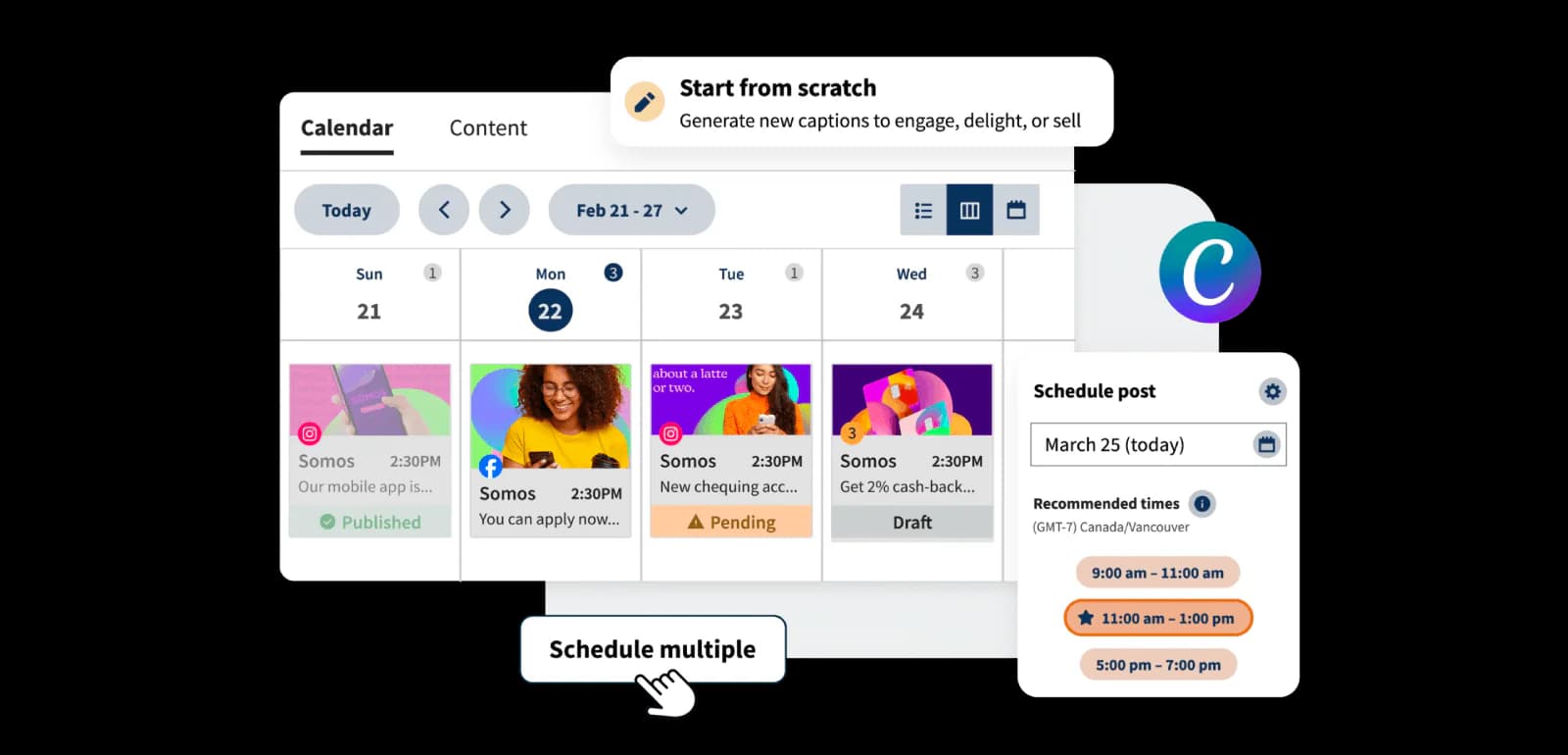
Hootsuite is still one of the most recognizable names in social media management, and for many teams, it’s the first Sprout Social alternative they evaluate.
However, if you’re leaving Sprout primarily because of per-seat pricing and cost creep, Hootsuite isn’t always the escape route it’s assumed to be. When comparing Hootsuite vs Sprout Social, the pricing model still scales by users, and costs can rise quickly as teams grow.
That said, Hootsuite can still be a solid option if your priorities lean toward wide platform coverage, a mature integrations ecosystem, and a familiar, enterprise-style suite.
| Sprout Social | Hootsuite | |
|---|---|---|
| Best for | Publishing, unified inbox, reporting | Broad platform coverage & integrations |
| Limitations | High per-seat pricing; reporting limits at scale | Seat-based pricing still scales; interface can feel heavy |
| Pricing | Sprout Essentials $79/seat/month; Standard $199/seat/month (annual billing) | Standard from $99/user/month; Professional from $199; Advanced from $399 (annual billing where listed) |
Best for ❤️
- Established teams that want a proven, widely adopted platform
- Organizations that rely heavily on third-party integrations
- Teams that prefer a traditional “suite” approach over newer, analytics-first tools
Ideal team size/maturity
Mid-sized to enterprise teams (5–50+ users) with mature processes (clear roles, approvals, governance). Less ideal for solo/small teams trying to avoid per-seat pricing.
Key features and standout strengths 💪
- Broad feature coverage across publishing, inbox, and collaboration
- Extensive integrations ecosystem
- Support for managing large numbers of social accounts across platforms
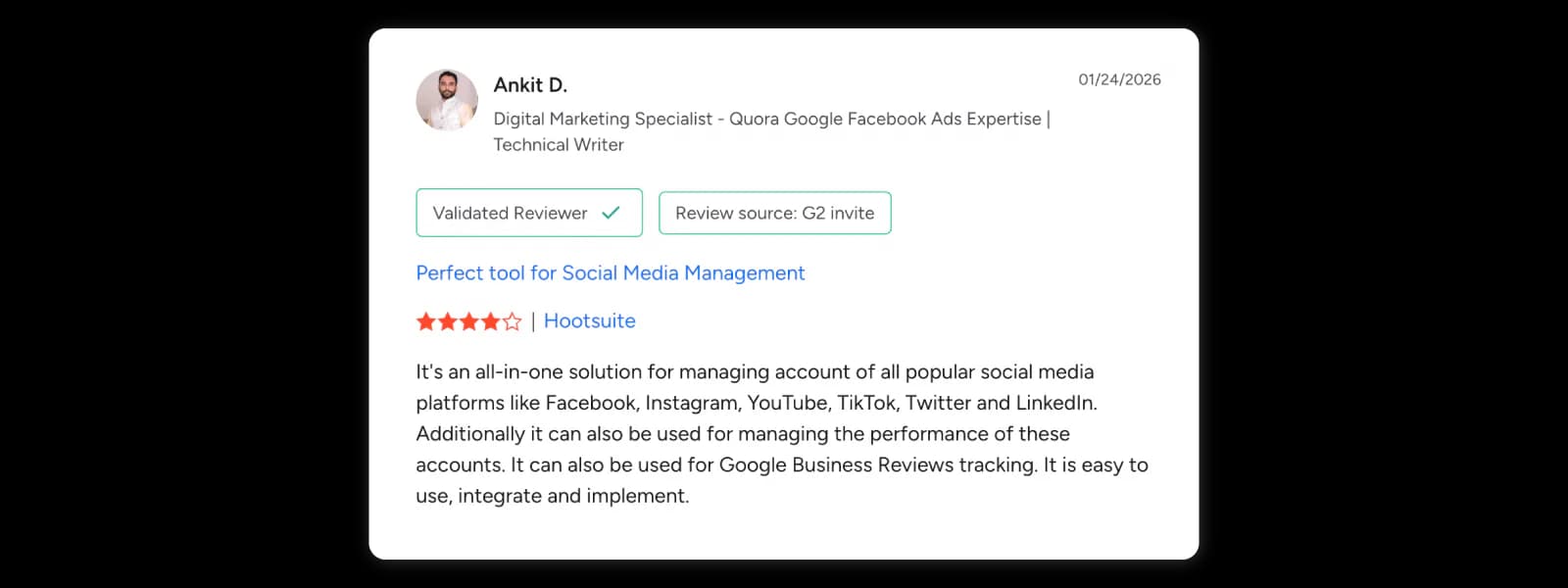
On G2, reviewers frequently highlight Hootsuite’s breadth. Ankit D., Digital Marketing Specialist, shared:
“It’s an all-in-one solution for managing account of all popular social media platforms like Facebook, Instagram, YouTube, TikTok, Twitter and LinkedIn. Additionally it can also be used for managing the performance of these accounts. It is easy to use, integrate and implement.”
Another reviewer, Conor D., Mid-weight Creative at Publicise London, emphasized its scheduling strengths:
“I use Hootsuite for scheduling, and it helps me really solve scheduling issues.”

Analytics, reporting, and usability
While Hootsuite offers reporting and analytics, some users find the experience less intuitive — particularly when working with more complex reports.
On Capterra, Joshua F., Marketing Assistant, noted:
“Also, some reports or analytics can be tricky to figure out at first, which can slow things down.”

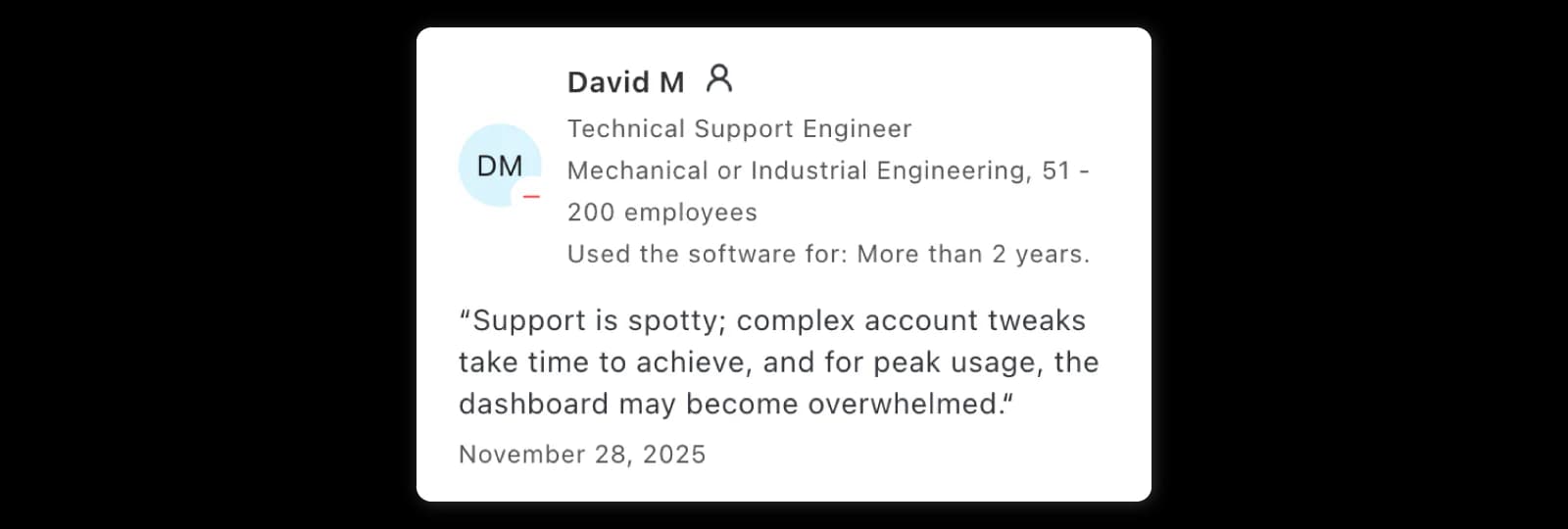
As teams scale usage, performance can also become a concern. David M., Technical Support Engineer, shared:
“Support is spotty; complex account tweaks take time to achieve, and for peak usage, the dashboard may become overwhelmed.”
Collaboration and workflows
Hootsuite offers solid, enterprise-style collaboration features, especially on its higher-tier plans. Teams can assign messages and posts, set up approval workflows, and control access through role-based permissions. This makes it suitable for organizations that need clear governance, compliance, and structured handoffs.
Pricing and value 💵
- Standard (from $99/user/month, billed annually): 10 social accounts, scheduling, inbox, and basic monitoring.
- Professional (from $199/user/month, billed annually): unlimited social accounts, automated inbox workflows, and custom reports.
- Advanced (from $399/user/month, billed annually): adds team approvals, routing, and team performance tools.
- Enterprise: custom pricing and governance. Verify regional currency and billing terms with Hootsuite before buying.
Hootsuite uses seat-based pricing, which means costs increase as users are added. While this model works for small teams, it often becomes a pain point as teams scale.
For organizations moving away from Sprout Social due to pricing, Hootsuite can feel familiar — but not necessarily more cost-effective in the long term.
UX, support, and reliability
As teams scale usage, performance and support responsiveness can become concerns.
On Capterra, David M., Technical Support Engineer, shared:
“Support is spotty; complex account tweaks take time to achieve, and for peak usage, the dashboard may become overwhelmed.“
Limitations & trade-offs
- Costs increase quickly as users are added
- Interface can feel heavy or cluttered for modern content workflows
- Deeper reporting and analytics often require higher-tier plans
Who should choose it
- Integrations matter more to you than UX simplicity
- You need a widely adopted platform with established enterprise workflows
- Your team is comfortable with seat-based pricing
Who should not choose it
- You’re leaving Sprout Social mainly due to seat-based pricing and cost escalation
- You want a modern, analytics-first workflow with flexible reporting
And in addition to Sprout Social alternatives, here’s a seriously deep dive into Hootsuite alternatives, where you can compare more tools in terms of analytics, reporting, pricing, and more.
4. Statusbrew: best for inbox workflows and customer care structure
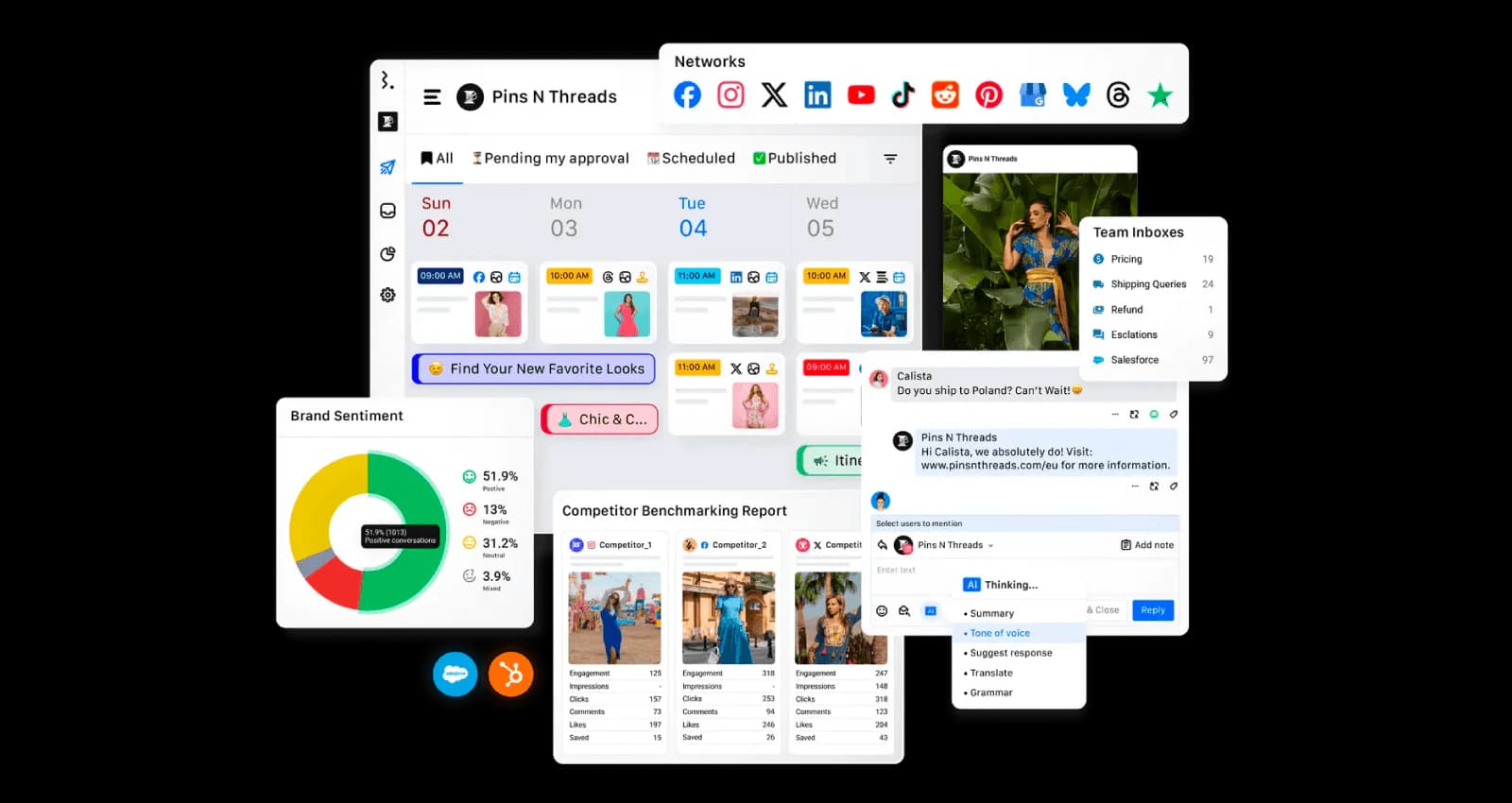
Statusbrew is a good Sprout Social alternative when your biggest pain point is engagement at scale rather than analytics depth. It becomes especially relevant once social media starts functioning like a customer care channel.
| Sprout Social | Statusbrew | |
|---|---|---|
| Best for | Publishing, unified inbox, reporting | High-volume inbox workflows & customer care structure |
| Limitations | High per-seat pricing; reporting limits at scale | Analytics depth and listening are not primary strengths |
| Pricing | Sprout Essentials $79/seat/month; Standard $199/seat/month (annual billing) | $69/mo (Lite), $129/mo (Standard), $229/mo (Premium), custom Enterprise |
Best for ❤️
- Customer service teams managing social DMs and comments
- Brands that treat social media as a customer care channel
- Teams that need stronger engagement workflows than basic publishing tools
Ideal team size/maturity
Mid-sized to large teams handling high-volume engagement, with defined customer care workflows (routing, SLAs, approvals). Less suited for analytics-first or lightweight publishing teams.
Key features and standout strengths 💪
- Operational inbox workflows with routing, assignments, and escalation
- Moderation and automation, including inbox labeling, spam hiding, and message routing
- Multi-team structure with roles, approvals, and coordinated workflows
- Publishing and analytics included, but clearly secondary to engagement operations
Statusbrew supports automation for inbox labeling and routing, which helps reduce manual effort when message volume increases.
Analytics and reporting depth
Statusbrew is not an analytics-first platform. Reporting works well for monitoring performance across channels, but teams that prioritize deep analytics, competitor benchmarking, or presentation-heavy reporting may still pair it with a reporting-focused tool.
That said, some users highlight that having analytics and engagement together improves visibility across campaigns.
Ryan S., Marketing Consultant, shared on Capterra:
“I struggled with keeping track of my social campaign performance on multiple networks until I discovered Statusbrew.“
Collaboration and workflows
This is where Statusbrew stands out most. The platform is built around collaboration in high-volume environments:
- Inbox assignments and escalation workflows
- Structured roles for multi-team coordination
- Automation that supports consistent response handling
Sanjeev K., Manager, noted on Capterra:
“The management of the post has become very smoother and it has become very advantageous for our resources as well because instead of hiring another resource for posting, this tool is doing its part very well.”
Pricing and value 💵
- Lite ($69/mo): 1 user, 5 profiles, unlimited publishing + inbox/scheduling.
- Standard ($129/mo): Lite + 3 users, 10 profiles, reporting/automation + chat support.
- Premium ($229/mo): Standard + 6 users, 15 profiles, AI sentiment + workflows/listening.
- Enterprise (custom): Premium + unlimited users/profiles + SSO, CRM integrations, API, dedicated support.
Teams often cite transparent pricing and automation as reasons for switching, especially when scaling engagement operations.
UX, support, and reliability
On G2, some reviewers mention an initial learning curve. Thomas B., CEO shared:
“Our first implementation and integration was a dedicated effort to fit into our complex workflow, but the long-term benefits have well compensated this original investment.”
Similarly, Jim S., noted:
“It took a little time to get used to the system, but after learning the interface, everything ran smoothly.”
Limitations & trade-offs
- Analytics depth and competitor benchmarking are not the main strengths
- Social listening is not a primary reason to choose the platform
- Initial setup can take time for complex workflows
Who should choose it
- You manage high volumes of messages, comments, or ad replies
- You need an operational inbox that holds up under scale
Who should not choose it
- You’re switching mainly for analytics or reporting upgrades
5. Sprinklr: best for complex enterprise governance, care, and listening
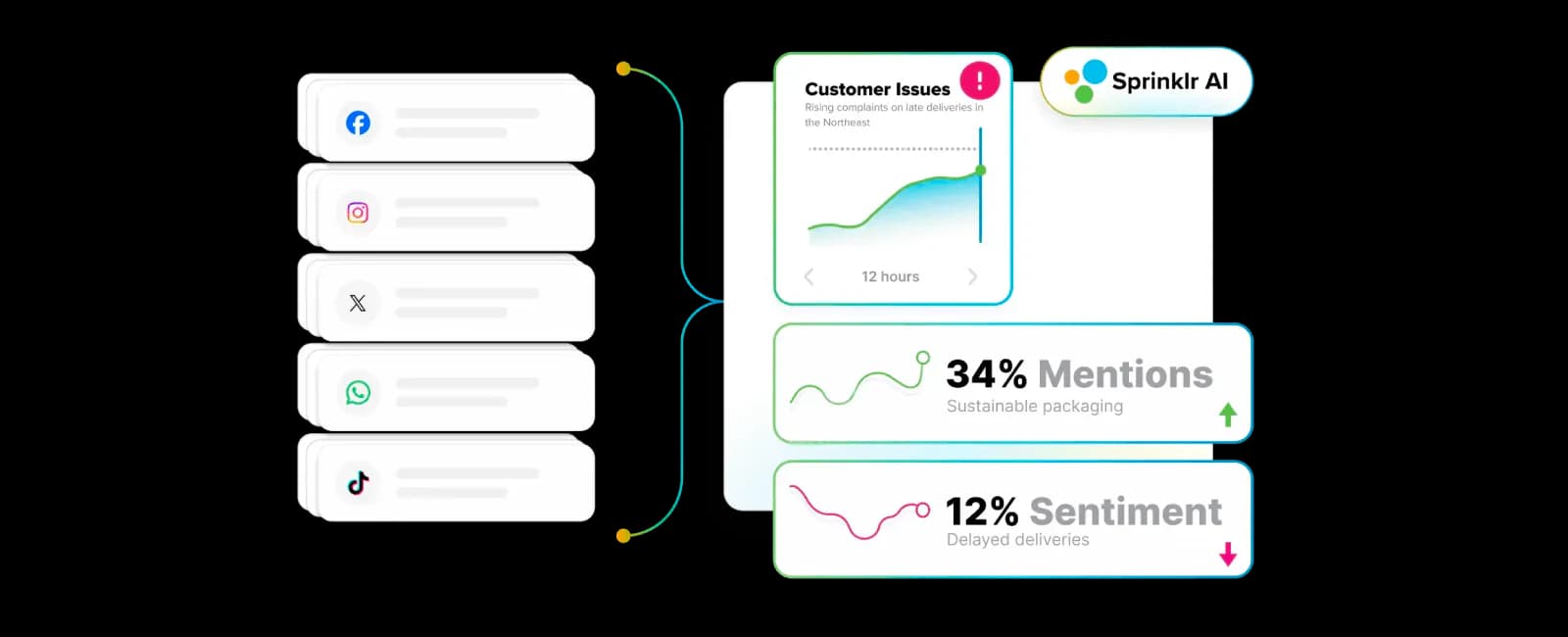
If you’re evaluating Sprout Social alternatives for enterprise-scale use, Sprinklr is one of the most comprehensive options — but it operates in a very different category.
Sprinklr isn’t just a social media management tool. It’s a large, modular platform designed for organizations with strict governance requirements, global teams, high message volume, and advanced listening and intelligence needs. It’s also often used alongside customer care or contact center operations rather than as a standalone social tool.
| Sprout Social | Sprinklr | |
|---|---|---|
| Best for | Publishing, unified inbox, reporting | Enterprise-scale listening, governance, and global workflows |
| Limitations | High per-seat pricing; reporting limits at scale | Complex implementation; expensive and overkill for small/mid teams |
| Pricing | Sprout Essentials $79/seat/month; Standard $199/seat/month (annual billing) | Custom enterprise quote (annual billing where listed) |
Best for ❤️
- Enterprise social media management at global scale
- Listening-heavy organizations
- Marketing and customer service teams working together
- Regulated industries with governance and compliance requirements
Ideal team size/maturity
Large enterprises (50–100+ users) with global, cross-functional teams, strict governance/compliance needs, and listening-heavy operations. Not suited for small or mid-sized teams due to complexity and cost.
Key features and standout strengths 💪
- Enterprise-grade social listening and intelligence across channels
- Governance, permissions, and compliance controls for large organizations
- Multi-region and multi-team workflows designed for global operations
- Integration of social management with customer care and CX tooling
On G2, enterprise users often highlight the value of centralization. A Verified User in Hospitality shared:
“A single, centralised space where all of our accounts can be managed, with full visibility of posts, performance metrics, and reporting data.”
Analytics, reporting, and intelligence
Sprinklr offers deep analytics and listening capabilities, especially for brands that need advanced monitoring, sentiment analysis, and intelligence at scale. However, accessing and exporting data can sometimes feel slow or complex due to the platform’s breadth.
On Capterra, Pankaj J., Quality Auditor, noted:
“Sometimes it takes a lot of time to export the data or any reports, and its interface is a little bit complicated to understand the features.”
Collaboration, governance, and workflows
Governance is where Sprinklr clearly differentiates itself. The platform is built to support strict permissions, approvals, and structured workflows across large teams and regions.
Junior T., Data Processor, summarized the trade-off clearly on Capterra:
“Sprinklr is highly regarded for enterprise-scale social and CX management, with strong analyst recognition and feature depth, but it is often criticized for usability, cost, and suitability outside of large-scale operations.”
Pricing and value 💵
Custom pricing: Sprinklr is positioned firmly at the enterprise end of the market, and pricing reflects that. Costs vary based on modules, usage, and organization size.
As Chris H., Digital Community and Content Manager, shared on Capterra:
“Sprinklr is one of the more expensive examples of these tools, unfortunately, but that can be expected with so many different modules and top of the line tools.”
UX, support, and reliability
Usability and support responsiveness are recurring concerns in reviews — especially during setup, advanced configuration, and data exports.
Pankaj J., Quality Auditor, noted on Capterra:
“Some users have reported that the customer support team is not always helpful.”
Limitations & trade-offs
- Complex implementation and onboarding
- Overkill for small or mid-sized teams
- Cost and usability reflect enterprise positioning
Who should choose it
- Listening, governance, and compliance are non-negotiable
- You need a platform built for enterprise-scale operations
- Social is closely tied to customer care and CX workflows
Who should not choose it
- You mainly need publishing and reporting
- You want a simple, workflow-first alternative
- You’re looking to avoid enterprise-level complexity and cost
6. SocialPilot: best value for agencies focused on publishing
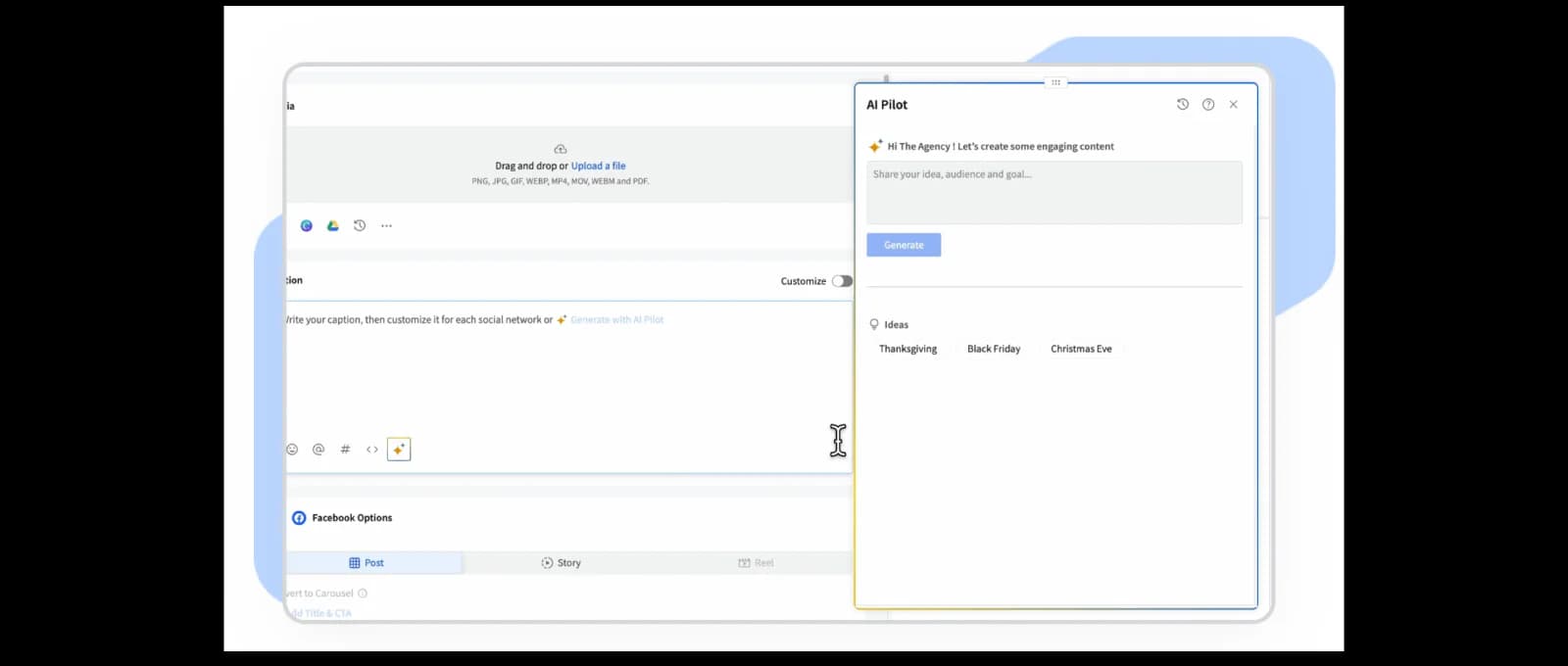
SocialPilot is often one of the first tools teams discover when searching for a more affordable alternative to Sprout Social, especially when the main challenge is managing many profiles without paying enterprise-level prices.
It’s a practical choice when your needs are centered around scheduling, managing multiple accounts, and handling basic reporting, rather than deep analytics or listening.
| Sprout Social | SocialPilot | |
|---|---|---|
| Best for | Publishing, unified inbox, reporting | Budget-friendly publishing & multi-profile management |
| Limitations | High per-seat pricing; reporting limits at scale | Limited analytics depth; basic collaboration features |
| Pricing | Sprout Essentials $79/seat/month; Standard $199/seat/month (annual billing) | From $17/month Essentials; $34 Standard; $85 Premium; $170 Ultimate (annual billing where listed) |
Best for ❤️
- Small agencies managing multiple client accounts
- SMB teams handling many social profiles
- Budget-sensitive teams prioritizing publishing efficiency
Ideal team size/maturity
Solo users, small teams, and small agencies (1–10 users) focused on high-volume publishing and multi-profile management. Less suitable for mature teams that need advanced analytics, listening, or complex collaboration workflows.
Key features and standout strengths 💪
- Centralized dashboard for planning, drafting, and scheduling posts
- Support for managing multiple social profiles from one place
- Integrations with third-party tools and CRMs
- Straightforward publishing workflows without heavy setup
On G2, James H., CTO, highlighted the publishing experience:
“SocialPilot makes it easy to plan, draft, and schedule posts across all our social channels in one central dashboard.”

Analytics, reporting, and insights
SocialPilot includes analytics and reporting suitable for basic performance tracking, but it’s not designed for advanced analytics use cases.
On G2, James H. also mentioned a limitation:
“Reporting customisation is somewhat limited compared to larger enterprise tools.”

Capterra reviewers echo this mixed experience. Priyanka S., Digital Marketing Strategist, shared:
“Its user-friendly interface, easy post scheduling, and powerful analytics that help optimize our social media strategy.”

At the same time, Maryam I., Graphic Designer, noted:
“There are also some disadvantages, such as the usage of analytical tools, higher cost of using services, and sometimes the stability of the work done might be questionable.”

Collaboration and workflows
SocialPilot supports basic collaboration for agencies and teams, but workflow depth is limited compared to enterprise platforms.
Nyika S., CEO, pointed out a collaboration constraint on Capterra:
“There is an inability to add a channel the same way you add a team member.”

This makes it more suitable for straightforward publishing workflows than complex team coordination.
Pricing and value 💵
- Essentials ($17/month, billed annually): 5 accounts, 1 user, 500 AI credits, and analytics.
- Standard ($34/month, billed annually): 10 accounts, 3 users, inbox, analytics, and team collaboration.
- Premium ($85/month, billed annually): 20 accounts, 6 users, advanced analytics, client approval, and white-label reports.
- Ultimate ($170/month, billed annually): 40 accounts and unlimited users.
- Enterprise: custom. Extra accounts are listed at $4/month and additional users at $5/month on eligible tiers.
SocialPilot is positioned as a budget-friendly option, especially for agencies managing many profiles. Pricing is generally profile-based rather than enterprise-focused, which helps keep costs lower than tools like Sprout Social.
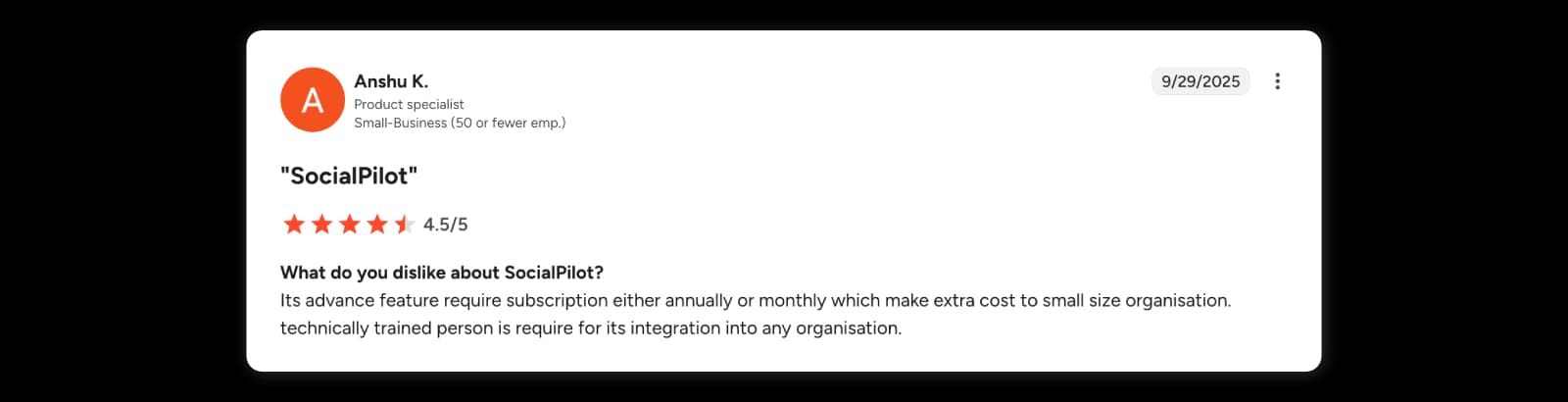
However, some advanced features require higher-tier subscriptions. Anshu K. noted:
“Its advanced features require subscription either annually or monthly which makes extra cost to small size organisation.”
UX, support, and reliability
Ease of use is one of SocialPilot’s consistent strengths. Many reviewers mention how easy it is to schedule content in advance.
On Capterra, Khiana K., Customer Service Representative, shared:
“I love that we can schedule our social media posts out in advance.”

At the same time, some users mention stability and integration challenges, especially when teams grow or workflows become more complex.
Limitations & trade-offs
- Reporting and analytics depth may not satisfy enterprise stakeholder needs
- Not a listening-first platform
- Collaboration and workflow features are relatively basic
Who should choose it
- You want an affordable way to manage many social profiles
- Publishing and scheduling are your main priorities
- You’re an agency or SMB working within a tight budget
Who should not choose it
- You need deep analytics, benchmarking, or reporting flexibility
- You rely heavily on social listening or advanced workflows
- You’re managing complex enterprise or multi-team operations
7. Buffer: best for simple publishing and small teams
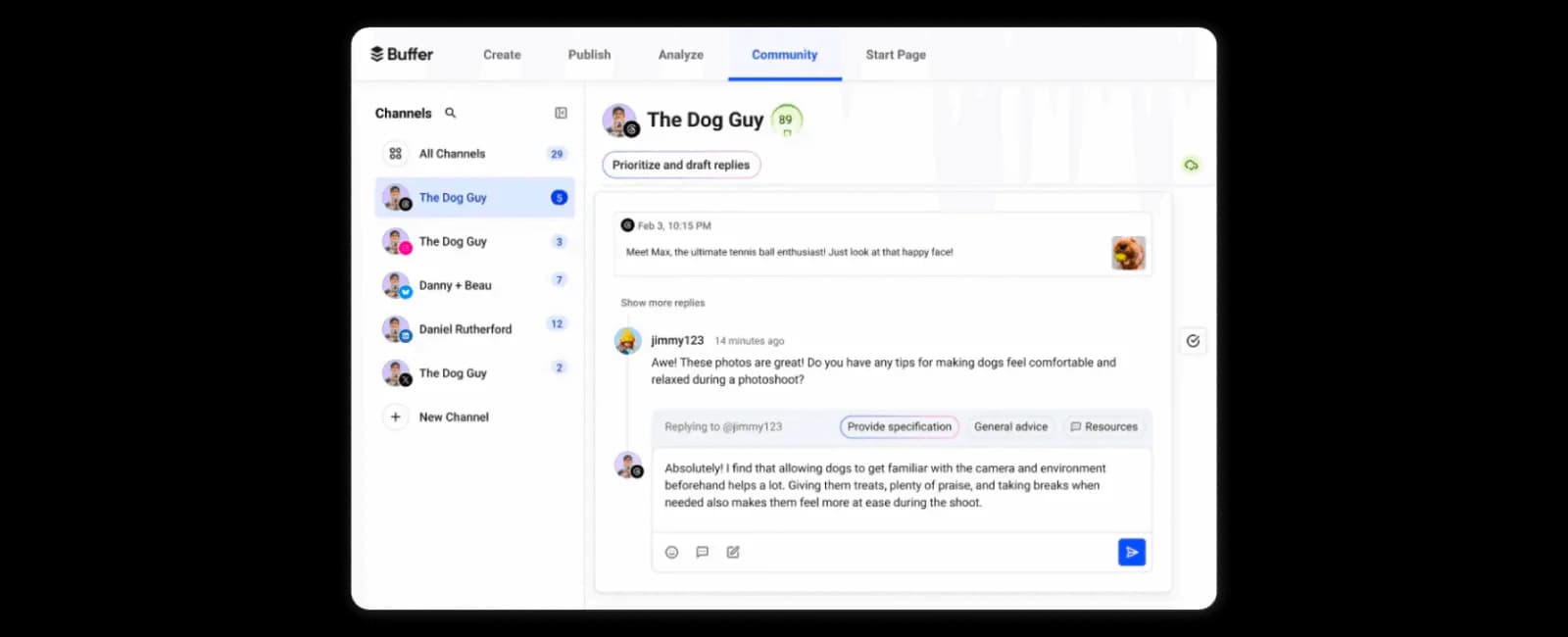
Buffer is one of the most popular choices for teams that want simple, clean social media scheduling without a steep learning curve or heavy feature set.
It’s often the top answer for people searching for “Sprout Social free alternative” or “I mainly need a scheduler,” especially when publishing is the primary goal and advanced workflows aren’t required.
| Sprout Social | Buffer | |
|---|---|---|
| Best for | Publishing, unified inbox, reporting | Simple publishing and lightweight scheduling |
| Limitations | High per-seat pricing; reporting limits at scale | Limited analytics; minimal inbox/workflow features |
| Pricing | Sprout Essentials $79/seat/month; Standard $199/seat/month (annual billing) | Free; Essentials $5/channel/month; Team $10/channel/month (annual billing where listed) |
Best for ❤️
- Freelancers and creators
- Small teams with publishing-first workflows
- Users who value simplicity and low friction
Ideal team size/maturity
Solo users to small teams (1–5 users) with publishing-first, low-complexity workflows. Not ideal for teams that need inbox management, approvals, or advanced reporting.
Key features and standout strengths 💪
- Clean, intuitive scheduling interface
- Fast setup with minimal learning curve
- Reliable publishing across major social networks
- Lightweight workflows focused on getting content out
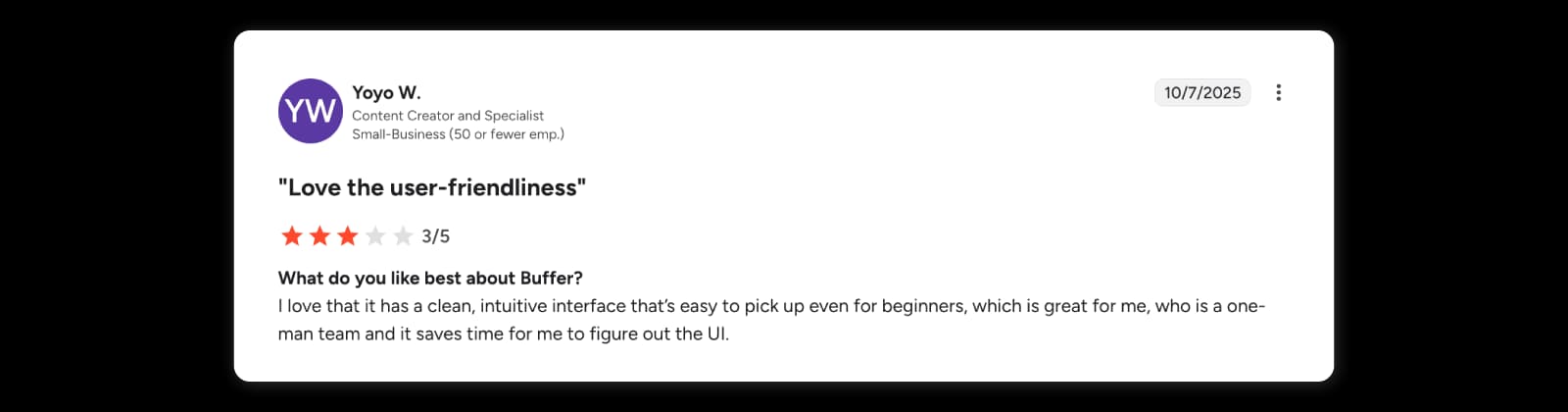
On G2, Yoyo W., Content Creator and Specialist, highlighted Buffer’s ease of use:
“I love that it has a clean, intuitive interface that’s easy to pick up even for beginners, which is great for me, who is a one-man team and it saves time for me to figure out the UI.”
Similarly, Andrea C., Photographer and Filmmaker, shared:
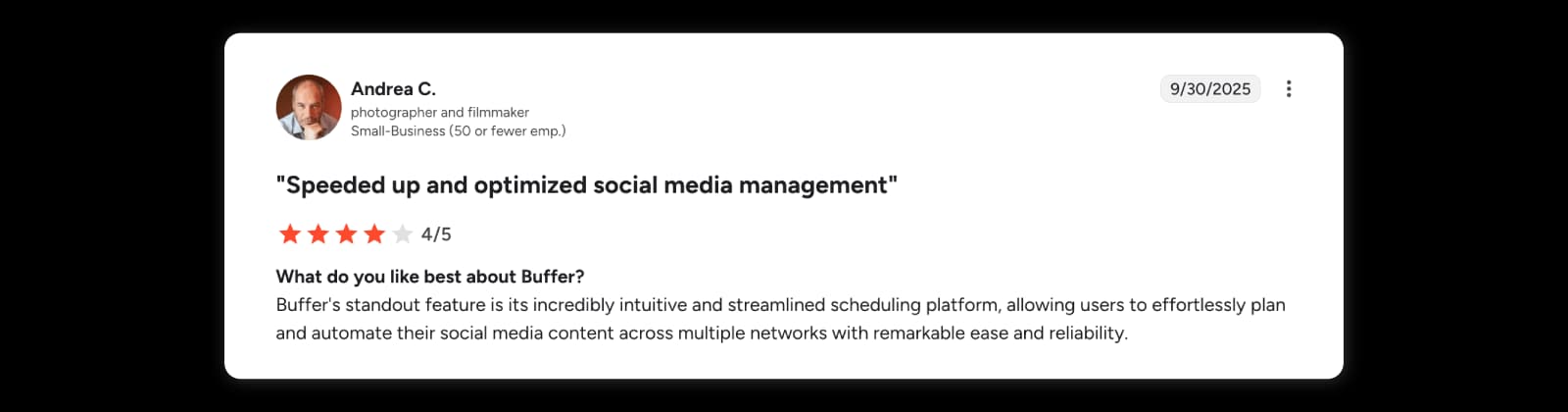
“Buffer’s standout feature is its incredibly intuitive and streamlined scheduling platform, allowing users to effortlessly plan and automate their social media content across multiple networks with remarkable ease and reliability.”
Analytics, reporting, and insights
Buffer includes basic analytics for tracking post performance, but reporting depth is intentionally limited.
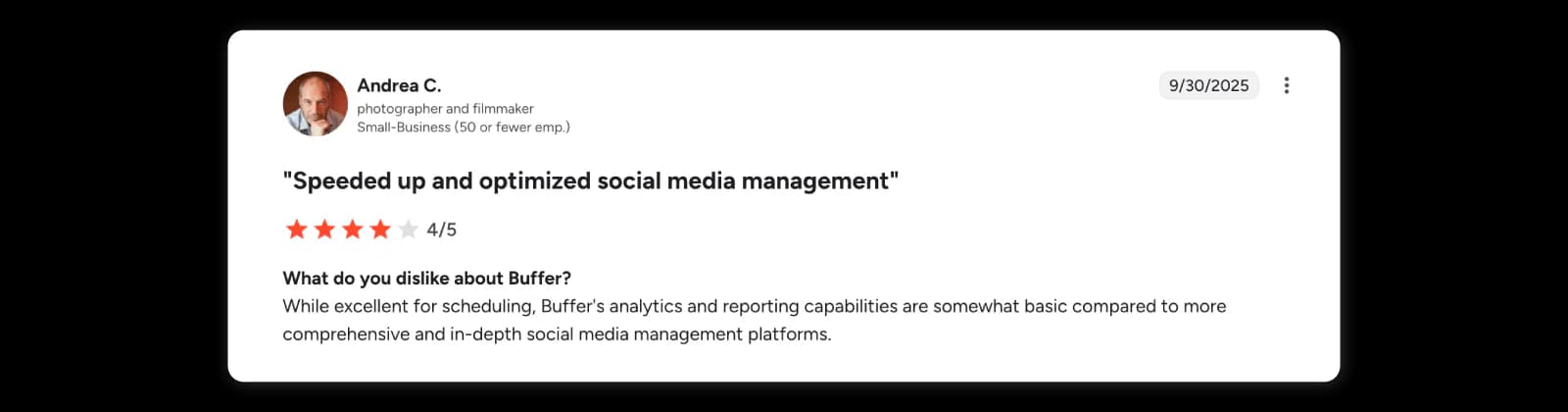
Andrea C. also noted this trade-off on G2:
“While excellent for scheduling, Buffer’s analytics and reporting capabilities are somewhat basic compared to more comprehensive and in-depth social media management platforms.”
This makes Buffer better suited for lightweight insights rather than stakeholder-ready reporting.
Collaboration and workflows
Collaboration is lighter than in the suites above. Essentials is single-user, while Team adds unlimited members and content approvals, so Buffer works best when one person or a small group manages publishing.
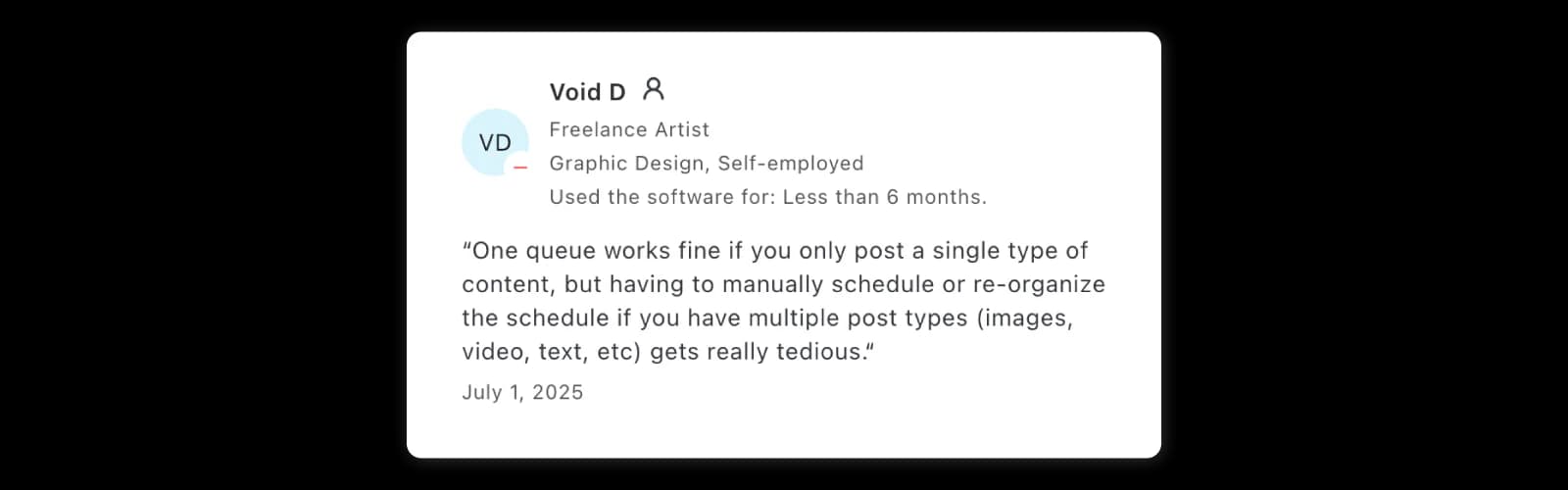
On Capterra, Void D., Freelance Artist, pointed out a workflow limitation:
“One queue works fine if you only post a single type of content, but having to manually schedule or re-organize the schedule if you have multiple post types gets really tedious.”
Pricing and value 💵
- Free: up to 3 channels, 10 scheduled posts per channel, and 1 user.
- Essentials ($5/channel/month, billed annually): 1 user, unlimited scheduled posts, and advanced analytics.
- Team ($10/channel/month, billed annually): unlimited team members and content approvals. Channels above 10 receive a volume discount; use Buffer’s calculator for a larger portfolio.
Buffer is known for its affordable pricing and generous free plan options, which makes it appealing to freelancers and small teams. Costs remain relatively low compared to enterprise tools, especially when managing only a few profiles.
UX, support, and reliability
UX is one of Buffer’s biggest strengths, but some users mention reliability issues with publishing.
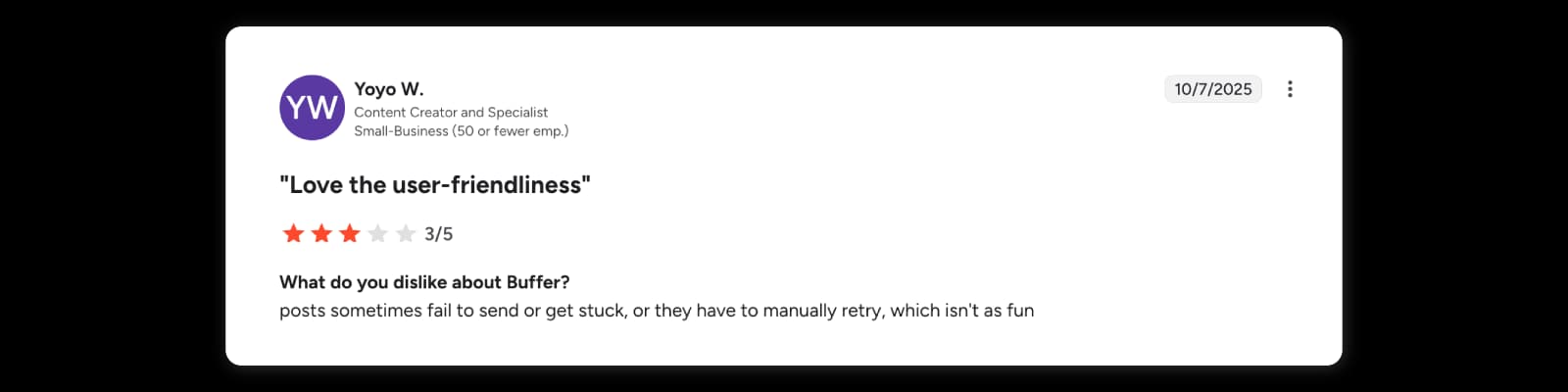
Yoyo W. also shared on G2:
“Posts sometimes fail to send or get stuck, or they have to manually retry.”
These issues tend to be occasional rather than constant, but they’re worth noting for teams that rely heavily on automation.
Limitations & trade-offs
- Analytics and reporting are limited
- Inbox and engagement workflows are minimal
- Not designed for complex team collaboration
Who should choose it
- You mainly need a clean, easy-to-use scheduler
- You’re a freelancer or small team managing a few profiles
- You value simplicity over advanced features
Who should not choose it
- You need deep analytics or competitor benchmarking
- You rely on inbox workflows or approvals
- You’re managing multiple brands or large teams
If you are looking for alternatives to Buffer, check out our deep dive.
Free alternatives to Sprout Social
If your needs are light, you can find free alternatives to Sprout Social — but expect trade-offs. Generally, free tiers come with:
- Limited profiles/accounts you can connect
- Caps on scheduling/posts
- Basic analytics only
- No cross-platform listening or governance tools
- Minimal collaboration/team features
Right now, Buffer Free is the most usable free option, with up to three channels and ten scheduled posts per channel for one user. It won’t replace Sprout’s inbox, reporting, listening, and governance, though. And if you had Agorapulse’s free plan in mind, Agorapulse discontinued its traditional free plan on July 6, 2026.
Native platform tools
These aren’t full “social management dashboards”, but they’re powerful free schedulers:
- Meta Business Suite (Facebook & Instagram)
- TikTok Scheduler
- YouTube Studio scheduling & analytics
Good for: brands focusing on one major network.
Limits: fragmented workflows and no cross-platform calendar, inbox, or reporting.
Replace the Sprout Social module per your needs
Not everyone needs a “full suite replacement.”
Sometimes you’re happy with Sprout Publishing, but the reporting frustrates you.
Or you love the inbox but want stronger monitoring.
Or you want to cut costs without breaking your whole workflow.
If you only need Sprout’s Inbox
For assignment, tagging, moderation, and fast response handling, especially if social is a support channel, here are the best alternatives:
- Sociality.io (strong engagement module with tagging, assignments, moderation, and inbox workflows)
- Statusbrew (excellent workflows and moderation for high-volume teams)
- Agorapulse (solid inbox with team structure and approvals)
- Hootsuite (depending on plan and user count)
- Sprinklr (enterprise-level customer care and contact-center alignment)
If you only need Sprout’s Reporting
Looking for better exports, templates, competitive insights, and dashboards that actually support decisions? Then here’s our shortlist for Sprout alternatives for reporting:
- Sociality.io (best for reporting + competitor insights)
- Socialinsider (best benchmarking specialist)
- Iconosquare (analytics-first, especially IG)
- Metricool (budget analytics)
If you only need Sprout’s Listening
If you need the best Sprout Social alternatives for monitoring, trends, sentiment, alerts, crisis detection, and coverage depth, check out these:
- Sprinklr (enterprise monitoring + governance)
- Emplifi (enterprise suite with listening capabilities)
- Sociality.io (listening add-on that works well when you already use Sociality for engagement + analytics, and want monitoring without moving to a heavy enterprise suite)
If you only need Sprout’s Publishing
I think you want a stable content calendar, drafts, approvals, and scheduling. Then check these alternatives:
- Buffer (simplest workflow)
- Planable (best for collaboration + approvals)
- SocialPilot (budget + multi-account publishing)
- Hootsuite (broad suite publishing, but seat-based)
- Agorapulse (balanced all-in-one replacement)
BUT, don’t expect much from free tiers. Compared with Sprout Social’s paid suite, free alternatives generally lack:
- Unified inbox for mentions & messages across all platforms
- Cross-platform analytics dashboards
- Social listening/brand tracking
- Team workflows & approval systems
- Advanced reporting and governance
Migration plan: How to switch from Sprout Social without breaking your workflow (and yourself 😱)
So, this migration phase can be where most teams mess up.
- Sometimes reports become inconsistent,
- tags don’t match,
- workflows collapse,
- and stakeholders lose trust.
But if you follow these steps before and when taking action, you’ll be covered.
Step 1: Prechecklist before you migrate
Do this first. It saves your sanity later. 👌
✅ Inventory
- Profiles + brands
- Users and roles
- Content approval workflows
- Tags, labels, saved replies
- Inbox assignment rules
- Reports you send regularly
- Integrations (CRM, helpdesk, BI tools)
✅ Decide what “success” looks like
- What must be replaced 1:1
- What you actually want to improve
- What you can delete (yes, you’re allowed 😌)
Step 2: Export baseline reports
Export the reports that matter:
- 3–12 months performance benchmarks
- Your key KPI dashboards
- Competitor reports (if you track them)
- Campaign analytics
Why this matters:
You want to prove “before vs after” once you switch tools.
Step 3: Rebuild your taxonomy (tags + campaigns + naming)
If your tagging system is messy, this is the moment to fix it.
You should create a clean structure:
- Campaign tags (launches, seasonal, promos)
- Content pillar tags
- Region tags (if relevant)
- Brand/sub-brand tags
Step 4: Connect channels
This step is boring, yes. But it prevents publishing disasters.
- Reconnect Facebook, Instagram, LinkedIn, X, TikTok, YouTube, etc.
- Confirm permissions and admin roles
- Validate “supported Facebook Instagram” requirements
- Run small publishing tests (don’t move everything at once)
Step 5: Rebuild inbox workflows & assignment rules
If you have customer care processes:
- Recreate routing
- Set rules for escalation
- Define SLA expectations
- Rebuild saved replies/templates
- Set moderation filters
Step 6: Rebuild report templates
This is what stakeholders will notice first.
- Recreate the recurring weekly/monthly reports
- Set auto-delivery schedules
- Define who gets what report and when
- Test exports (PDF/PPT/Excel) before going live
Step 7: Train the team & run a parallel period
This is the “soft landing.”
Run Sprout + new tool side by side for a few weeks:
- Compare reports
- Validate inbox workflows
- Confirm publishing stability
You’re not paying for overlap — you’re paying for safety.
Step 8: Document the new workflow
Once everything is stable:
- Cancel Sprout
- Document your new workflow
- Assign tool ownership
- Lock down permissions
Wrapping up
Sprout Social is one of the most trusted “do-it-all” social media suites — until your team grows and the pricing starts acting like a growth tax. In 2026, Essentials starts at $79 per seat per month, but most teams need Standard ($199) or Professional ($299), and the moment you need deeper listening, more flexible reporting, or customer care structure, upgrades (and costs) tend to follow.
This guide breaks down 7 Sprout Social alternatives by what you actually need: Sociality.io is overall the best Sprout Social alternative especially if reporting, analytics, and competitor insights are your main pain point (and its MCP server lets you ask ChatGPT or Claude about those numbers directly); Agorapulse if you want a balanced suite with a strong inbox; Statusbrew if social is basically customer support and you need routing + structure; Sprinklr if you’re enterprise and governance/listening are non-negotiable; plus Hootsuite (mature but still pricey), SocialPilot (budget-friendly agency publishing), and Buffer (simple scheduling for lightweight workflows).
You’ll also get a “suite vs. stack” shortcut for choosing the right replacement — and a migration plan so you can switch without nuking your tags, reports, or sanity. 😌
Sprout Social alternatives FAQs
What are Sprout Social alternatives?
Sprout Social alternatives are tools that replace some or all of Sprout’s publishing, inbox, analytics, reporting, listening, and governance workflows. Some are broad suites; others are better for one job, such as scheduling or customer care. Start by listing the features your team actually uses, then compare the plan that supports your users and social profiles.
What is the best Sprout Social alternative in 2026?
There is no single best replacement for every team. Sociality.io is a strong fit for analytics and competitor reporting with multiple users on Business. Agorapulse offers a balanced publishing-and-inbox suite, while Statusbrew emphasizes customer-care workflows. Sprinklr suits complex enterprise requirements; SocialPilot and Buffer are better considered when publishing, rather than full-suite parity, is the priority.
How much does Sprout Social cost in 2026?
On annual billing, Sprout lists Essentials at $79, Standard at $199, Professional at $299, and Advanced at $399 per seat per month. Essentials and Standard each include five social profiles; Professional is the first listed tier with unlimited profiles. Listening and Premium Analytics are separate add-ons to Standard and higher plans, so a relevant quote depends on both your seat count and features.
Which Sprout Social alternative fits a five-person, 15-profile team?
First check which plan supports all five users and 15 profiles. Sociality.io Business includes unlimited users and 15 pages at $166 per month on annual billing, but monitoring is custom-priced. SocialPilot Standard can reach the count with paid user and account add-ons, though it is a narrower suite. Compare inbox, reports, approvals, and listening before treating those subscription totals as feature-equivalent.
Which alternatives do not charge per user?
Sociality.io Business lists unlimited users within its plan price, while Buffer Team charges by channel and includes unlimited members. Statusbrew and SocialPilot bundle a number of users and profiles into each tier, with add-ons or larger plans for more capacity. A non-seat pricing model can be attractive as a team grows, but check profile allowances and the cost of the specific features you need.
Is there a free alternative to Sprout Social?
Buffer has a permanent Free plan for up to three channels and ten scheduled posts per channel. Native tools such as Meta Business Suite and YouTube Studio can also handle work on their own networks. None is a full free replacement for Sprout’s combined inbox, reporting, listening, and governance. Agorapulse discontinued its traditional Free social-management plan in July 2026.
Which alternative is best for social listening?
For a complex enterprise listening and governance brief, Sprinklr is a candidate to evaluate through a scoped demo. Statusbrew lists social and web listening on Premium, which also includes six users and 15 profiles. Sociality.io offers monitoring as a custom-priced dashboard add-on. Coverage, sources, alerting, sentiment, and historical access differ, so test those requirements rather than assuming the word “listening” means identical capability.