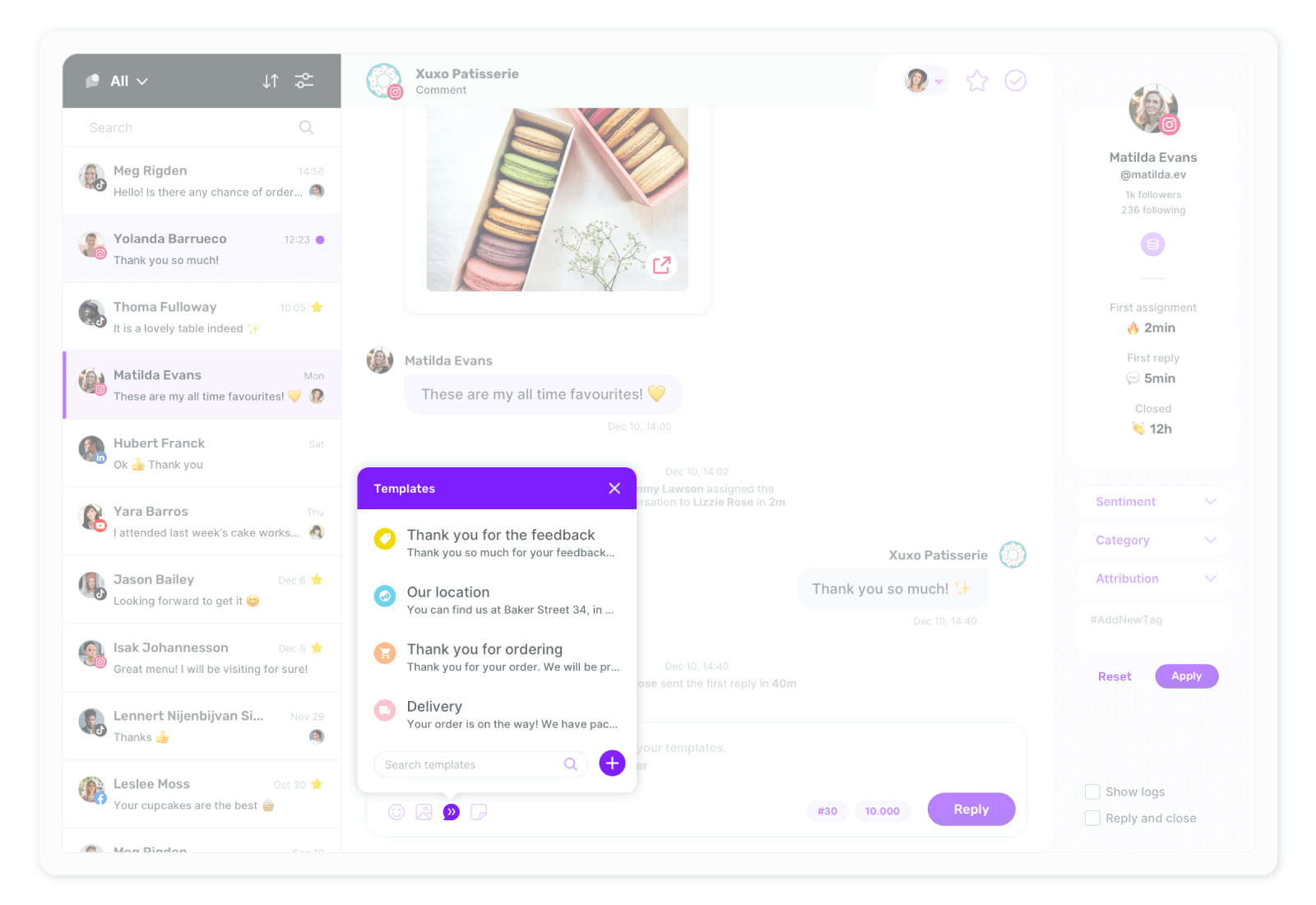
Do you provide a saved reply feature?

Answering the same questions repeatedly can be tiring, but every interaction matters! With Sociality.io, even 2-year-old post comments are gathered in one place. Plus, Sociality.io Templates let you respond effortlessly—no more copy-pasting! 🎉
How to create a template?
Click 'Settings,' and you’ll land directly in the 'Workspaces' section on the next screen.
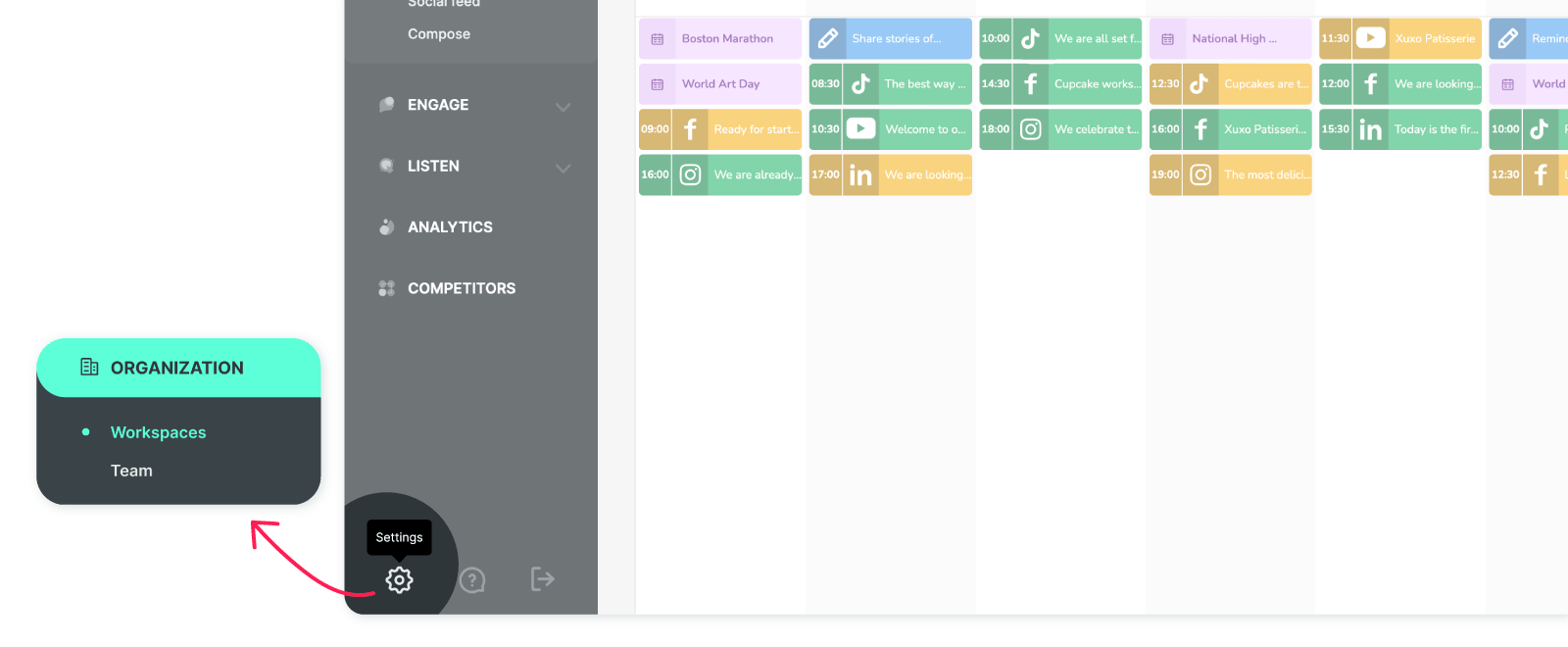
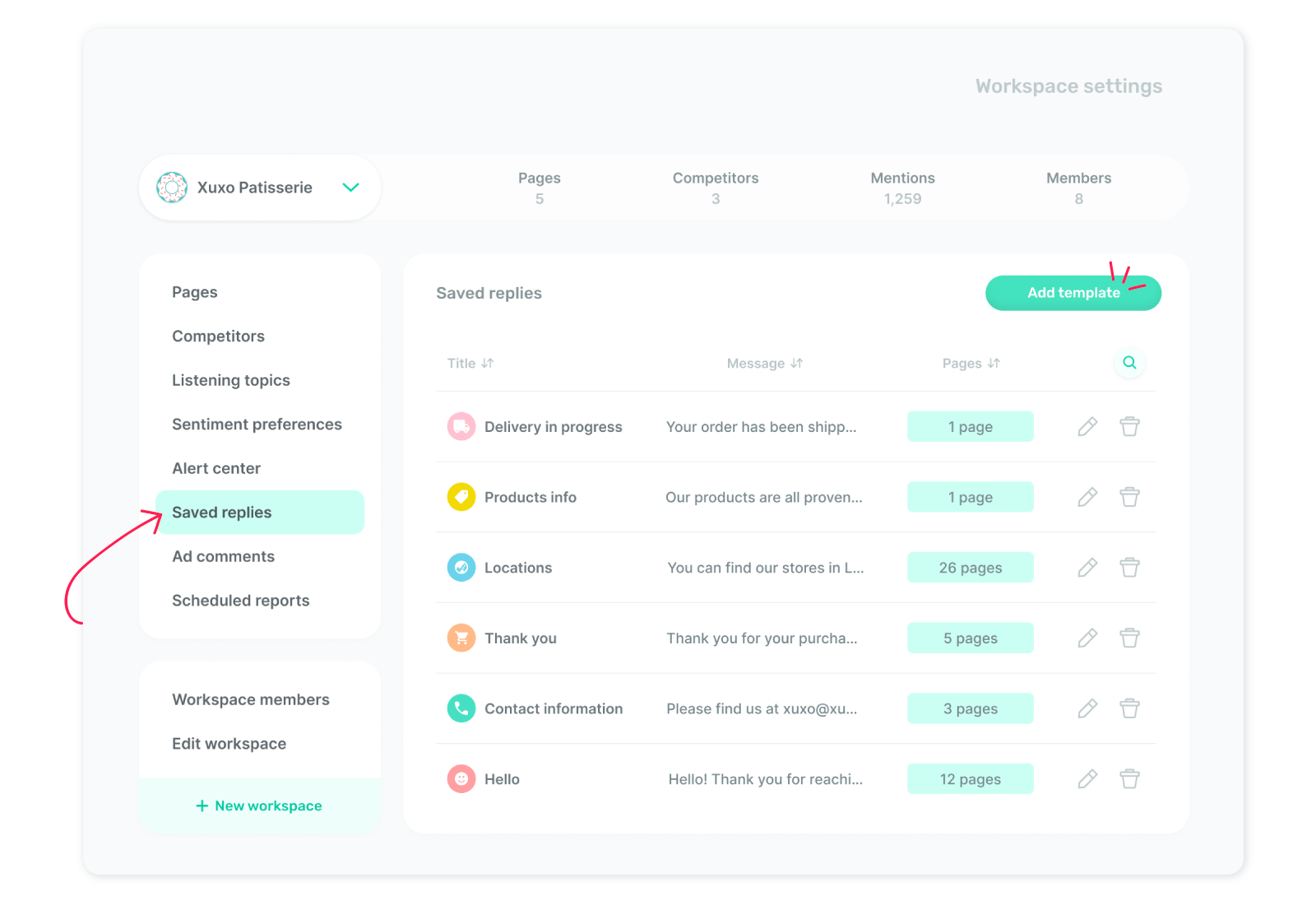
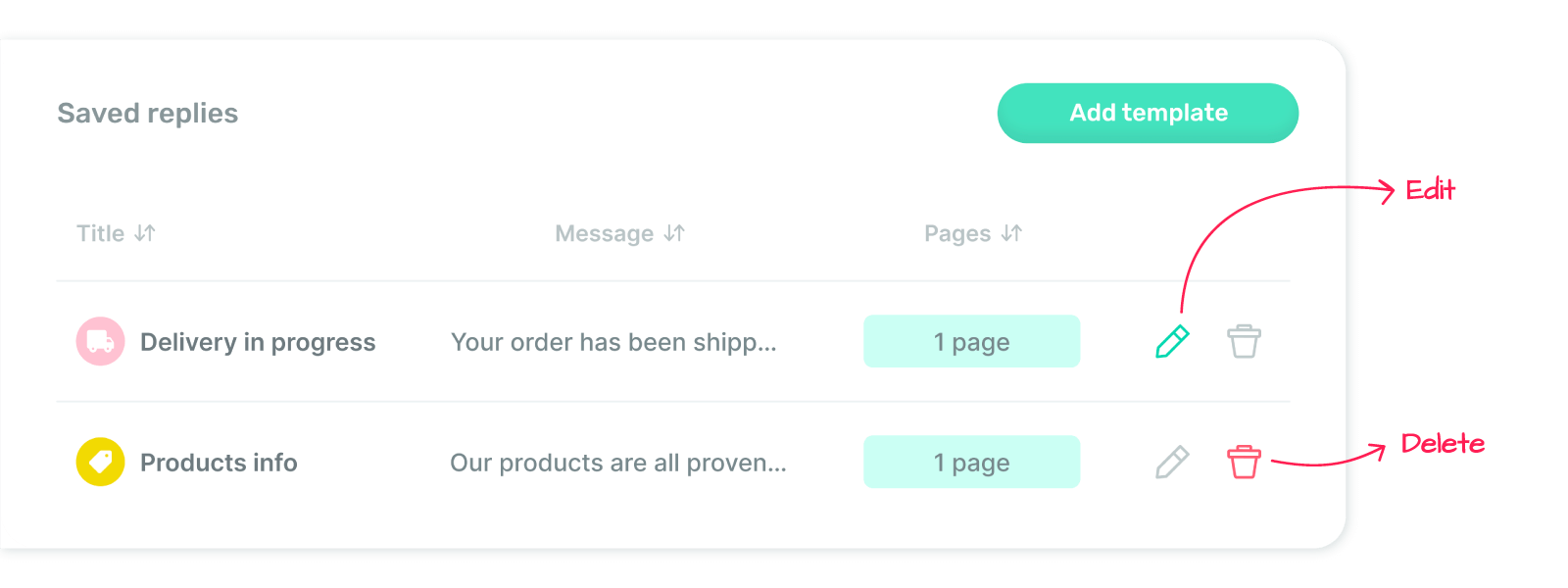
From the left menu, select 'Saved replies,' then click the ‘Add template’ button at the top right corner.
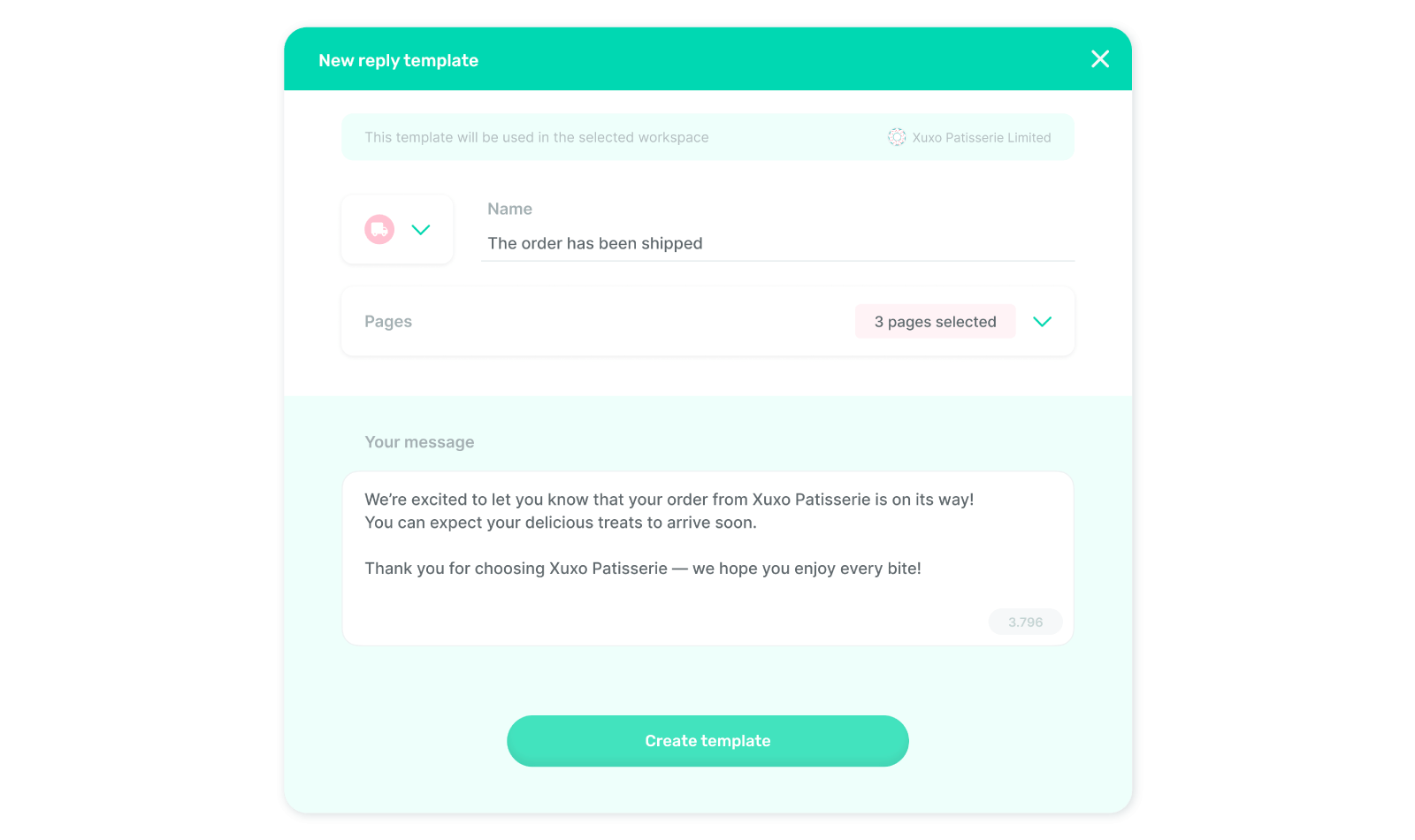
Fill out the details in the opening pop-up: enter a template name, select the pages for the template, and compose a message to quickly send to your customers. Finally, click ‘Create template,’ and you're all set!
Note: All saved replies are displayed in the ‘Saved replies’ section, where you can edit or delete them depending on your access level.
Where can you access saved reply templates?
Next time a customer asks you a question you have a prepared answer for – you can easily click on the ‘Templates’ icon 🙃 and choose the related template. Voila!