New features
Introducing Sociality MCP: A new interface for a new operator

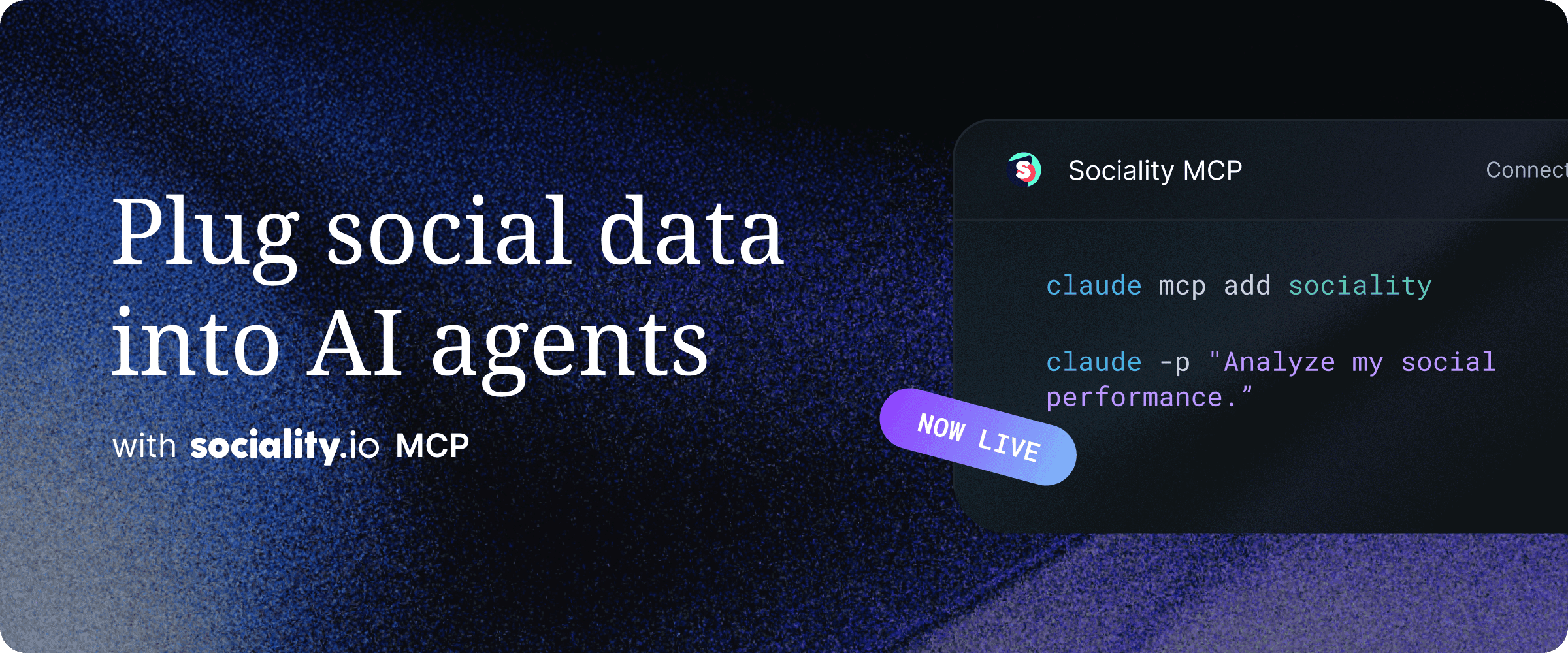
Your data has been sitting behind a login this whole time, waiting for someone to open a tab. Not anymore. Sociality MCP is a remote MCP server that hands compatible AI clients like Claude and ChatGPT a structured, OAuth-secured door into your Sociality.io account and competitor intelligence. Ask, and the agent pulls the metrics, reads the posts, and runs the benchmarking.
What's the value?
- Connect Claude, ChatGPT, Gemini, or Microsoft Copilot to your social data with no manual exports
- Access analytics for six platforms: Instagram, TikTok, LinkedIn, YouTube, X, and Facebook, across owned accounts and competitors
- Run recurring reports, cross-channel comparisons, and competitor benchmarks from a single request
- Stay read-only by default, with visible credits and the same security backbone as the platform
Here's the thinking that got us here.
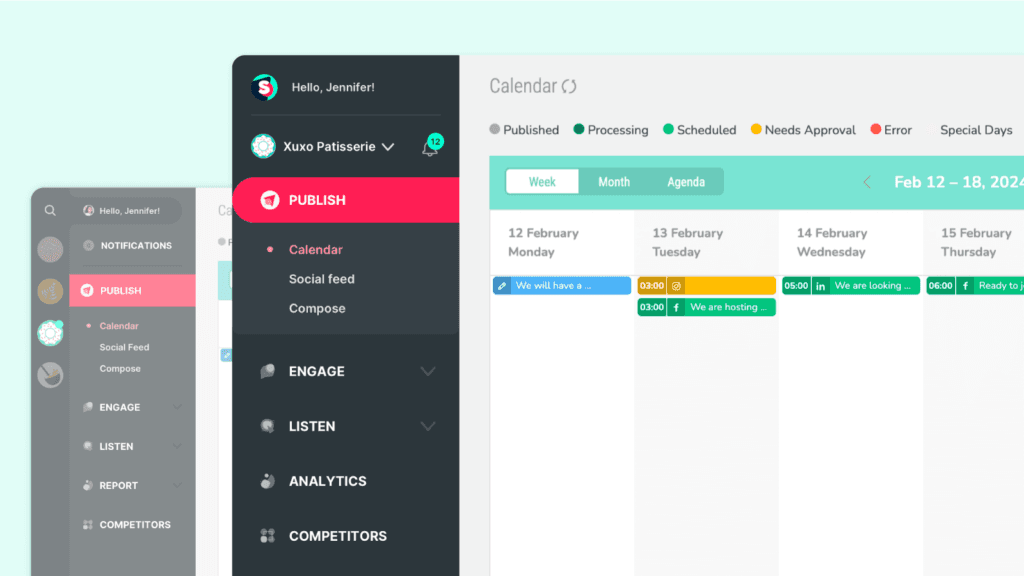
For years, we designed Sociality.io for people with a cursor. The dashboard became the place where teams published content, managed conversations, studied performance, and tracked competitors.
That model still matters, but it is no longer the only way people interact with software. AI agents are becoming part of reporting, research, benchmarking, and decision-making, which means products now need to support a new kind of operator.
As a product and process maker, the question that interests me is not simply whether agents can access data. It is whether the product gives them enough structure to understand that data, act within clear boundaries, and produce something people can trust.
When the operator changes, the interface must change too.
That is why we launched Sociality MCP.
A new interface for Sociality intelligence
A dashboard should be an interface, not a border around the intelligence inside it. Sociality MCP is a social media MCP server that gives compatible AI clients, internal agents, and custom products structured access to selected Sociality intelligence through OAuth.
The first release focuses on owned social accounts and competitor intelligence. Agents can discover accessible accounts, retrieve metrics and posts, analyze performance, study tracked competitors, and support recurring reporting or benchmarking workflows.
But access alone was not enough. An API can expose data, while an agent interface also needs to expose meaning, boundaries, and consequences.
Agents can inspect workspace context before acting, understand which tools and metrics are available, see which platforms support them, and distinguish between read and write actions. They can also understand which requests consume credits and receive predictable details such as timestamps, limits, pagination, and warnings.
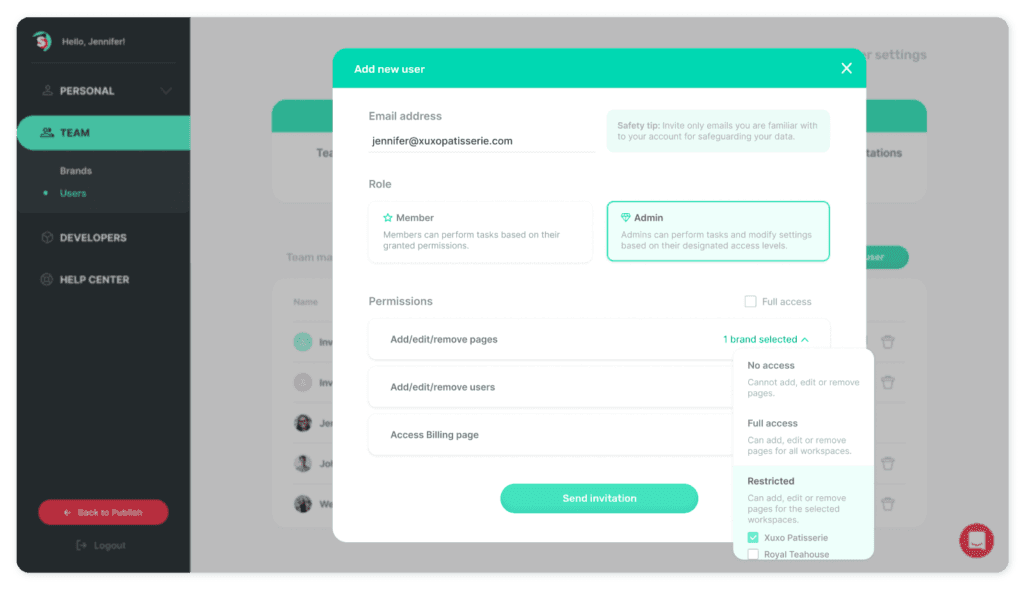
These may look like implementation choices, but together they form the interface. A person can notice a disabled button, read a warning, or recognize that submitting a form will change something; an agent needs those same signals expressed structurally.
That is why we designed MCP around context rather than isolated tool calls, explicit permissions rather than assumed access, and visible usage rather than hidden cost.
The goal was not to create a clever demo. It was to create a dependable product path.
We also introduced two first-class ways to use Sociality: MCP only and Dashboard + MCP. One supports teams building agent workflows beyond the dashboard, while the other brings human-operated workflows and agent-assisted analysis together on the same intelligence layer.
What you can use it for today
Sociality MCP is already designed for practical workflows, not only experimentation. Teams can connect it to compatible AI clients, internal copilots, or custom products and use it to retrieve and work with account and competitor intelligence.
Recurring performance reporting
An agent can review selected accounts, retrieve performance metrics for a defined period, identify notable changes, and support its conclusions with post-level examples. This can turn a repeated weekly or monthly reporting process into a more consistent workflow.
Content performance analysis
Teams can use an agent to identify top-performing or underperforming posts, compare patterns across channels, and explore what may have contributed to changes in engagement. Instead of starting with an export, the workflow can begin directly with the relevant Sociality data.
Competitor benchmarking
An agent can retrieve tracked competitors, compare activity and performance over the same period, and identify posts or patterns worth examining. It can also add a new competitor through a public profile URL when the user explicitly requests it.
Internal copilots
Teams can bring Sociality intelligence into internal assistants, allowing colleagues to ask questions about account or competitor performance without manually navigating several reports. Whether that assistant runs on Claude, ChatGPT, or your own copilot, Sociality data can also be combined with internal campaign context, planning documents, or reporting formats.
Embedded intelligence products
Product teams can use Sociality MCP as an intelligence layer inside custom tools, client portals, benchmarking experiences, or monitoring products. The interface can belong to the team building the experience, while Sociality provides the underlying account and competitor data.
These use cases all follow the same product idea: intelligence should be able to move into the workflow where it creates the most value, rather than requiring every workflow to begin inside the same screen.
More than a server launch
Launching the server was only part of the work. A technically complete product can still feel unfinished when people do not understand what it is, how to connect, or what they can do after the first setup step.
That is why we also introduced dedicated product paths, pricing, registration flows, onboarding, client setup guidance, security information, capability documentation, and usage visibility. The product needed a clear journey from discovery to first use, not only a working connection behind the scenes.
This reflects how we think about product building at Sociality. The process around a capability matters just as much as the capability itself, because adoption depends on whether people can understand the system and move through it with confidence.
Why this changes Sociality
A social media MCP matters because it changes who the product is built for. Sociality has traditionally been designed for the person navigating the product. With MCP, we are also designing for the systems working on that person’s behalf.
The dashboard remains the operational home for human teams, while MCP gives agents a structured route into the intelligence behind those workflows. Together, they create two interfaces for two different operators, built on the same underlying platform.
Sociality is no longer limited to the screen where the work begins.