
The best ChatGPT apps for social media managers are the ones that connect ChatGPT to the tools you already work in, so it can read your numbers, build the design or file the task instead of only writing about it.
ChatGPT is already part of the job, and not only ours. 44% of US adults have used ChatGPT, up from 34% a year earlier. The catch is that ChatGPT on its own only knows what you paste into it.
Apps fix that part. Since OpenAI moved them into the Plugin Directory in July 2026, there are far more of them than any social media manager needs, and a fair share look great in a demo and then just open a link. 🙃
So I went through the directory and asked one question per app. What does it actually do for a social media manager’s week?
TL;DR: the best ChatGPT apps for social media
Here’s the short version, with a source for each point.
- Pick one app per job from ChatGPT’s Plugin Directory, like Sociality.io for analytics, Notion or Miro for planning, Canva for design, Gamma for decks and Slack for team updates.
- In my October test, Sociality.io and Gamma took a question about Nike, Converse and Red Bull to a 6-slide deck in under 2 minutes.
- On Business, Enterprise and Edu plans, data from connected apps isn’t used for training by default, while Free, Plus, Go and Pro data may be if “Improve the model for everyone” is on.
What are ChatGPT apps now: apps, plugins, GPTs and connectors
ChatGPT apps are integrations that give ChatGPT access to another tool, so it can read your data there or take an action, like creating a Canva design or posting a summary to a Slack channel. Today you’ll find them under Plugins in ChatGPT’s left sidebar.
The name has changed more often than most of us update our bio. ChatGPT had plugins in 2023, then GPTs, then connectors, then apps.
On 9 July 2026, OpenAI replaced the App Directory with the Plugin Directory. App connections people had already set up kept working.
So if you searched for the best ChatGPT plugins for marketing, you’re in the right place. Plugins is the official word again.
GPTs are a different thing. A GPT is a custom version of ChatGPT with its own instructions, and OpenAI announced on 11 September 2026 that it’s retiring custom GPTs and moving them to plugins.
Here’s what each word means today.
- ChatGPT app: an integration that lets ChatGPT read data in another tool or take an action there.
- Plugin: the package you install from the Plugin Directory, with one or more apps plus skills and app templates.
- Connector: the older name for apps that bring in data, like Google Drive or Slack.
- Custom GPT: a version of ChatGPT with its own instructions, now being moved to plugins.
- MCP server: the open standard many apps run on, which you can also add to ChatGPT yourself on some plans.
Many of these apps run on the Model Context Protocol (MCP) under the hood. If you want the deeper, more technical list, I compared the social media MCP servers separately, including the ones you add yourself.
How I picked these ChatGPT apps
Every app here had to clear 5 bars.
- It’s listed in ChatGPT’s Plugin Directory, checked on 2 November 2026.
- It does a concrete social media job inside ChatGPT, not just a link out.
- It’s clear about what it reads and what it writes.
- Its vendor documents how it works in ChatGPT and which plan it needs.
- It covers a job no other pick on the list already covers.
That last rule cut the list hard. Plenty of apps overlap, and a social media manager doesn’t need 3 ways to make a slide. I’ll re-check every entry each quarter, since these apps change faster than most articles get updated.
Here’s the whole list at a glance, with what each app reads, what it can change and what it needs on the app’s side.
| App | Job | What it does in ChatGPT | Reads or writes | Plan on the app’s side |
|---|---|---|---|---|
| Sociality.io | Analytics | Your accounts and tracked competitors on 6 networks | Reads (adds competitors) | Free Starter, Growth from $49/month |
| vidIQ | YouTube growth | Channel research, title and thumbnail updates | Reads and writes | All plans, Free included (credits) |
| Brand24 | Listening | Summaries of mentions in your projects | Reads | Brand24 subscription |
| Notion | Planning | Searches and reads pages, may create or update them | Reads, may write | Not stated |
| Miro | Brainstorms | Summarizes and builds boards, diagrams, tables | Reads and writes | All plans, free teams included |
| Canva | Design | Creates, edits and resizes designs | Reads and writes | All accounts, Free included |
| Adobe Express | Design | Template edits, text, images, animations | Writes | Not on Enterprise, Teams or Education |
| Descript | Video and audio | Clips, captions, Studio Sound, transcripts | Reads and writes | Uses your plan’s AI credits |
| Gamma | Reports | Decks, documents, webpages, social posts | Writes | All plans (credits) |
| Google Drive | Files | Searches and summarizes Docs, Sheets, Slides | Reads, writes with permission | Google Workspace policies apply |
| Slack | Team updates | Searches and summarizes channels, writes recaps | Reads (actions if enabled) | Any Slack plan, paid ChatGPT plan |
| Asana | Tasks | Creates and assigns tasks and projects | Reads and writes | Personal (free) and up |
The 12 ChatGPT apps on this list, checked on 2 November 2026
Best ChatGPT apps for social media analytics
Analytics comes first on this list because most monthly plans start by asking what worked last month. ChatGPT can’t answer that from memory, so these apps hand it the data. Once it’s connected, the prompts in this guide on how to track social media analytics with ChatGPT work on real numbers.
1. Sociality.io: best for your accounts and competitors in one chat
The Sociality.io for social media plugin gives ChatGPT read access to the accounts you’ve connected in Sociality.io and the competitors you track, across Instagram, TikTok, Facebook, YouTube, X and LinkedIn. Ask for last month’s top Reels, a follower comparison with 3 competitors or the posts that got the most comments, and the answer comes from your workspace with the date range you asked for.
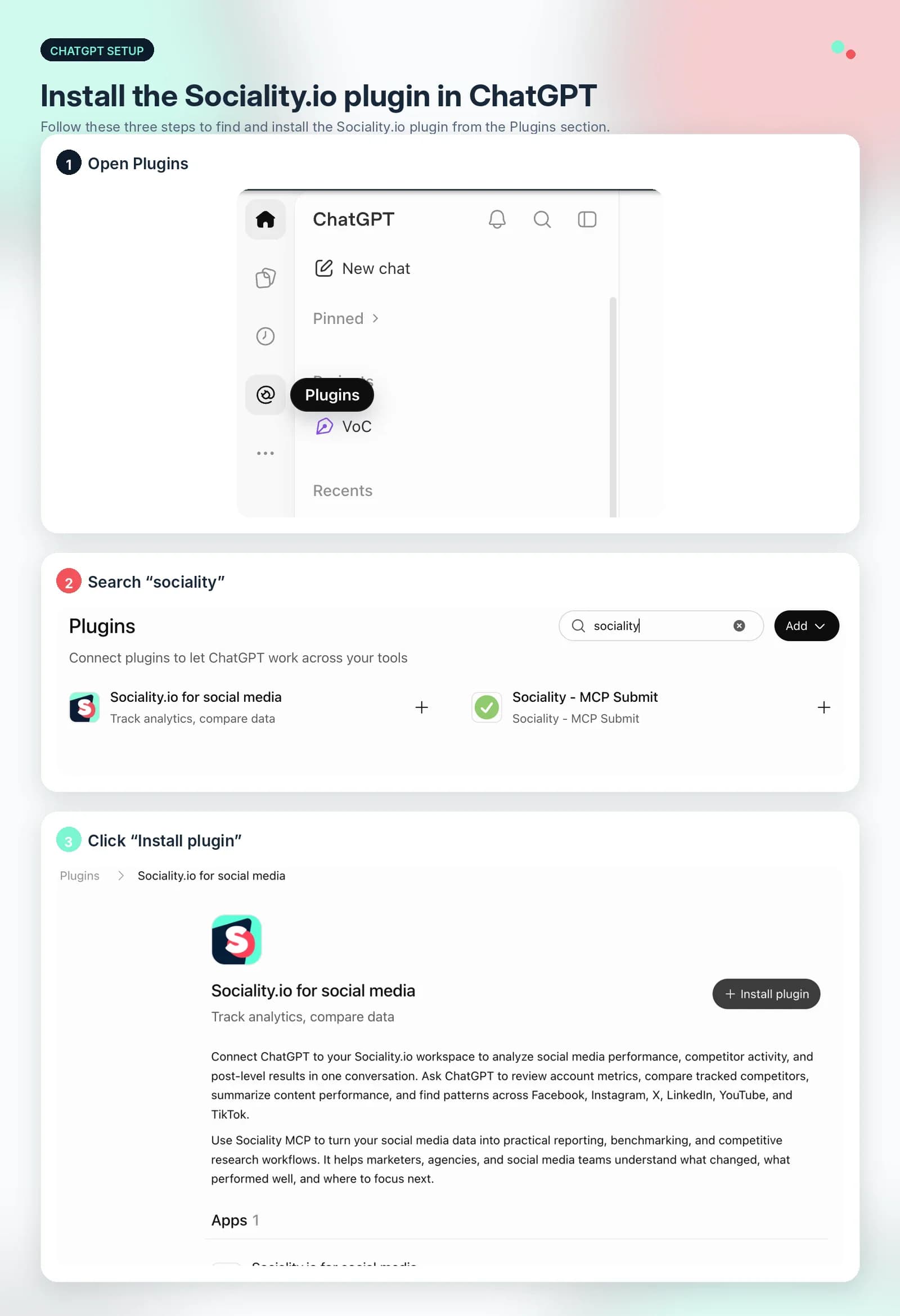
It runs on Sociality MCP, which is an official plugin in ChatGPT and an official connector in Claude’s directory, so setup is an install and a sign-in. In ChatGPT, open the plugin page, select Install plugin, sign in with Sociality.io and authorize. After that, type @ in any chat and pick Sociality.io.
Most of what it does is read-only. The one write action is adding a competitor by its profile, which is handy when a client names a new rival halfway through a meeting.
Sociality MCP connects your social accounts to ChatGPT, Claude or Gemini, so you can ask about Instagram in plain language and get answers from your Sociality.io data. For example:
What are the top engaged posts of Redbull this month on Instagram?
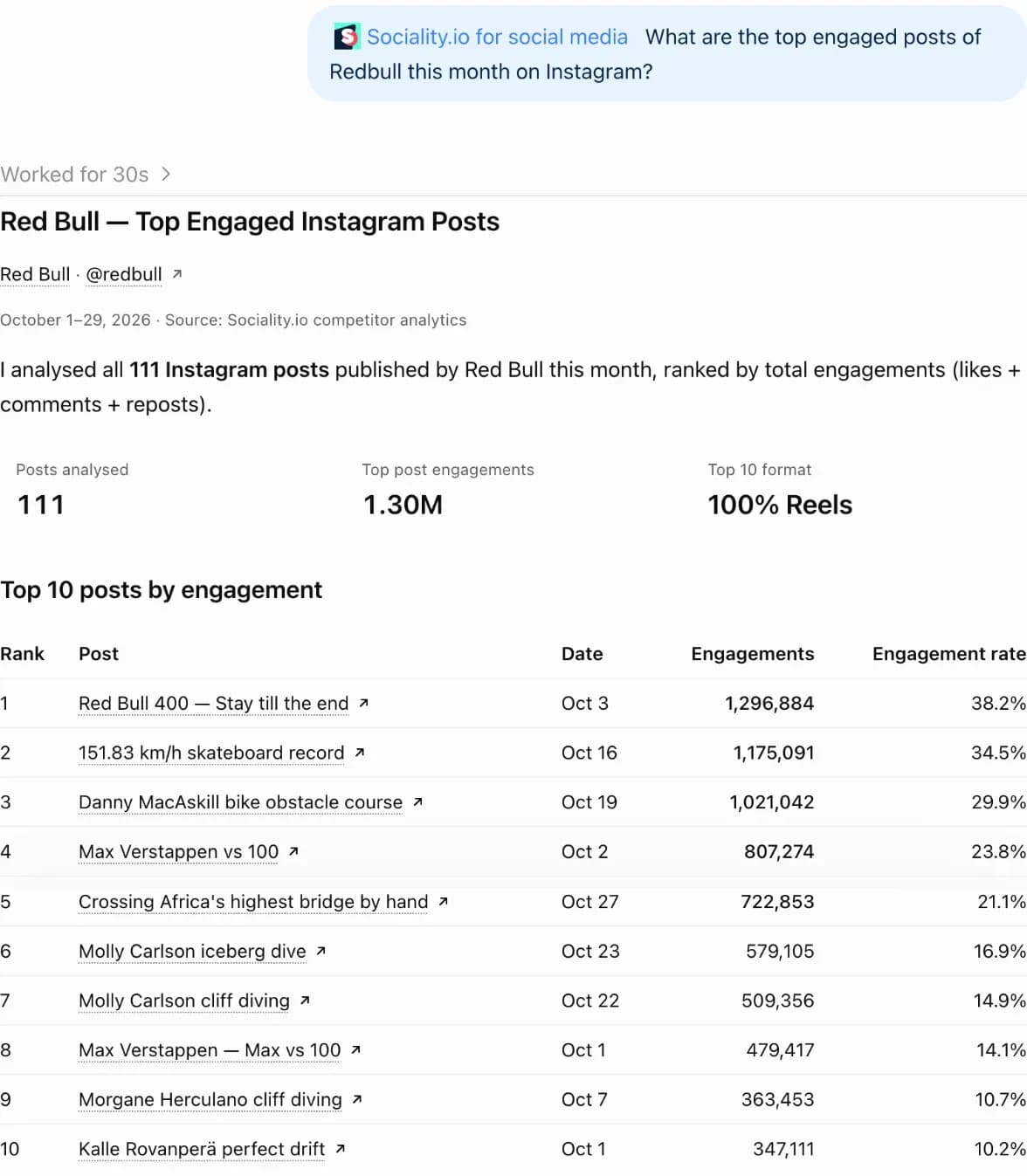
The answer comes back as a ranked table of the posts with their engagement and engagement rate, so you can see what works for a competitor without opening a single profile or exporting a spreadsheet.
Connect Sociality MCPFree to start: 1,000 credits, no credit card.
Best for: monthly reviews, competitor benchmarks and finding the posts worth repeating.
Watch-outs: it doesn’t publish posts, answer DMs or run a content calendar.
Cost: the Starter tier is free with 1,000 one-time credits, Growth starts at $49 a month, and Scale is custom.
2. vidIQ: best for YouTube growth
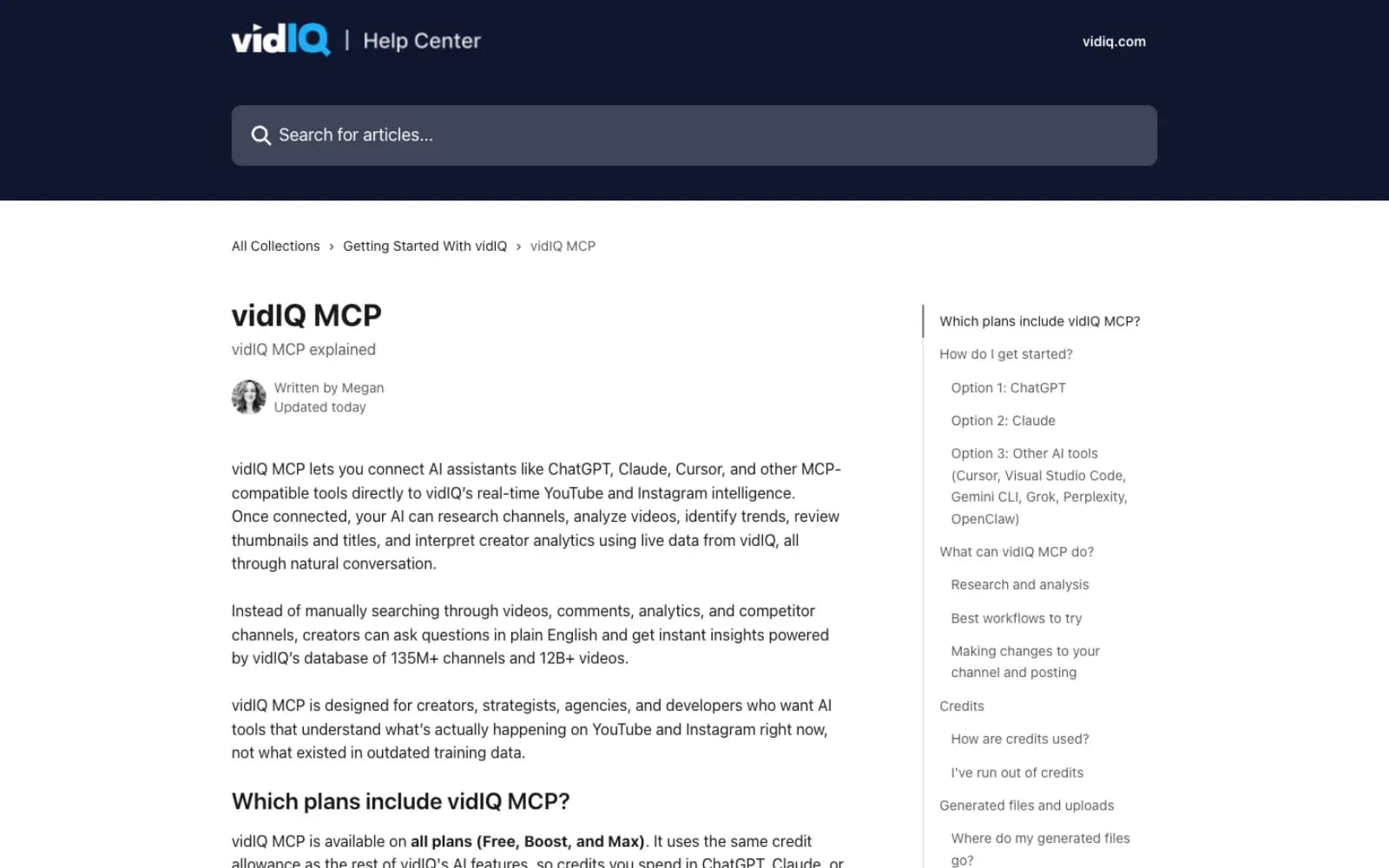
vidIQ brings its YouTube research into ChatGPT, and it can also act on videos you own. Ask which topics are rising in your niche or how a competitor’s Shorts performed, then let it update an existing video’s title, description, tags or thumbnail once you approve each change.
Best for: brand channels and creators who publish on YouTube every week.
Watch-outs: it can’t upload a new YouTube video, and TikTok support is research only. It can also publish a Reel to a connected Instagram account, the kind of write action I’d approve by hand every time.
Cost: available on every vidIQ plan, Free included. Calls spend the same credits as the web app, mostly 5 credits for research and 10 for Shorts and Reels analysis.
3. Brand24: best for brand mentions and listening
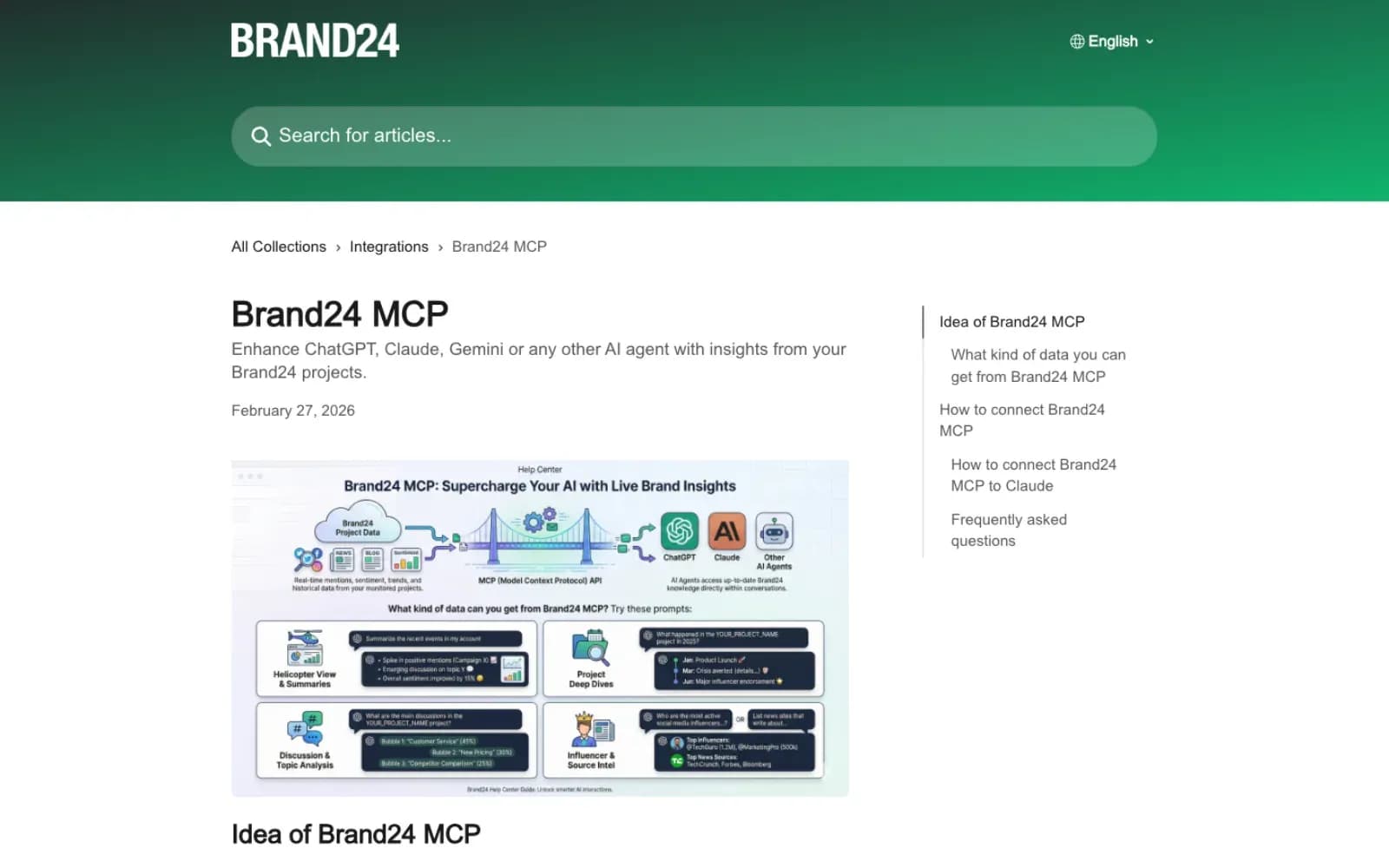
Brand24’s app answers questions about the mentions in your Brand24 projects with live data, like what people discussed this week, which sources drove the conversation and which voices carried it. Before a client call, ask what changed since Monday and you get a summary instead of a long scroll through the feed.
Best for: quick listening summaries and spotting influential voices around a brand.
Watch-outs: it only sees your active Brand24 projects, so the keywords have to be set up there first. It covers what people say about a brand, not how your own posts performed.
Cost: MCP access is for Brand24 subscribers.
Best ChatGPT apps for planning content
Planning apps turn the ideas you hash out with ChatGPT into a calendar or a board your team actually opens, instead of a chat nobody finds a week later.
4. Notion: best for content calendars and briefs
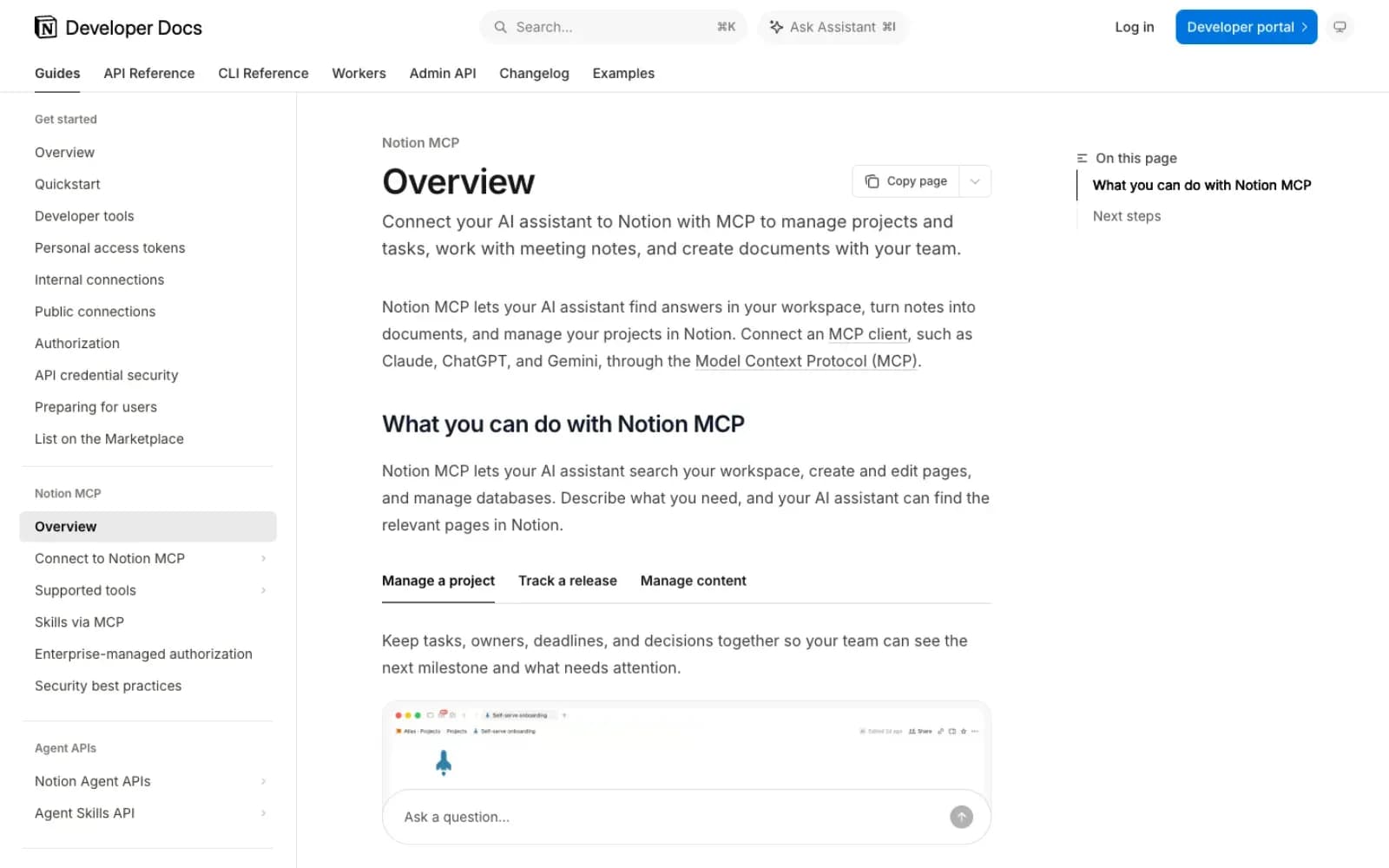
Notion’s app lets ChatGPT search and read the pages your account has access to, so a brief, a brand voice doc or last quarter’s content calendar becomes context for the next prompt. Depending on your workspace permissions, it may also create or update pages, which is how a brainstorm turns into a calendar entry without the copy-paste.
Best for: content calendars, briefs and brand guidelines your team already keeps in Notion.
Watch-outs: it only sees what your Notion account can see, and a ChatGPT admin can’t open private pages to it.
Cost: Notion’s help pages don’t name a plan for the ChatGPT app, so check your workspace settings first.
5. Miro: best for campaign brainstorms
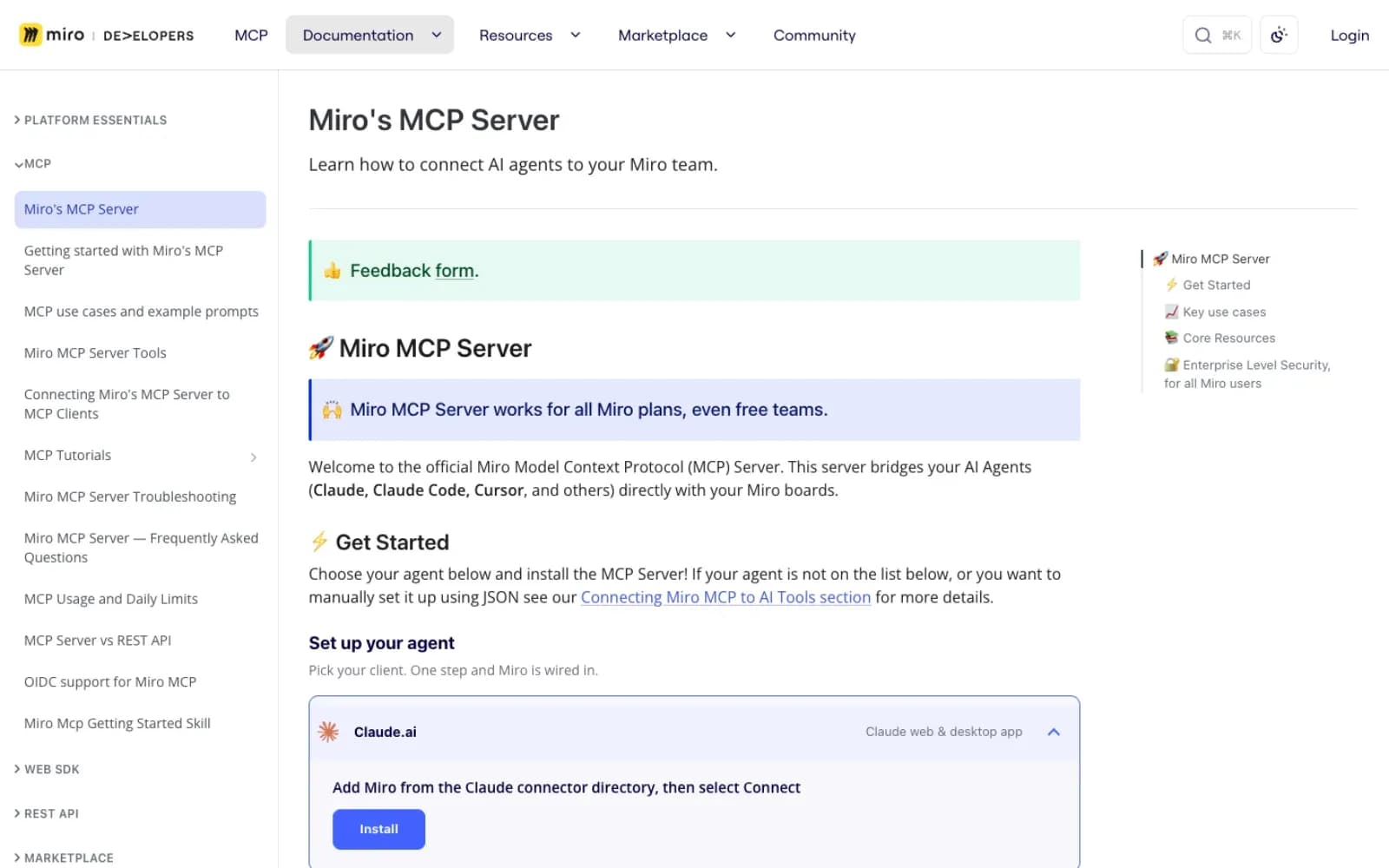
Miro’s app summarizes and searches your boards, builds new ones, generates diagrams, adds tables and replies to comments. For a campaign kickoff, ask ChatGPT to turn the brainstorm into a board with your content pillars and audiences, then let the team argue about it in Miro, where arguing belongs. 🧩
Best for: campaign brainstorms, content pillar maps and customer journey diagrams.
Watch-outs: the connection is team-specific, so pick the team that holds the board when you connect, and its tools have usage limits.
Cost: works on all Miro plans, free teams included.
Best ChatGPT apps for designing posts and videos
Design apps are where ChatGPT stops describing a post and starts building one. All 3 hand the work back to their own editor for the final polish, which is where a human eye still earns its salary.
6. Canva: best for on-brand social graphics
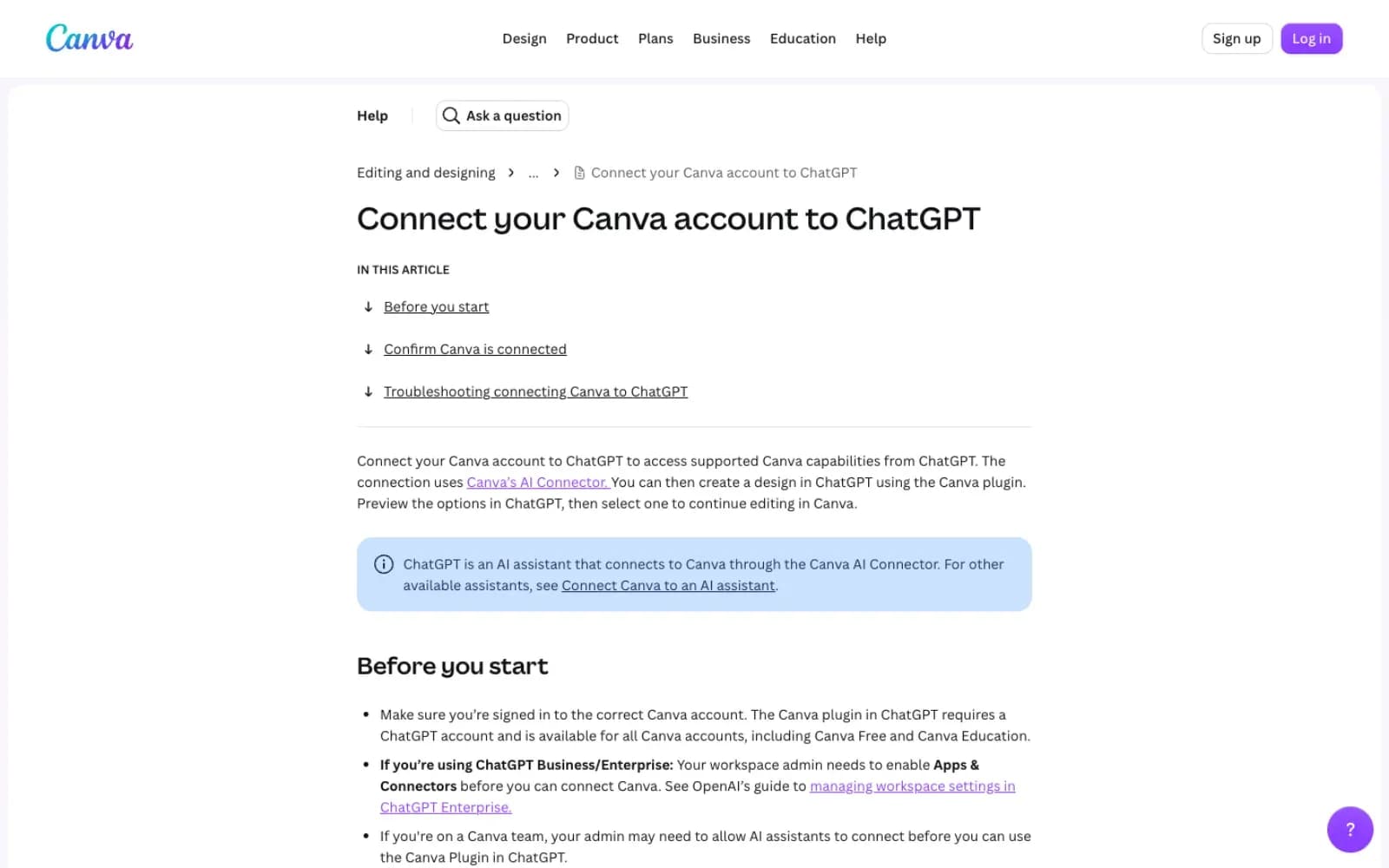
Canva’s app lets you create, edit and preview designs right in ChatGPT, then continue in Canva when a design needs finishing. It also finds your existing designs, resizes or copies one, and turns an image into an editable design, which takes most of the pain out of resizing one post for 4 platforms.
Best for: social graphics, carousel drafts and resizes.
Watch-outs: only the designs you select in ChatGPT are saved to your Canva account, and Canva advises opening designs from the preview rather than from a link ChatGPT writes. Searching brand templates needs a paid Canva plan.
Cost: works with all Canva accounts, Free and Education included, though Business and Enterprise ChatGPT admins have to enable apps first.
7. Adobe Express: best for quick edits and resizes
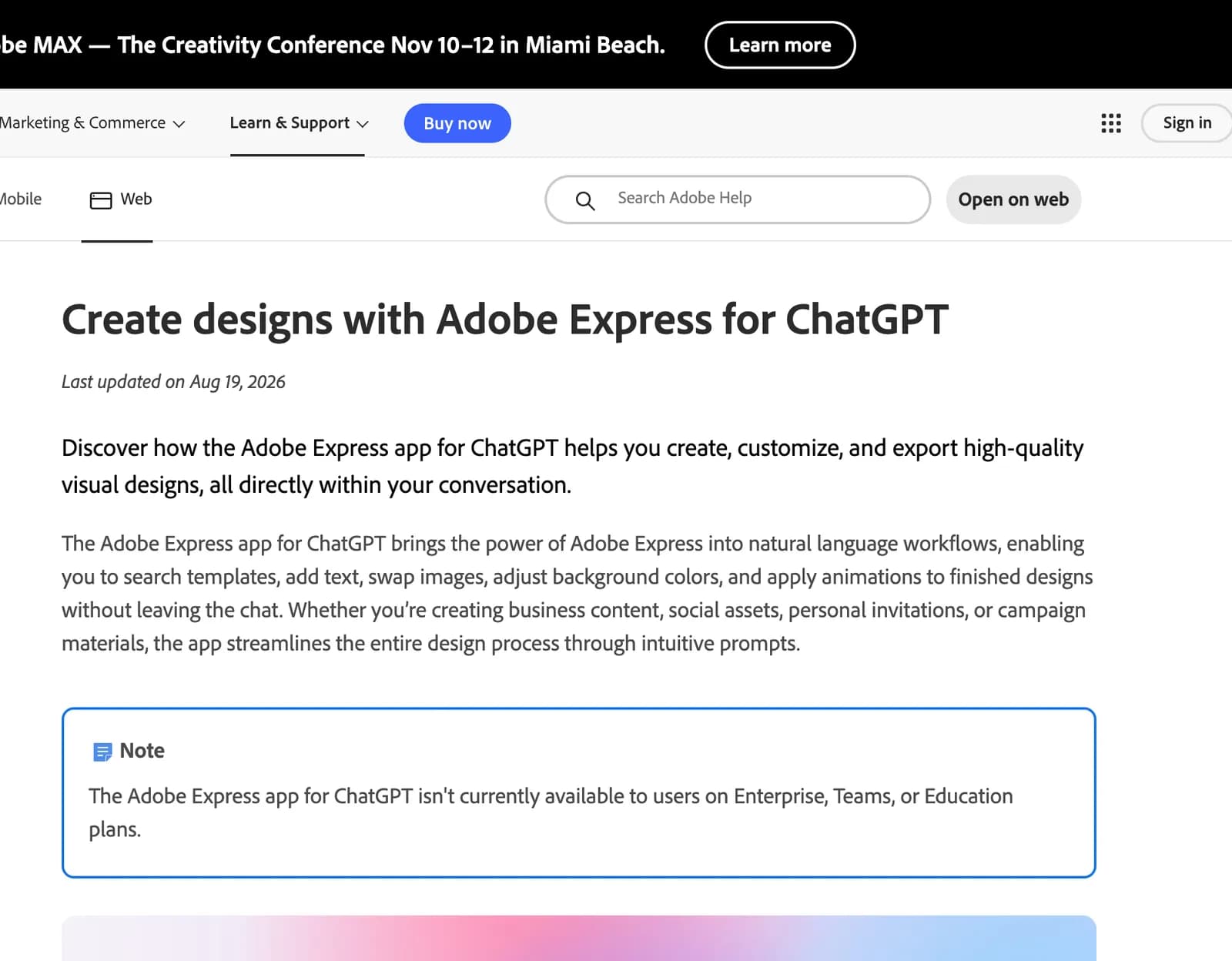
Adobe Express in ChatGPT lets you search templates, add text, swap images, adjust background colors and apply animations, then open the design in Adobe Express to refine, export and share it. Adobe’s newest help page routes this through the Adobe for ChatGPT plugin, so if Express doesn’t show up on its own, search for Adobe in the directory.
Best for: template-based posts and animated stories when you need something on-brand in 10 minutes.
Watch-outs: it isn’t available on Enterprise, Teams or Education plans, and the Adobe plugin works in English only.
Cost: you sign in with your Adobe Express account, and exports happen in the Adobe Express editor.
8. Descript: best for video and podcast edits
Descript’s app runs its editing tools from the chat, including script rewrites, clips, captions, Studio Sound, filler-word removal, reframing and translation. Hand it a podcast episode by file URL, ask for 3 vertical clips with captions, and it publishes the result to a share link.
Best for: turning long videos and podcasts into short social clips.
Watch-outs: YouTube links don’t work as an import yet, the app only sees one drive, and it won’t simply hand you an MP4 on request.
Cost: no separate charge for the MCP, and AI edits use your Descript plan’s AI credits.
Best ChatGPT apps for reports and decks
Reporting apps turn the analysis into something a client or a manager will actually read. Paired with an analytics app, they close the loop from question to slide in one chat.
9. Gamma: best for monthly report decks
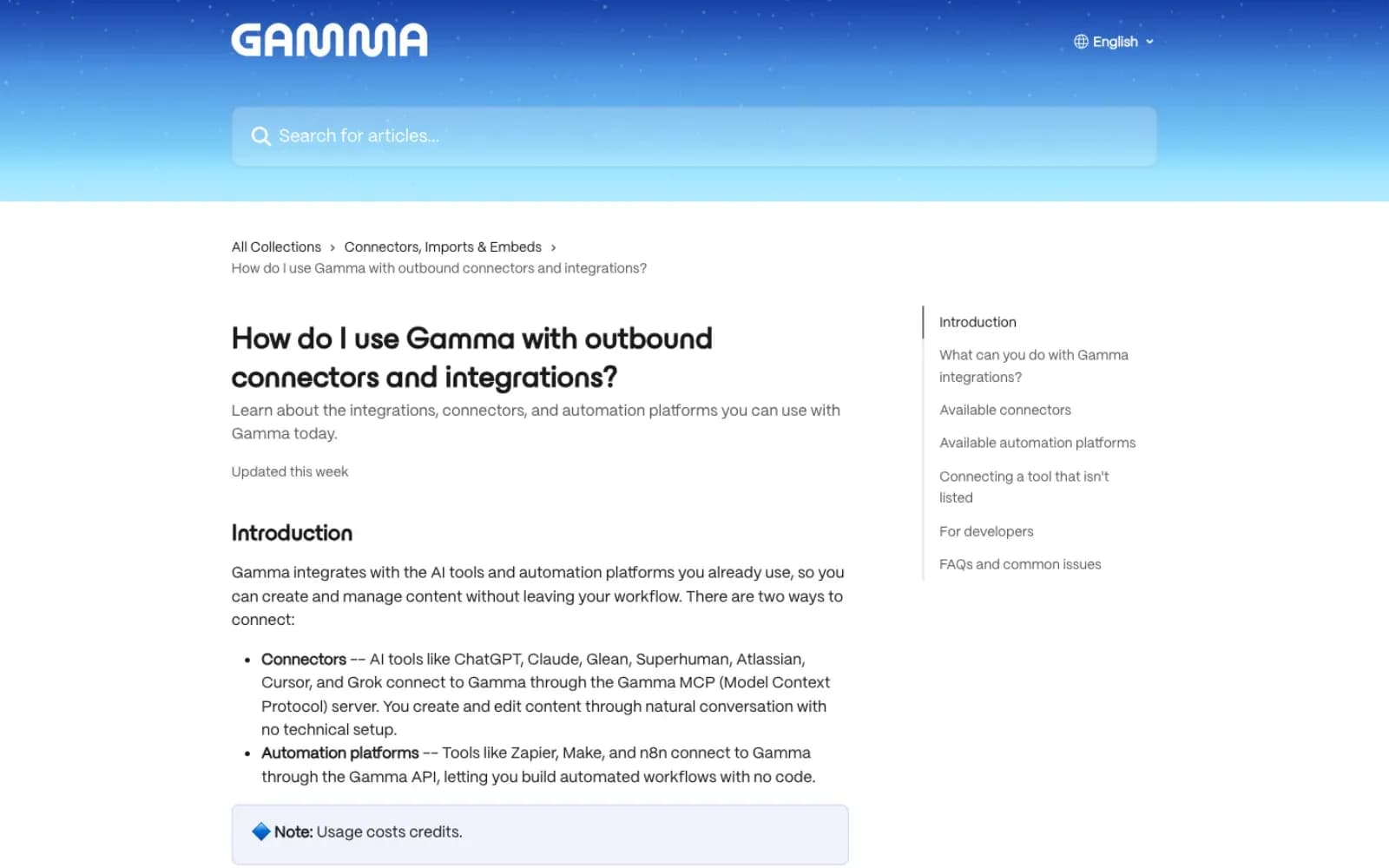
Gamma’s app creates presentations, documents, webpages and even social posts from a prompt or a table already in the chat. That makes it the quickest route from “here are October’s numbers” to a deck you can send.
Best for: monthly report decks and one-page campaign recaps.
Watch-outs: Gamma says decks generated via ChatGPT are tied to an anonymous session, not your Gamma account, so save them right away in the same browser. On Gamma’s Enterprise plan, the app can create but not edit.
Cost: works on all Gamma plans, and both creating and editing use credits.
10. Google Drive: best for the Docs, Sheets and Slides you already use
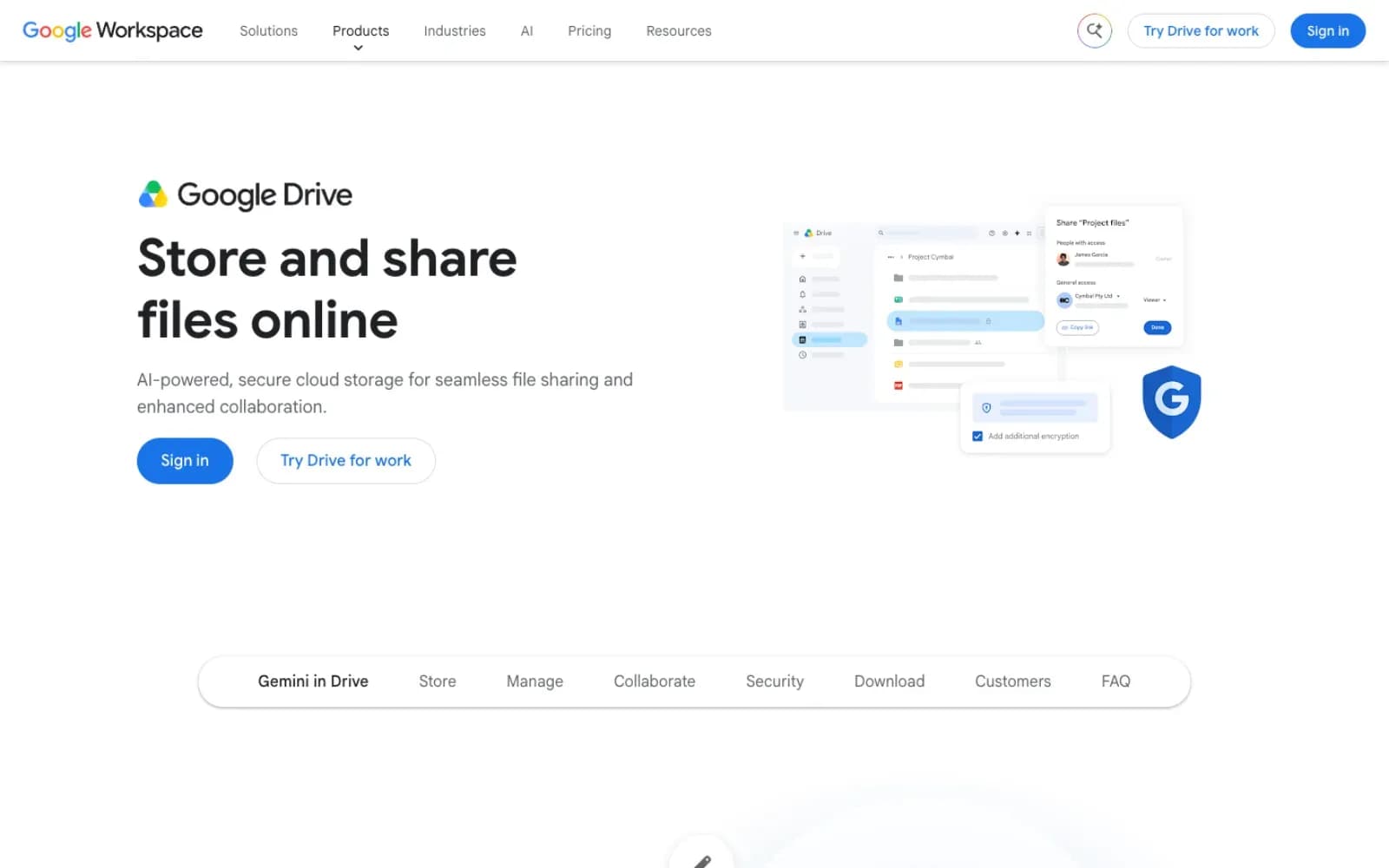
OpenAI’s own Google Drive app covers Docs, Sheets and Slides in one connection. ChatGPT can search your files, summarize a doc, compare 2 spreadsheets of campaign results and, where your Google permissions allow, update a document.
Best for: teams whose reports, briefs and trackers already live in Google Workspace.
Watch-outs: availability depends on your ChatGPT plan, location, workspace settings and Google Workspace policies, and ChatGPT may ask you to confirm before it changes a file.
Cost: built by OpenAI, with no separate fee listed on its help page.
Best ChatGPT apps for team work and approvals
The last step is getting the result in front of people. Without it, the sharpest monthly review ends up as a chat only you can see.
11. Slack: best for sharing results with the team
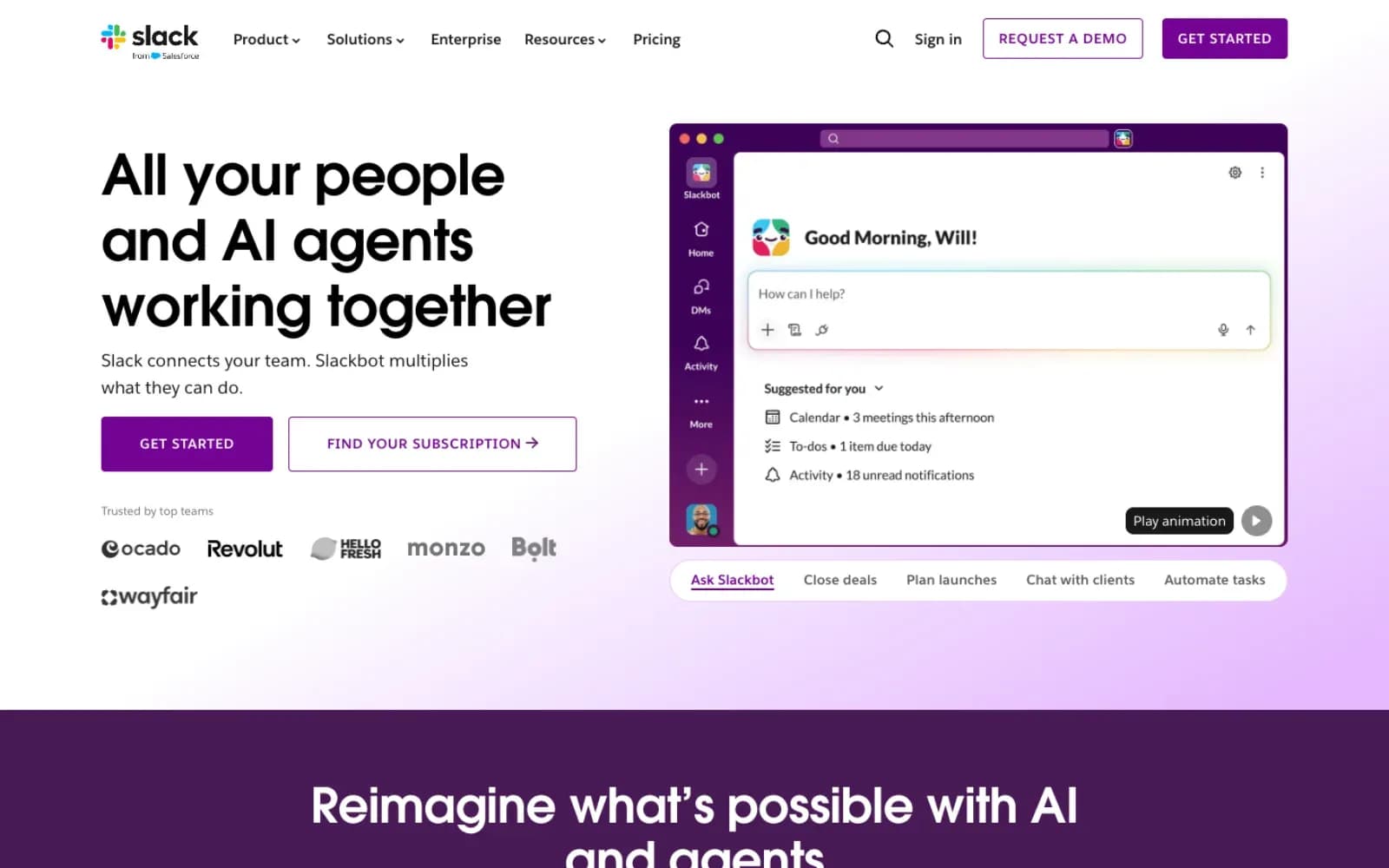
Slack’s app searches the messages, threads and channels you can access, summarizes channels and DMs and writes recaps. Ask what the client said about the October campaign across 3 channels. One answer comes back, and your morning of scrolling stays free for something better.
Best for: catching up on client feedback and posting results to the team.
Watch-outs: semantic search needs Slack Business+ or Enterprise+, and actions like reminders or file uploads only work where an admin enables them.
Cost: no paid Slack plan is needed, but you need a paid ChatGPT plan, meaning Plus, Pro, Business, Enterprise or Edu.
12. Asana: best for turning ideas into tasks
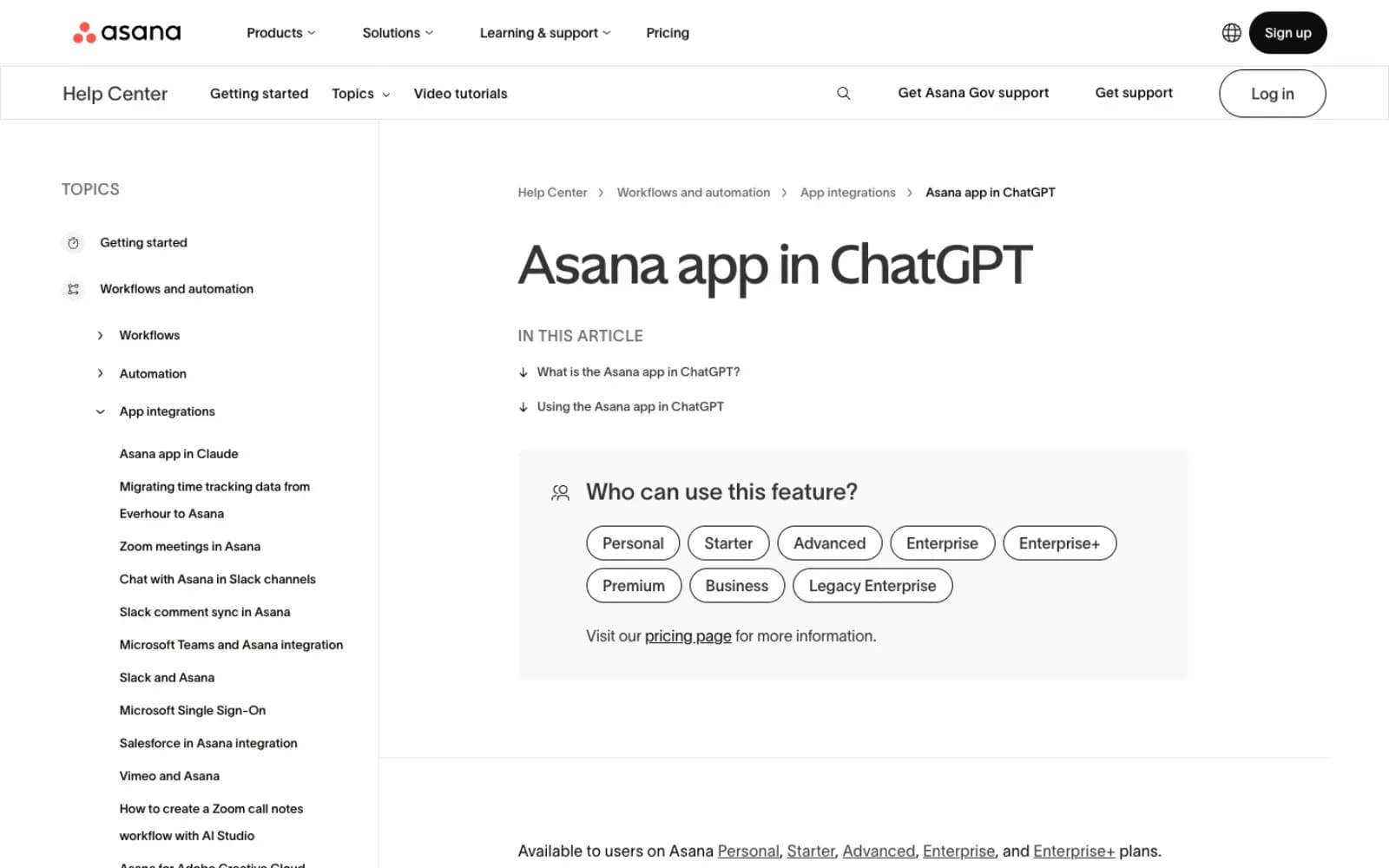
Asana’s app creates and assigns tasks, kicks off projects and summarizes status and blockers. After a planning chat, ask it to turn the 8 approved post ideas into tasks with owners and due dates, and you get to edit the names, assignees and dates before anything lands in Asana.
Best for: turning a content plan into tasks the team can’t ignore.
Watch-outs: your Asana admin controls integrations, so the app may need approval in App Management first.
Cost: available on Asana Personal, the free plan, and on Starter, Advanced, Enterprise and Enterprise+.
Can ChatGPT post to social media for you?
Mostly not, and I’d think twice before wishing it could. The apps on this list plan, design, analyze and report, and the one exception is vidIQ, which can publish a Reel to a connected Instagram account. Approvals, scheduling and publishing stay in your social media management platform, where the client’s approval trail and the right profile permissions already live.
A few management tools do offer their own ChatGPT apps or MCP servers that can schedule posts. That can work for your own brand account. For client accounts, one vague prompt can put the right caption on the wrong profile, so keep a human on the publish button. That’s the honest answer for anyone hoping for a ChatGPT social media manager that runs the accounts alone.
The practical split looks like this. ChatGPT drafts the caption and the carousel copy, Canva or Adobe Express builds the visual, and your team approves and schedules it in the platform it already uses.
How I ran an October Instagram review in ChatGPT with 2 apps
To see how far 2 apps really get you, I ran a competitor review on 2 November 2026 in ChatGPT, using the High model with the Sociality.io and Gamma plugins. The brands were Nike, Converse and Red Bull, 3 public Instagram accounts we track in Sociality.io.
Step 1: pull the numbers with Sociality.io
The first prompt went to Sociality.io.
@Sociality.io Compare Nike, Converse and Red Bull on Instagram for 1–31 October 2026: number of posts, average engagement per post, and the 3 posts with the most comments for each brand. Put it in a table.
ChatGPT pulled all 140 October posts and built the table in 1 minute and 3 seconds. It counted engagements as likes, comments and reposts on feed posts, carousels and Reels, with Stories left out. Red Bull published 124 posts and still had the highest average, at 102,619 engagements per post. Nike posted only 9 times for 95,442 per post, and Converse posted 7 times for 16,530.
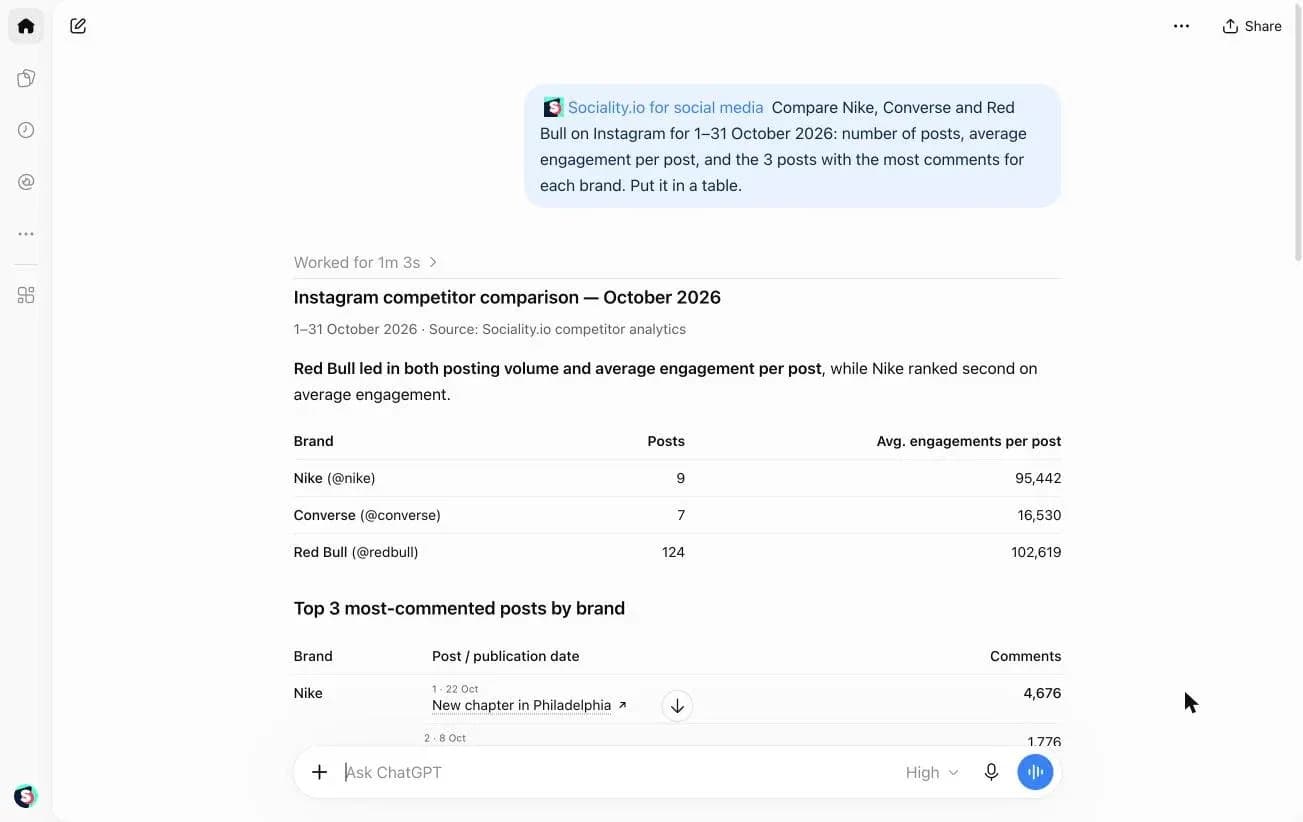
The most-commented posts explained the averages better than the averages did. Red Bull’s top post was a skateboard speed record at 151.83 km/h with 9,391 comments, Nike’s was “New chapter in Philadelphia” with 4,676, and all 3 of Converse’s top posts were collaborations. I checked the post counts and the Converse figures against Sociality.io directly, and they matched.
Step 2: turn the table into a deck with Gamma
Then I asked Gamma to turn that table into a deck, in the same chat.
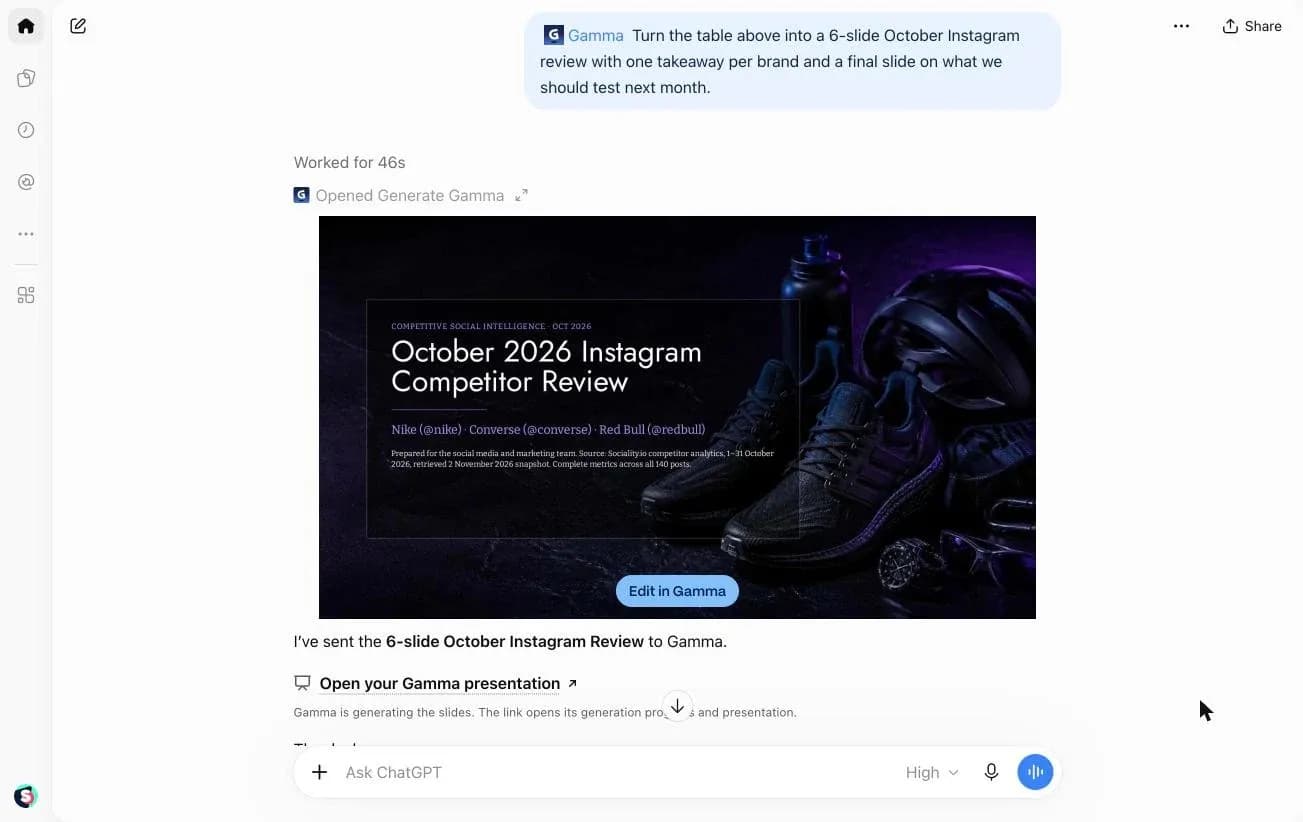
@Gamma Turn the table above into a 6-slide October Instagram review with one takeaway per brand and a final slide on what we should test next month.
After 46 seconds, Gamma had a 6-slide “October 2026 Instagram Competitor Review” with one slide per brand. The last slide suggested November tests based on the data, like athlete stories, collaboration launches and stronger Reel openings.
What the test can’t tell you
The run had 2 limits worth knowing. The averages are raw engagements, not engagement rate, so the brand with the bigger audience wins by default, and you should ask for engagement rate if you want a fair comparison. ChatGPT also noted that the counts were taken on 2 November, so late likes on the last October posts are included.
If you want to take this further, here’s how I’d run a full competitor analysis with ChatGPT, from picking rivals to the questions worth asking.
How to add an app to ChatGPT
Adding an app takes a minute, and the steps are the same for every app on this list.
- Click Plugins in ChatGPT’s left sidebar.
- Search for the app and open its page.
- Select Install plugin.
- Connect your account when ChatGPT asks, usually by signing in to the app and allowing access.
- In a chat, type @ and pick the app, or open the + menu in the message box.
ChatGPT can also pick an installed app on its own when your request clearly needs it, though I’d still @ it when the answer matters. If an app doesn’t show up, check your plan and workspace first, because availability depends on your plan, workspace, role and region. In a Business or Enterprise workspace, an admin may need to allow it.
Not in the directory? You can add an MCP server yourself. On Business, Enterprise and Edu, custom MCP servers get full access, while Pro allows read and fetch only, and only admins and owners can publish one to the workspace. The steps are in this guide on how to connect an MCP to ChatGPT.
Are ChatGPT apps safe for client accounts?
They can be, as long as you treat each app like any other tool that touches client data. OpenAI’s own help page says apps may see information like your IP address, device and browser, language and region, and approximate location, on top of what you share in the chat.
Before you connect a client account, run through this checklist. 🔐
- Check your plan’s training setting. Business, Enterprise and Edu data isn’t used for training by default, but Free, Plus, Go and Pro data may be if “Improve the model for everyone” is on.
- Read what the app can write, not only what it can read.
- Connect the least access the job needs, and use a separate workspace per client where the app supports it.
- Look past the badge. OpenAI’s Verified label doesn’t replace your own review of the vendor.
- Watch the limits, since app use can count toward your ChatGPT plan limits and the provider’s own.
My rule of thumb is boring on purpose. Read-only apps first, and write access only where a person reviews the result.
How to tell if a ChatGPT app is earning its place
Give every new app a month, then check it the way you’d check a campaign. 📏
- Time the task before and after. My October review took 1 minute and 49 seconds in chat, so time your own monthly report the old way first and you’ll have a real before.
- Tag the links that leave ChatGPT. When a post or deck built in ChatGPT links to your site, add UTM parameters so the visits land under the right campaign in your analytics.
- Watch for chatgpt.com in your traffic sources. It shows whether people also find you through ChatGPT answers, not only through the apps you use.
- Review your connected apps every quarter and disconnect the ones nobody opened.
I re-check this list on the same quarterly rhythm, so an app that stops pulling its weight drops off.
Wrapping up 👋
ChatGPT gets much more useful for social media work once it can see your real tools. One app per job is enough. Rarely does a team need more than 3 to start (an analytics app for the numbers, a design app for the visuals and a reporting app for the deck).
Start where your week usually stalls. For most teams that’s the numbers, because the first question of every review deserves an answer before the meeting, not during it. Then add apps the way you’d add people to a client account, one at a time, with the access they need and nothing more.
FAQs about ChatGPT apps for social media
Can I ask ChatGPT about my Instagram analytics?
Yes, once an analytics app is connected. Without one, ChatGPT only sees the numbers you paste into the chat. The Sociality.io plugin reads your connected Instagram, TikTok, Facebook, YouTube, X and LinkedIn accounts plus the competitors you track, so you can ask for last month’s top posts or a competitor comparison by date range. Sociality MCP starts free with 1,000 one-time credits.
What are ChatGPT apps?
ChatGPT apps are integrations that let ChatGPT read data from another tool or take an action in it, such as creating a design, searching a doc or posting a message to a channel. You install them from Plugins in ChatGPT’s sidebar, connect your account once, then call them with @ in any chat. Since July 2026, OpenAI files them under plugins.
Are ChatGPT plugins still available?
Yes, and the name is back. On 9 July 2026, OpenAI replaced the App Directory with the Plugin Directory. Plugins now package apps, skills and app templates, and app connections people had already set up kept working. Older guides that talk about the 2023 plugin beta describe a different product.
What’s the difference between ChatGPT apps, plugins and GPTs?
An app connects ChatGPT to another tool’s data or actions. A plugin is what you install from the directory, and it can bundle one or more apps with skills and templates. A GPT is a custom version of ChatGPT with its own instructions. OpenAI announced on 11 September 2026 that it’s retiring custom GPTs and moving them to plugins.
How do I connect Instagram, LinkedIn or Facebook to ChatGPT?
ChatGPT can’t reach your social accounts on its own, so you connect them through an app or MCP server that already has access, then sign in with that tool’s account. Analytics apps read your posts and stats; publishing needs a tool that supports it. The steps for each client are in this guide on how to connect an MCP to ChatGPT.
How do I connect Canva to ChatGPT?
Open Plugins in ChatGPT, search for Canva, select Install plugin and sign in to Canva when asked. Then type @Canva in a chat and describe the design you want. Canva says it works with all Canva accounts, Free and Education included, though Business and Enterprise admins have to allow the app first.
Are ChatGPT apps free?
The Plugin Directory is open on every ChatGPT plan, but each app depends on your plan, workspace, role and region. Using an app can also count toward your ChatGPT limits and the provider’s own limits, and the provider charges for its product as usual. Most ChatGPT apps for social media also need an account with the provider, so check the app’s plan before you build a client workflow on it.
Can ChatGPT schedule or publish social media posts?
Mostly not. The apps in this list plan, design, analyze and report, and the one exception is vidIQ, which can publish a Reel to a connected Instagram account. Approvals and publishing otherwise stay in your social media management platform. A few management tools offer their own ChatGPT apps or MCP servers that can schedule posts, but I’d keep a human on the publish button for client accounts, since one wrong prompt can post to the wrong profile.