
The best Claude connectors for marketers are the ones that let Claude work with the numbers, files and campaigns you already have, and change only what you’d trust a new hire to change.
Claude is already part of the job for most of us. 75% of marketers have adopted AI, according to Salesforce’s 2026 State of Marketing survey of 4,450 marketing decision-makers, and Anthropic’s June 2026 Economic Index report found that 80% of Claude conversations that create marketing content are work-related.
What Claude doesn’t have, out of the box, is your data. It can’t see last month’s Reels, this week’s pipeline or what the client said in Slack until a connector hands it over.
There are now far more connectors than any marketing team will ever need, and some of them look great on the listing and then do very little in a real week. So I went through Claude’s directory listing by listing and kept the 12 that do a marketer’s job and are open about what they read and what they can change. 🔌
TL;DR: the best Claude connectors for marketers
If you only read one part, make it these 3 points.
- Pick one connector per job from Claude’s connectors directory, like Sociality.io for social analytics, Ahrefs for SEO, Notion for planning, HubSpot for CRM and Slack for team updates.
- Web connectors work on every Claude plan, Free included, though Free accounts can add only one custom connector.
- In my October test, the Sociality.io and Notion connectors turned a question about 293 October posts from Starbucks, Pepsi and Netflix into a one-page competitor brief in Notion, inside one chat.
What Claude connectors are now: connectors, MCP, Skills and the Plugins page
Claude connectors are integrations that give Claude access to another tool, so it can read your data there or take an action, like searching a Notion workspace or pulling a competitor’s Instagram posts. Most of them run on the Model Context Protocol (MCP), the open standard Anthropic introduced in November 2024.
The name has moved around a little. Anthropic launched remote connections to Claude as Integrations on 1 May 2025, opened a directory of connectors on 14 July 2025, and “connector” is the word that stuck.
Most recently, Anthropic changed where you find them. From 29 October 2026, one Plugins page replaces the separate Skills, Connectors and Plugins tabs, rolling out gradually and generally available on 9 November, with Enterprise following on 30 November. If your sidebar doesn’t show Plugins yet, nothing is broken; the update just hasn’t reached your account.
Here’s how the words fit together today.
- Connector: an integration that lets Claude read data in another tool or take an action there.
- MCP server: the technology most connectors run on, which you can also add yourself as a custom connector.
- Skill: a packaged set of instructions that teaches Claude how to do a task, without access to your tools.
- Plugin: a package that can bundle skills and connectors, now managed with both on one Plugins page.
- Interactive connector: a connector that shows a live app inside the chat, and Anthropic names Figma, Slack, Canva and Asana among them.
A skill gives Claude the method, and a connector gives it the data. A monthly report usually needs both. For the longer version of what an MCP does for marketing teams, including the servers you set up yourself, start with our MCP guide.
How I picked these Claude connectors
Every connector here had to clear 5 bars, checked on 4 November 2026.
- It’s listed in Claude’s connectors directory and built by the vendor itself.
- It does a real marketing job inside Claude, not just a link out.
- Its listing shows the tools it exposes, so you can see what it reads and what it can change.
- Its vendor documents the setup and the plan it needs, or I say plainly where it doesn’t.
- It covers a job no other pick on the list already covers.
That last bar did most of the cutting. If your main job is publishing and scheduling rather than measuring, my comparison of social media MCP servers covers the tools built for that.
Here’s the whole list at a glance. The tool counts come straight from each connector’s listing, and “changes” means at least one of its tools creates, updates or sends something.
| Connector | Job | What Claude can do with it | Reads or changes | Tools on the listing | What you need |
|---|---|---|---|---|---|
| Sociality.io | Social analytics | Your accounts and tracked competitors on 6 networks | Reads (adds competitors) | 7 | Sociality.io account, free Starter tier |
| Supermetrics | Marketing data | GA4, ad and web data, live dashboards | Reads and changes | 19 | Supermetrics login, trial if no plan |
| Brand24 | Listening | Mentions, sources and topics in your projects | Reads | 4 | Brand24 subscription |
| Ahrefs | SEO research | Keywords, projects and AI search visibility | Reads | 61 | Ahrefs Lite plan or higher |
| Similarweb | Market research | Competitor traffic, sources and audiences | Reads | 22 | Similarweb plan with API access |
| Notion | Planning | Searches, creates and updates pages and databases | Reads and changes | 69 | Notion account, no plan named |
| Adobe for creativity | Creative | Edits across Photoshop, Express, Firefly and more | Reads and changes | 109 | Free to start, some tools paid |
| Figma | Design | Design context, screenshots and FigJam diagrams | Reads and changes | 9 | Figma account, Full seat to edit |
| HubSpot | CRM | Contacts, deals, emails, campaigns | Reads and changes, no deletes | 36 | Paid Claude plan, any HubSpot plan |
| Klaviyo | Email and SMS | Campaign reports, flows, segments, new campaigns | Reads and changes | 27 | Owner, Admin or Manager role |
| Slack | Team updates | Searches channels, sends messages, writes canvases | Reads and changes | 11 | Admin-approved Slack workspace |
| Zapier | Automation | Runs actions in 9,000+ apps | Reads and changes | Not shown | Any Zapier plan, any Claude plan |
The 12 Claude connectors on this list, checked on 4 November 2026
Best Claude connectors for social and marketing analytics
Measurement comes first because most plans start by asking what worked last month, and Claude can’t answer that from memory. Once one of these is connected, the prompts in this guide on how to track social media analytics with AI run on real numbers instead of a pasted export.
1. Sociality.io: your social accounts and competitors in one chat
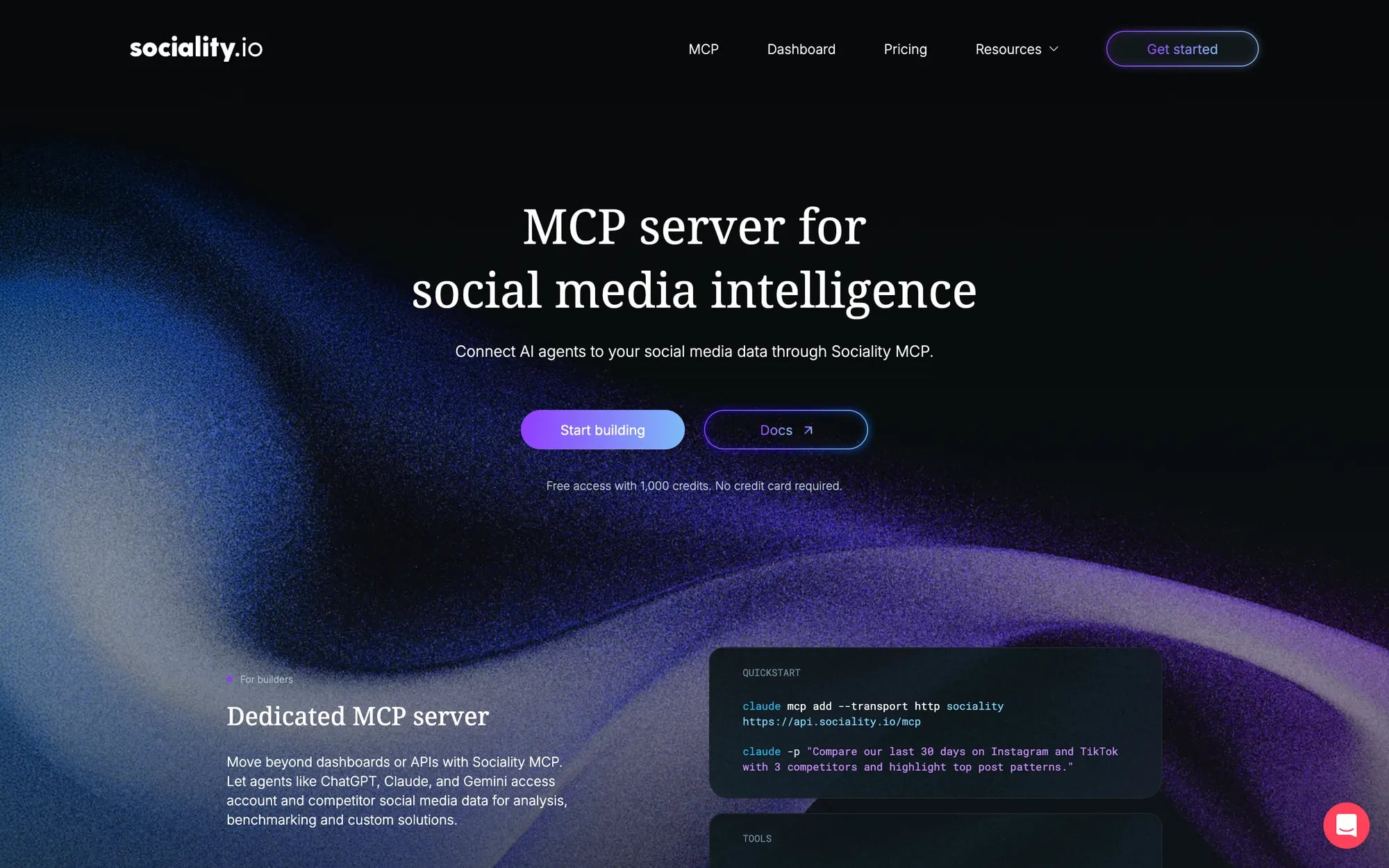
The Sociality.io connector gives Claude access to the accounts you’ve connected in Sociality.io and the competitors you track, across Instagram, TikTok, Facebook, YouTube, X and LinkedIn. Ask which Reels did best in October, how your engagement compares with 3 rivals, or which competitor posts drew the most comments, and Claude answers from your workspace for the date range you name.
It runs on Sociality MCP, which is an official connector in Claude’s directory and an official plugin in ChatGPT, so setup is a click and a sign-in. Open the Sociality.io connector page in Claude, select Connect to Claude, then sign in and authorize.
Its 7 tools read accounts, stats and posts, for your own profiles and for your competitors’. The one change it can make is adding a competitor to your workspace, which is handy when a client names a new rival halfway through a call.
Best for: monthly social reports, competitor benchmarks and finding the posts worth repeating.
Watch-outs: it doesn’t publish posts, answer DMs or run a content calendar, and Sociality.io’s docs note that availability can depend on your Claude plan and workspace settings.
What you need: a Sociality.io account. Sociality MCP’s Starter tier is free with 1,000 one-time credits, Growth starts at $49 a month, and Scale is custom.
2. Supermetrics: GA4, Google Ads and Meta Ads data
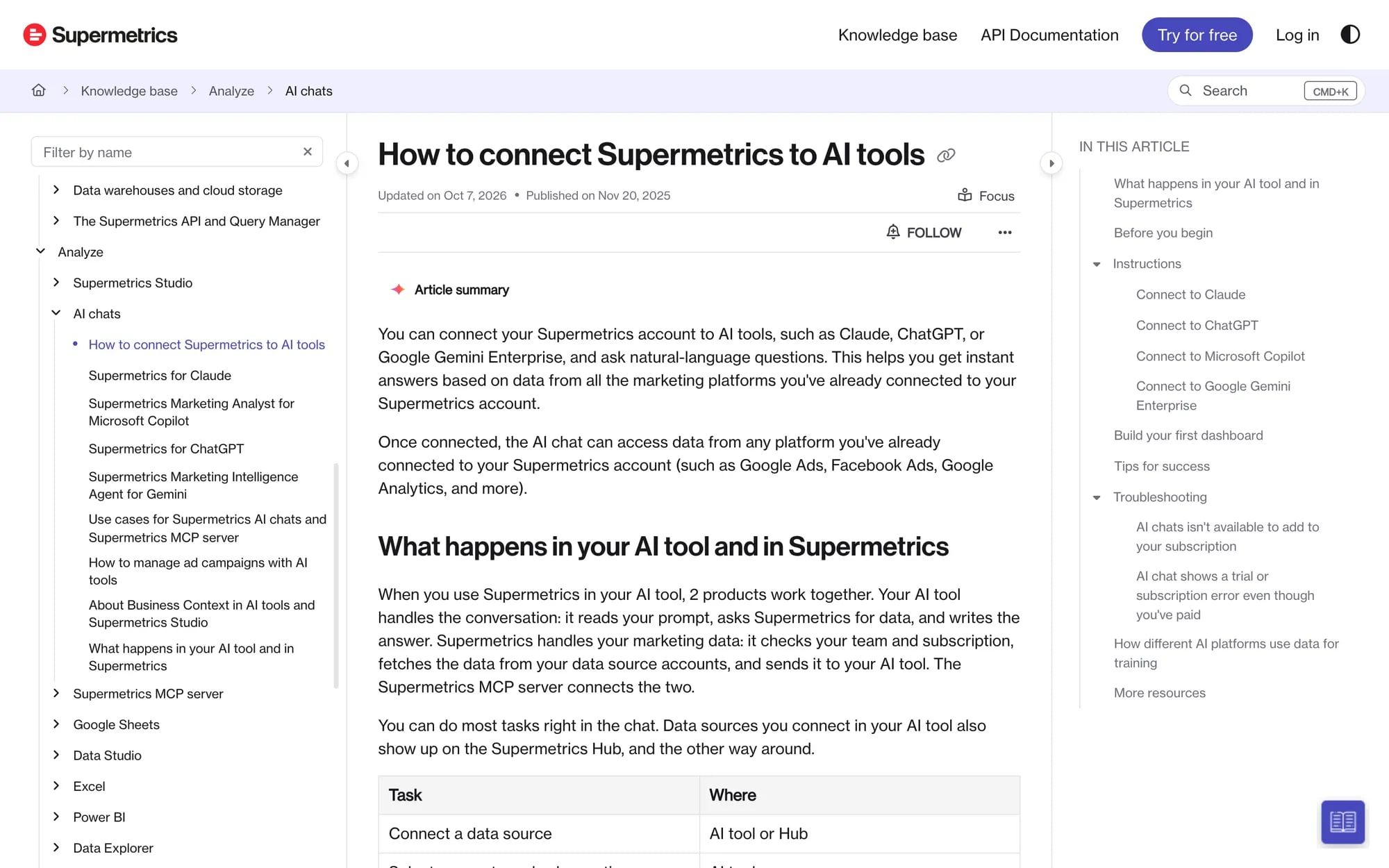
Supermetrics brings marketing data from more than 200 platforms into Claude, which makes it the shortest route to asking about paid and web performance without a spreadsheet in the middle. Its 19 tools query performance data, find the right accounts and fields, and build live dashboards from the chat.
It can also change things. One of its tools manages ad campaigns, and on an account with real spend that’s a tool I’d want Claude to ask about every single time.
Best for: cross-channel reports that mix Google Analytics 4, Google Ads and Meta Ads.
Watch-outs: AI chats is a separate destination in Supermetrics, so check that your subscription includes it before the team relies on it.
What you need: Supermetrics says an account and subscription aren’t required to start, and a trial is created when you log in without one.
3. Brand24: brand mentions and sentiment
Brand24’s connector answers questions about the mentions in your Brand24 projects, such as the current sentiment around your brand, which sources drove this week’s conversation and which topics keep coming up. All 4 tools on its listing read data, which makes it one of the easier connectors to hand to a junior teammate.
It sits next to Sociality.io rather than on top of it. Sociality.io shows how your posts and your competitors’ posts performed, while Brand24 shows what people say about a brand across the sources it tracks.
Best for: listening summaries before a client call and spotting a conversation spike early.
Watch-outs: it only sees the projects you’ve already set up in Brand24, so the keywords have to exist there first.
What you need: a Brand24 subscription, since MCP access is for Brand24 subscribers.
Best Claude connectors for SEO and market research
Research connectors answer the questions you’d otherwise settle with 6 browser tabs and a gut feeling.
4. Ahrefs: keyword research and AI search visibility
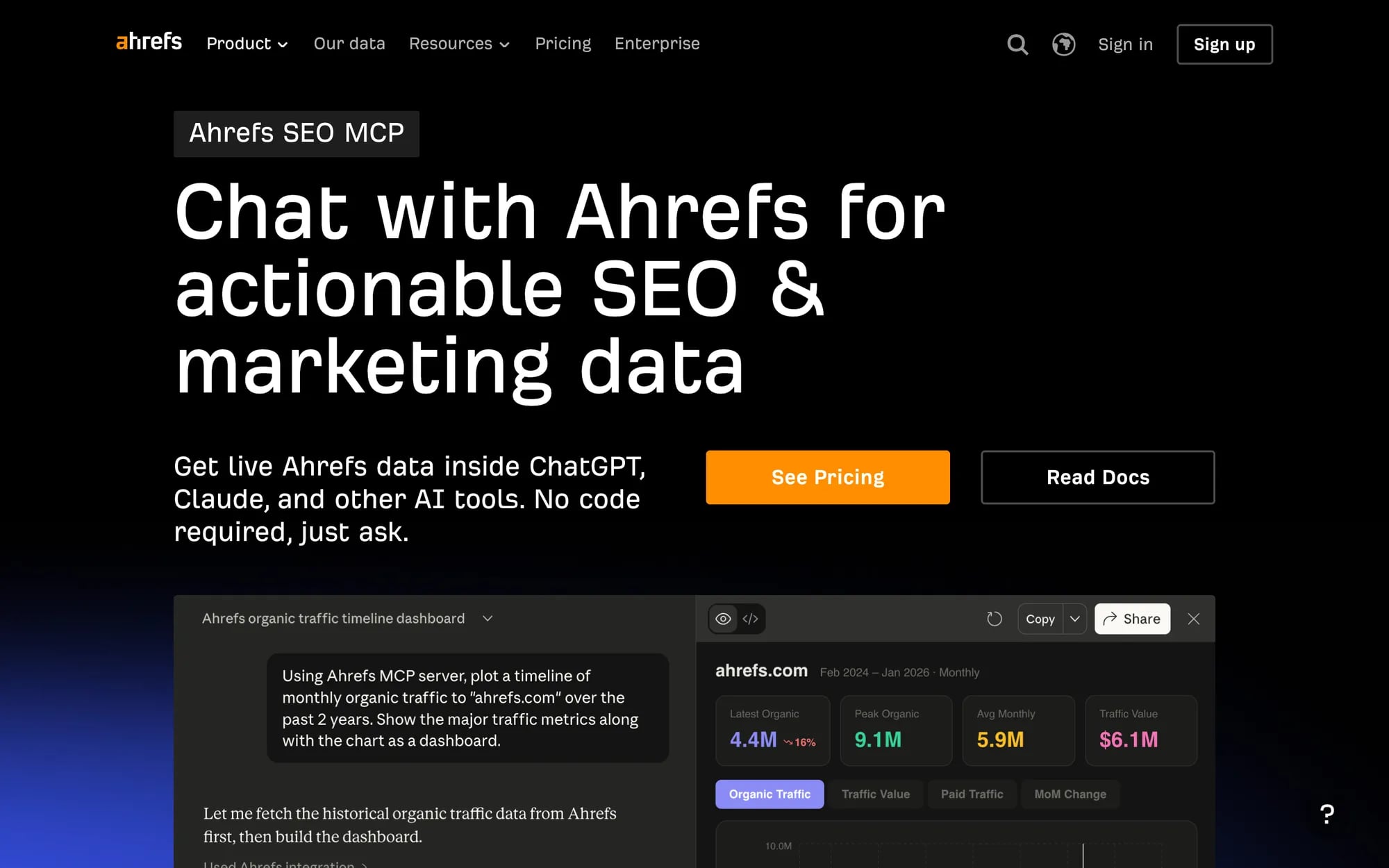
Ahrefs has the biggest listing of the research picks, with 61 tools. Claude can pull keyword volumes, related terms and search suggestions, read your rank tracking projects, and query Brand Radar for how AI answers mention and cite a brand, which is the question half of my inbox is asking this year.
Best for: keyword research for briefs, and checking whether AI answers cite you or a competitor.
Watch-outs: every call spends at least 50 API units, shared with the rest of your Ahrefs API use, and some Brand Radar prompts need the paid AI Overviews & AI Mode add-on.
What you need: an Ahrefs plan, because Ahrefs MCP is available on Lite and higher, with 200,000 API units a month on Lite.
5. Similarweb: competitor traffic and audience overlap
Similarweb gives Claude web and app market data through 22 tools, and every one of them reads. Ask how a competitor’s traffic moved this quarter, where it comes from, which sites share its audience or how much it spends on paid search, and the answer arrives as a comparison you can paste into a pitch.
Best for: sizing up competitors before a pitch or a market entry.
Watch-outs: every query spends data credits from your API allocation, and once it runs out, queries return an error until the next billing period.
What you need: a Similarweb subscription that includes API access.
Best Claude connectors for planning and creative work
Planning and creative connectors are where Claude stops describing the work and starts filing or building it.
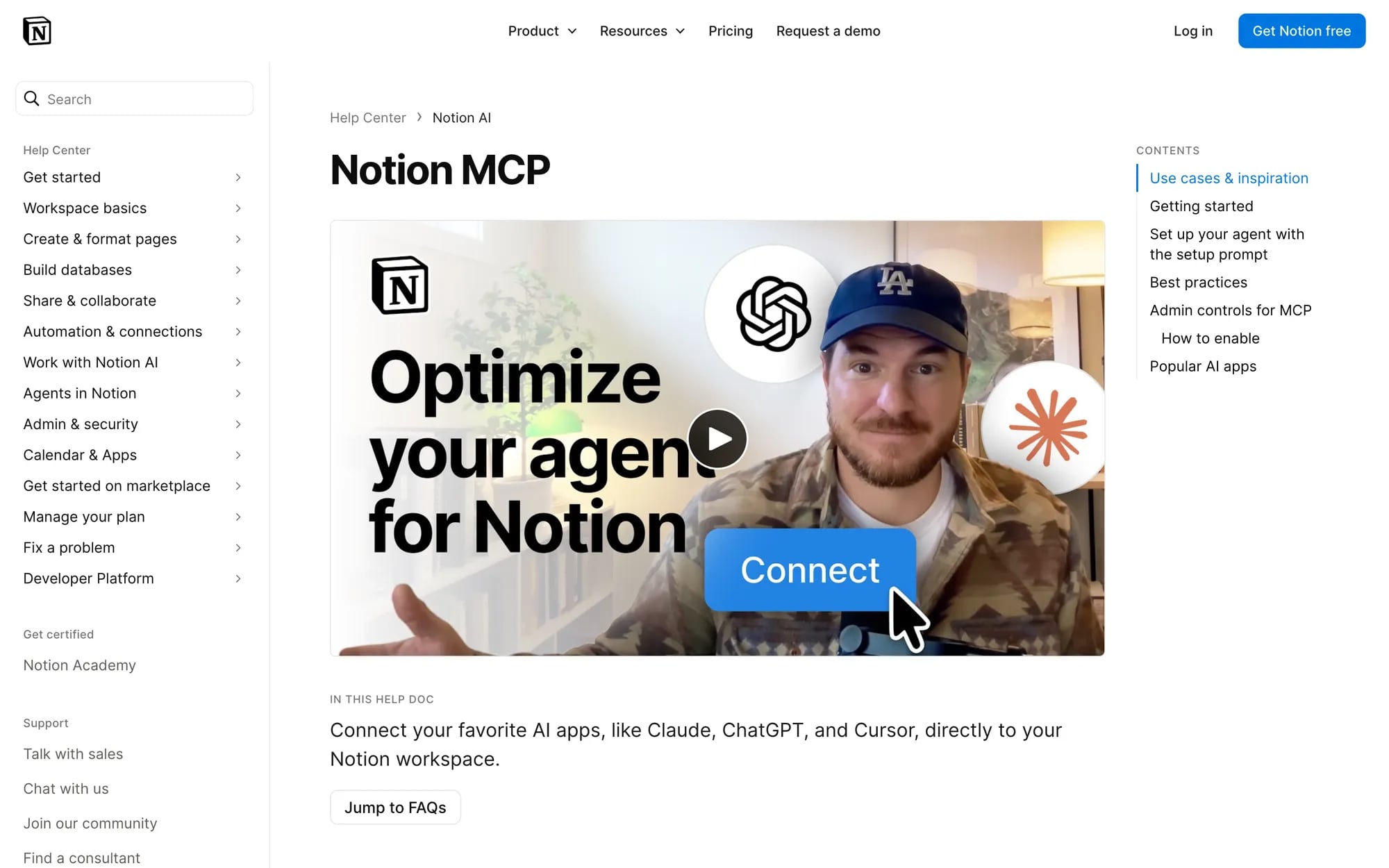
6. Notion: briefs, calendars and campaign docs
Notion’s connector lets Claude search and read your workspace, query databases like a content calendar, and create or update pages, databases and comments. It’s the one I used to file the October competitor brief, and it asked for approval before it created anything.
Best for: briefs, content calendars and brand guidelines your team already keeps in Notion.
Watch-outs: its tools act with your full Notion permissions, so Claude can reach every page you can. On Enterprise, admins decide which AI apps may connect.
What you need: a Notion account. Notion’s help page doesn’t name a plan for connecting, though searching connected sources needs Business or Enterprise with Notion AI.
7. Adobe for creativity: Photoshop, Express and Firefly in one connector
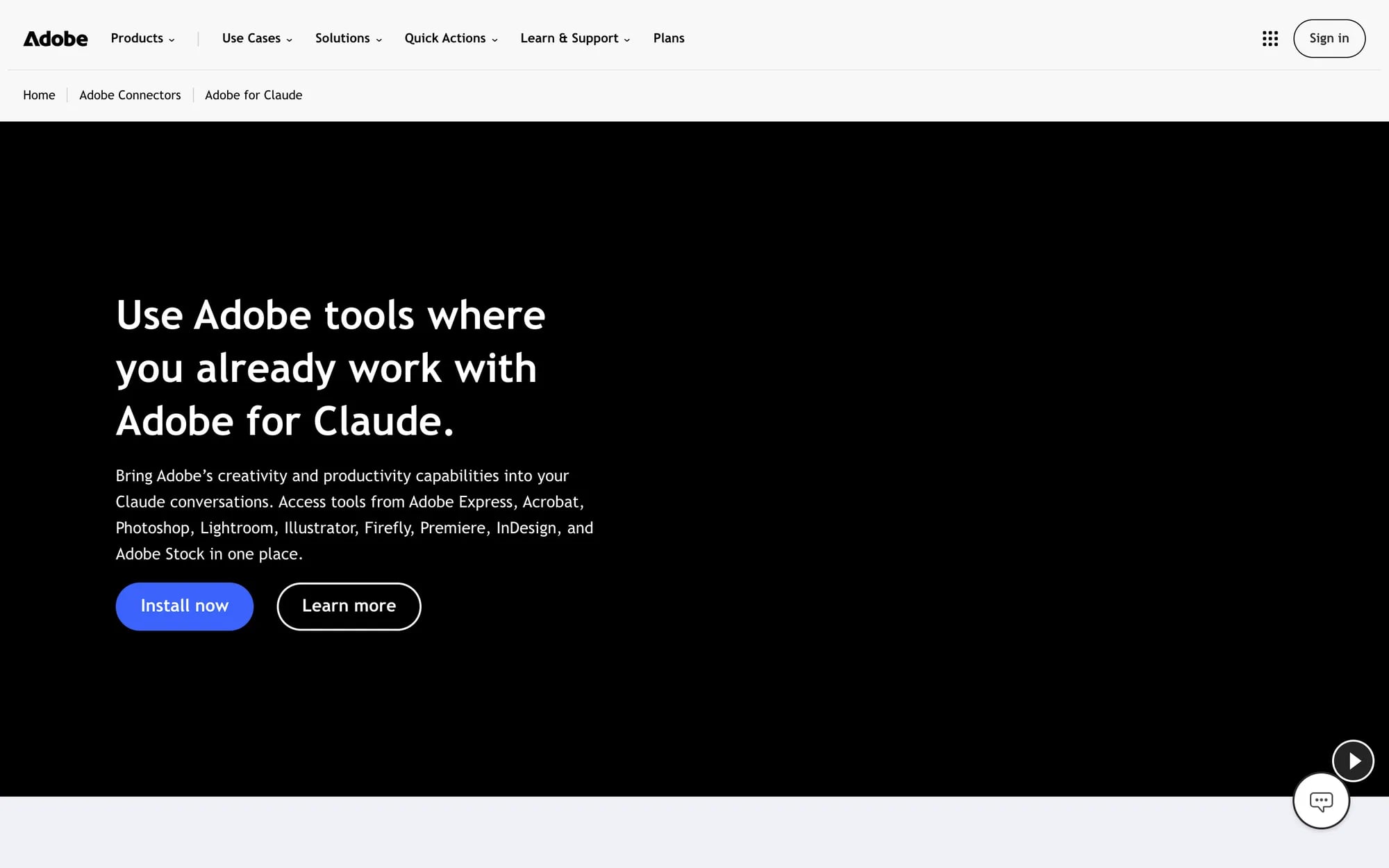
Adobe’s connector puts Acrobat, Photoshop, Lightroom, Illustrator, Firefly, Premiere, Express, InDesign and Stock behind one sign-in, with 109 tools between them. For a marketer that means asking Claude to remove a background, resize a key visual, find a Stock image or turn a PDF into something editable, without opening 4 apps.
Best for: quick production edits and asset searches for social and campaign visuals.
Watch-outs: it doesn’t include every feature from each Adobe app, so the final polish still happens in the app itself.
What you need: nothing to get started. A free Adobe account adds more tools and storage, and some tools need an eligible paid Adobe plan.
8. Figma: design files and FigJam boards
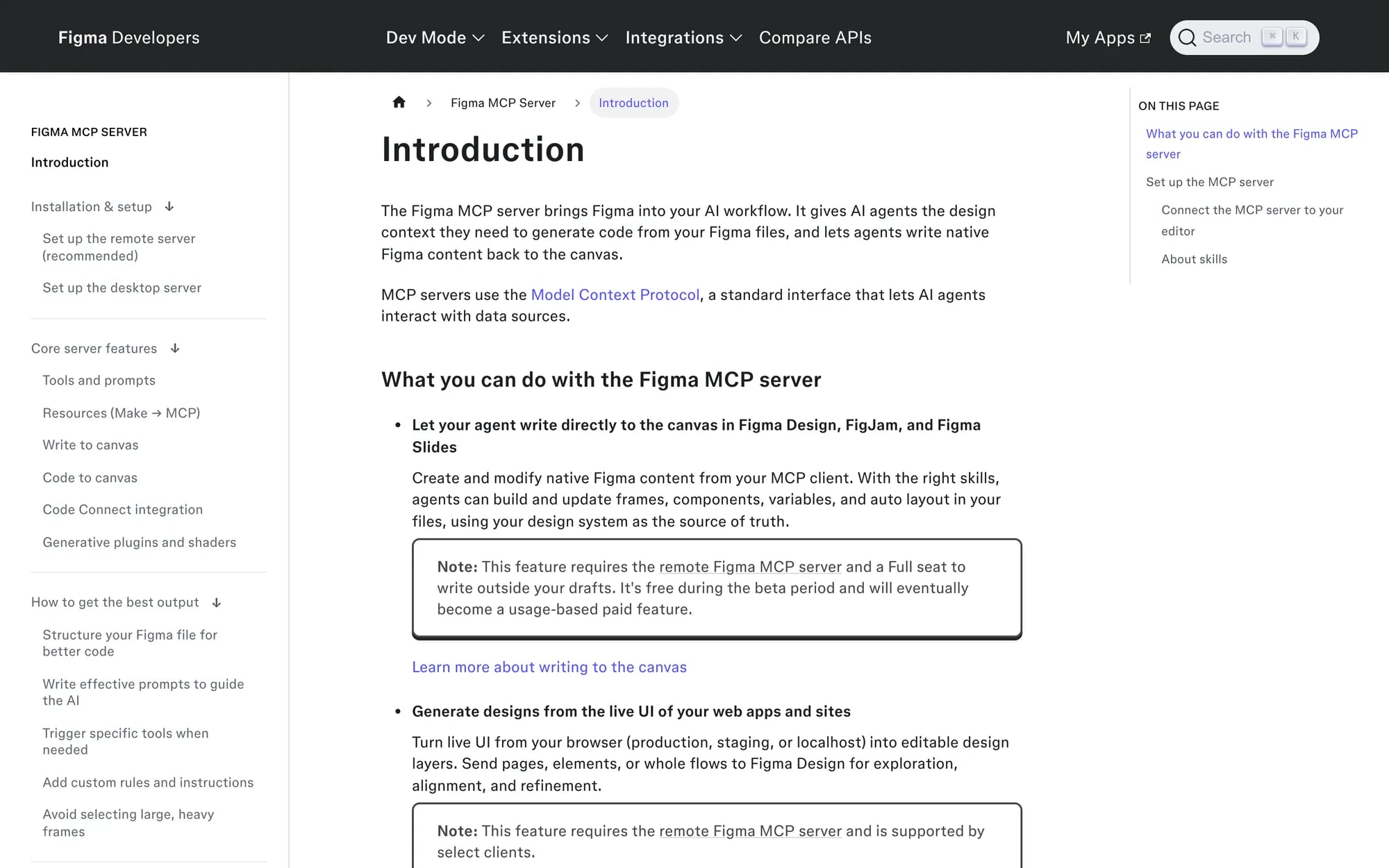
Figma’s connector gives Claude the context of a design, including screenshots, metadata and variables, and it can generate diagrams in FigJam. Marketers will use it less for pixels and more for checks, like comparing the copy on a landing page design with the approved brief or turning a customer journey into a FigJam diagram before the kickoff. 🧭
Best for: campaign kickoffs and copy checks on designs in progress.
Watch-outs: Figma says writing to the canvas is free during the beta and will become a usage-based paid feature.
What you need: a Figma account with access to the files, plus a Full seat if Claude should write outside your drafts.
Best Claude connectors for CRM and email campaigns
CRM and email connectors touch customer records and live sends, so they’re the ones to connect last and watch closest.
9. HubSpot: CRM records, campaigns and email analytics
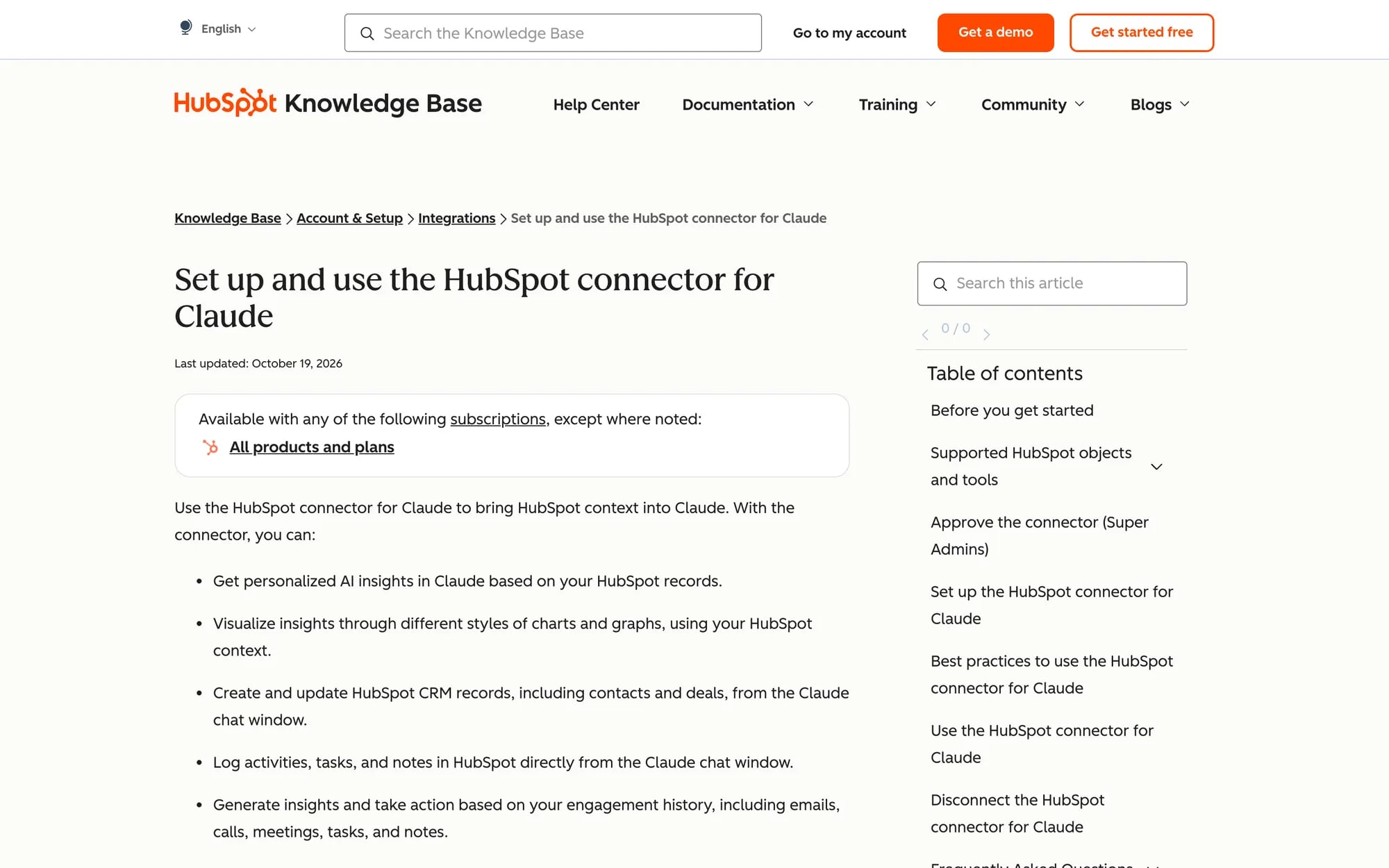
HubSpot’s connector lets Claude read and update contacts, deals, marketing emails, landing pages, blog posts and segments, and read or create campaigns. Ask which campaign brought the most new contacts last quarter, or have it draft a marketing email inside HubSpot for someone to review.
Best for: campaign attribution questions and CRM clean-up that starts from a question.
Watch-outs: it can’t delete anything, bulk creates and updates stop at 10 records, and with Sensitive Data turned on, engagement data stays out of reach.
What you need: an active HubSpot user on any HubSpot plan and a paid Claude plan (Pro, Max, Team or Enterprise). Users without App Marketplace access need a Super Admin to approve the connection.
10. Klaviyo: lifecycle campaigns and their results
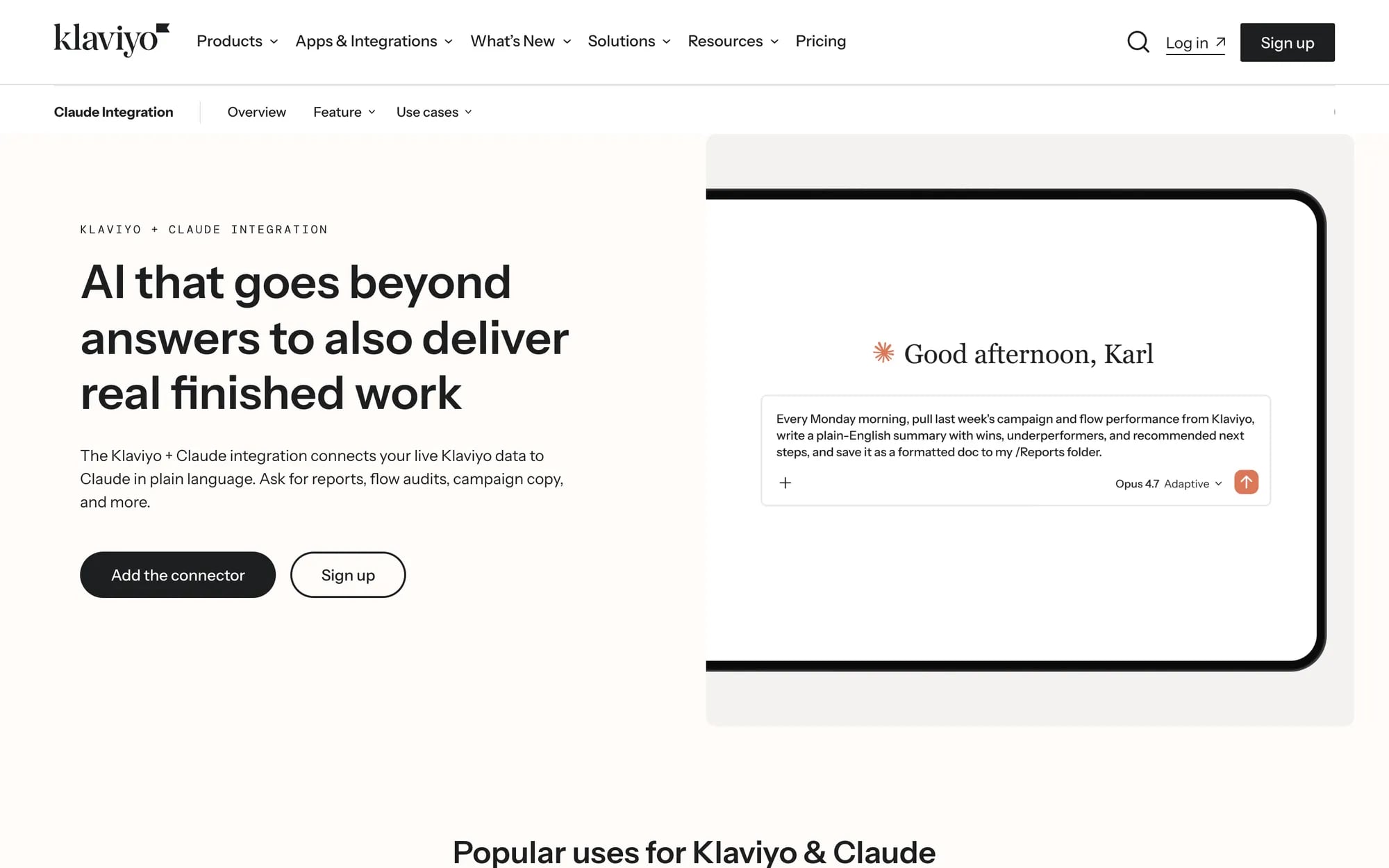
Klaviyo’s connector reads campaigns, campaign reports, flows, segments and metrics, and it can create campaigns, update profiles and manage subscriptions. That covers the Monday question (which flow earned the most last week) and the follow-up (draft next week’s campaign for the segment that’s slipping).
Best for: email and SMS performance reviews and first drafts of the next campaign.
Watch-outs: it can also schedule and send campaigns when write actions are allowed, and subscribe or unsubscribe real people, so keep those tools on approval. A/B test and Smart Send Time campaigns can’t be sent through it.
What you need: an Owner, Admin or Manager role on the Klaviyo account you connect. Klaviyo doesn’t name a plan tier.
Best Claude connectors for teamwork and automation
The last step is getting the answer in front of the people who act on it.
11. Slack: share results and decisions
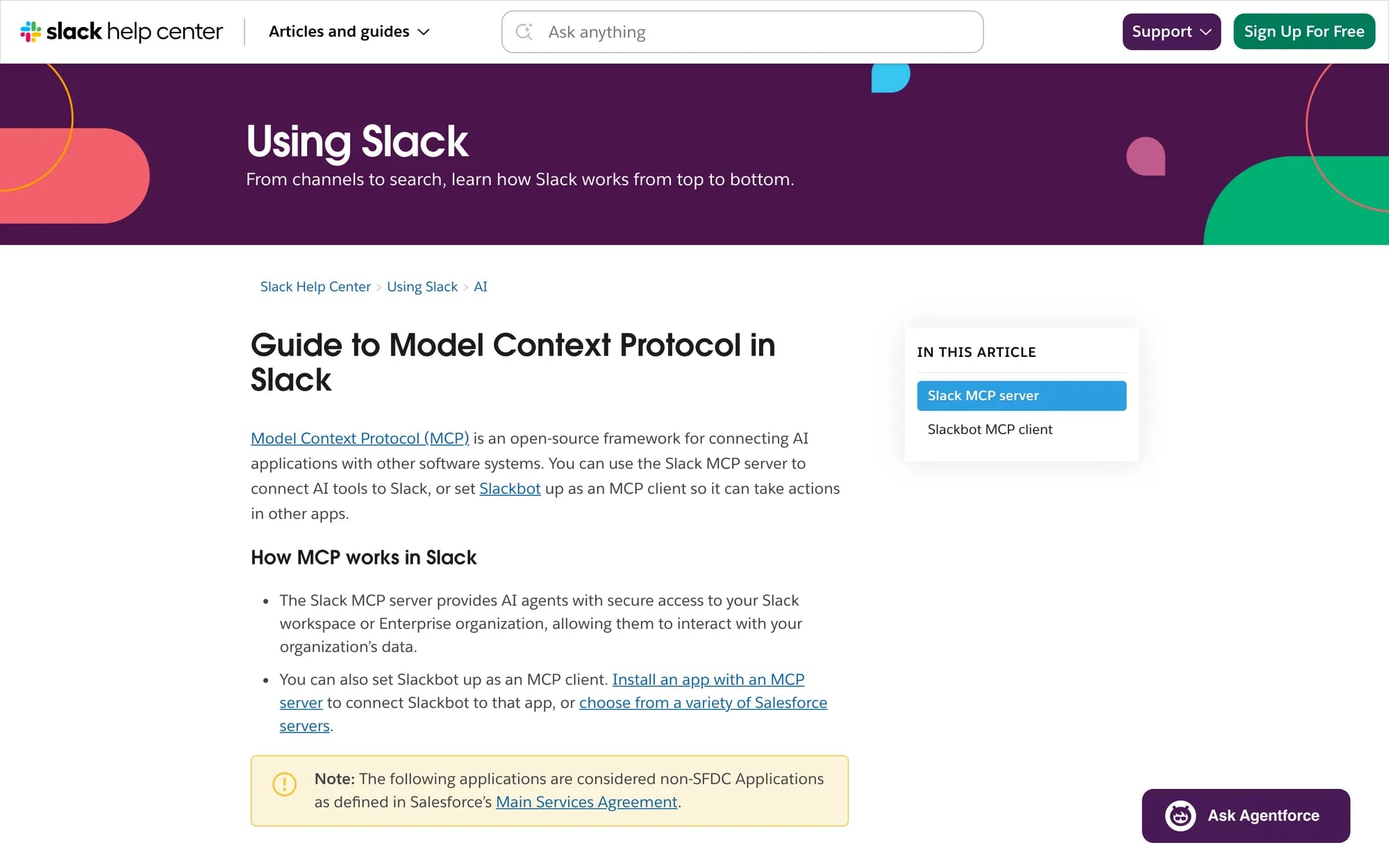
Slack’s connector lets Claude search messages, read channels and threads, send messages and create canvases. After the monthly review, ask it to post the 3 takeaways to the client channel as a canvas, and the summary lands where people will actually read it.
Best for: catching up on client feedback and sharing results with the team.
Watch-outs: a sent message is out the moment it lands, so I’d keep the send tool on approval.
What you need: a Slack workspace where an admin has approved the integration, since workspace admins approve and manage MCP clients. Slack’s docs don’t name a plan.
12. Zapier: hand approved steps to your other apps
Zapier’s connector lets Claude run actions across 9,000+ apps through your Zapier account, which covers most tools that don’t have a Claude connector of their own. Think of it as the bridge for the last step, like adding a row to a reporting sheet or creating a task once you’ve approved the plan.
Best for: tools with no connector of their own and repeatable hand-offs.
Watch-outs: each successful tool call uses 2 tasks from your Zapier plan, and on Team and Enterprise an owner has to enable Zapier before anyone can connect.
What you need: any Zapier plan, on any Claude plan including Free.
Can Claude post to social media for you?
Not with the analytics, research or creative connectors on this list, and I’d think twice before wishing otherwise. Sociality.io reads and benchmarks, Adobe and Figma build the assets, and none of them publishes to Instagram or TikTok. Zapier is the exception in principle, because it can run whatever actions you’ve set up in other apps.
For your own brand account, that’s fine. For client accounts, one vague prompt is enough to put the right caption on the wrong profile, so approvals, scheduling and publishing belong in your social media management platform, where the approval trail and profile permissions already live.
The split that works looks like this. Claude drafts the caption and the brief, Adobe builds the visual, and your team approves and schedules it in the platform it already uses.
How I ran an October Instagram competitor brief in Claude with 2 connectors
To see how far 2 connectors get you, I ran a competitor review on 4 November 2026 in Claude on the web, using Opus 5.5 with the Sociality.io and Notion connectors switched on. The brands were Starbucks, Pepsi and Netflix, 3 public Instagram accounts we track as competitors in Sociality.io.
Step 1: pull the numbers with Sociality.io
This was the first prompt.
Using the Sociality.io connector, compare the Instagram accounts of Starbucks, Pepsi and Netflix (they’re tracked competitors in my workspace) for 1 to 31 October 2026. For each brand give me: number of posts, average engagement per post, and the top 3 posts by comments (with their date and comment count). Put the comparison in a table, then tell me in 3 bullets what each brand did differently.
Claude pulled every October post for all 3 accounts, 293 in total, and counted engagement as likes, comments and shares. Starbucks posted only 19 times and still had the highest average, at 96,462 engagements per post. Netflix posted 233 times, about 7 to 8 a day, for 83,534 per post, while Pepsi’s 41 posts averaged 2,584.
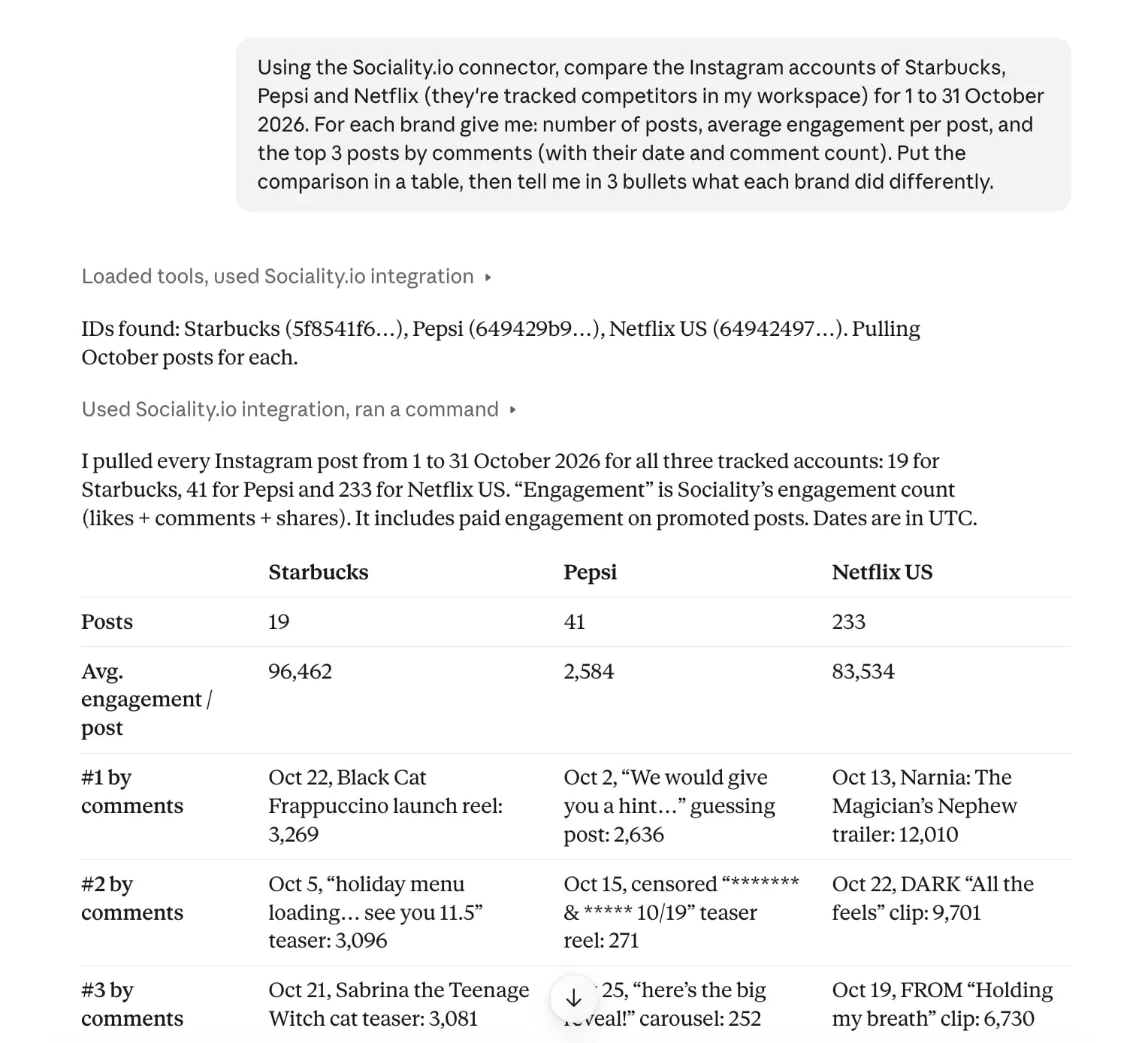
The bullets were the useful part. Claude spotted that 17 of Starbucks’ 19 posts were promoted Reels built around 2 product launches, and that Pepsi’s one breakout, a “guess the flavour” tease on 2 October, drew 2,636 comments, nearly 10 times its next-best post. Netflix’s most-commented post was the Narnia trailer for The Magician’s Nephew, with 12,010 comments. I checked every figure against Sociality.io directly, and they matched.
Step 2: turn the answer into a brief in Notion
Then I asked for a page the team could open later, with one condition.
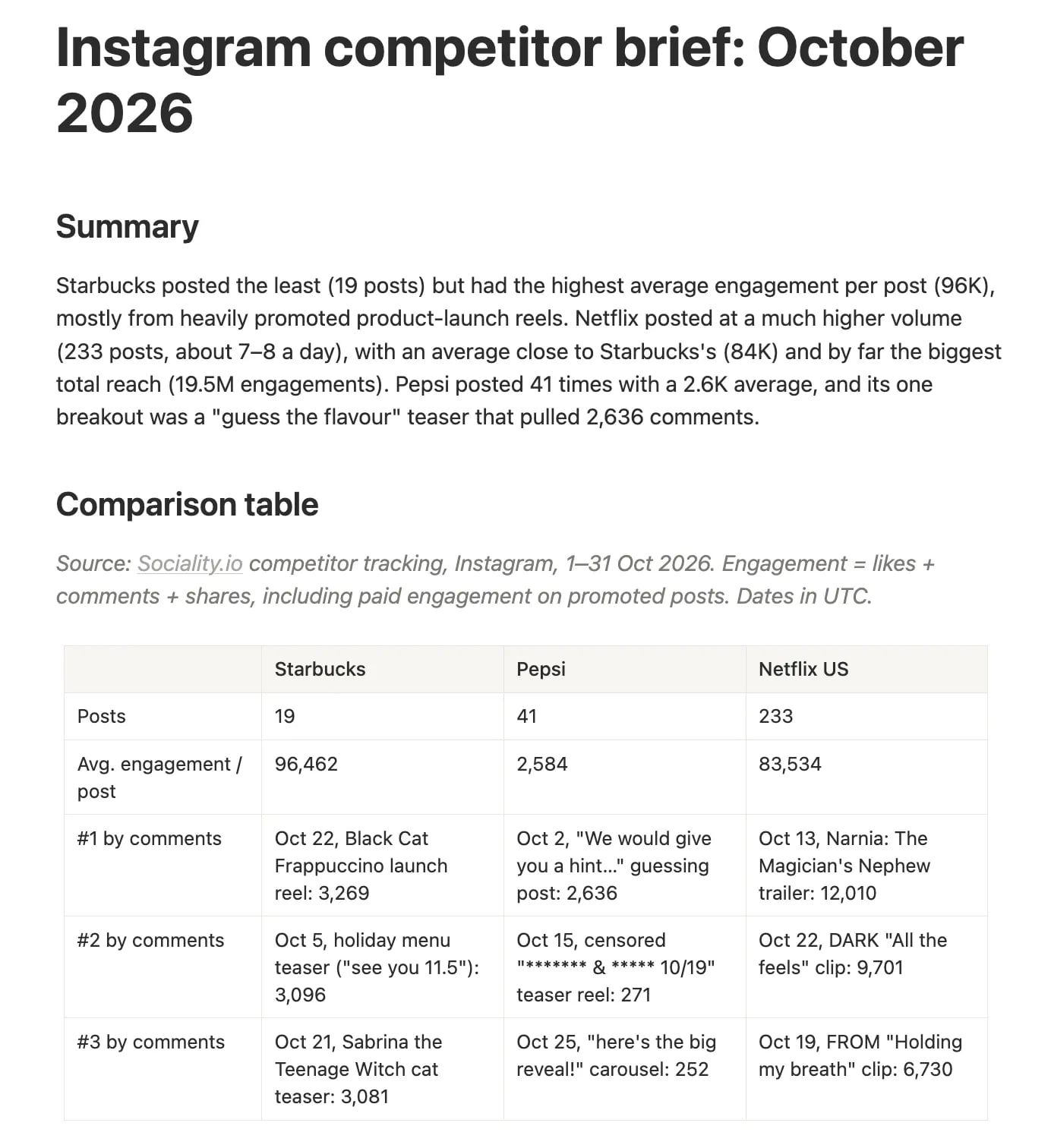
Now turn this into a one-page competitor brief for my team in Notion, using the Notion connector. Title: “Instagram competitor brief: October 2026”. Sections: summary (3 lines), the comparison table, what each brand did differently, and 3 ideas we could test in November. Before you create anything, show me the full page content here and wait for my OK.
Claude showed the full page in the chat and waited. After one “OK, create it as a private page”, the Notion connector asked for approval once and created the brief, with a source line under the table and 3 test ideas, one borrowed from each brand. Pepsi’s was a “guess what’s coming” teaser, Starbucks’ a launch arc with a paid boost on launch day only, and Netflix’s a set of short, emotional recuts from the back catalogue.
What the test can’t tell you
The run had 3 limits worth knowing. The averages are raw engagement, not engagement rate, and they include paid engagement on promoted posts, so Starbucks’ lead is partly bought. Every call to Sociality.io’s tools also asked for approval again, about 8 times in one answer, because Claude flagged that the tool had changed since it was last allowed. Dates were counted in UTC, which put 2 late Netflix posts from 31 October into the month even though they were already 1 November in Istanbul.
How to add a connector in Claude
Adding a directory connector takes about a minute, and the steps are the same for every pick on this list.
- Click Plugins in Claude’s sidebar and filter the list to connectors.
- Search for the connector and open its page.
- Connect it, then sign in to the tool and allow access when asked.
- In a chat, click + in the lower left or type /, hover over Connectors and switch on the ones you need.
If your account hasn’t switched to the Plugins page yet, the same connectors sit under Customize and Connectors. The full walkthrough, with screenshots, is in our guide to connecting an MCP in Claude, step by step.
Not in the directory? Any remote MCP server can be added as a custom connector by its URL, on every plan, but Free accounts are limited to one. On Team and Enterprise, owners approve, decline or block the connectors people ask for.
Are Claude connectors safe for client accounts?
They are, as long as you treat each connector like any other tool with access to client data. So what data can Claude access through connectors? Whatever the connected account already sees, through the tools the connector exposes. The exception is a custom connector set up with a shared credential, such as an API key, which gives everyone who uses it that credential’s access, so pick one limited to what the whole team should see.
Anthropic’s own advice for custom connectors is to connect only servers built by organizations you trust, and it warns about malicious servers that hide instructions meant to make Claude do something you never asked for.
Before you connect a client account, run through this checklist. 🔐
- Check the training setting on your plan. Team, Enterprise and API data isn’t used for training by default, and on Free, Pro and Max it depends on the Model Improvement setting, though raw connector content is excluded either way.
- Read the tool list on the listing, and look for anything that creates, sends, subscribes or manages.
- On Team and Enterprise, set each tool to Always allow, Needs approval or Blocked. Users can’t override what an owner sets.
- Connect the least access the job needs, and keep separate workspaces per client where the tool allows it.
- Turn off connectors you don’t need in a chat, so Claude doesn’t reach for one you forgot was on.
My rule is boring on purpose. Reading connectors first, and changing connectors only where a person reviews the result.
Claude connectors vs ChatGPT apps: which should marketers use?
Use the assistant your team already pays for, because the overlap is bigger than the difference. Many vendors on this list, Sociality.io included, offer both a Claude connector and a ChatGPT app, and the comparison of the best ChatGPT apps for social media managers covers the ChatGPT side pick by pick.
The differences that matter for a marketing team sit in plans and controls.
| Claude connectors | ChatGPT apps | |
|---|---|---|
| Where you find them | Plugins page (rolling out from 29 October 2026) | Plugins in the sidebar (since July 2026) |
| Free plan | Directory connectors, plus 1 custom connector | Apps, with custom MCP servers on Business, Enterprise and Edu |
| Tool-level admin control | Always allow, Needs approval or Blocked per tool | Admins enable apps for the workspace |
| Sociality.io | Official connector | Official plugin |
Claude connectors and ChatGPT apps compared for marketing teams, November 2026
If your agency runs both, connect the same data source in each and compare one real monthly report side by side. A week of that tells you more than any feature table.
How to tell if a Claude connector is earning its place
Give each new connector one job and a month. At the end of it, I’d ask 3 questions before it stays switched on.
- Did it replace an export? Count the questions it answered that you’d otherwise have answered with a CSV and a spreadsheet. If the count is zero, turn it off.
- Did the numbers match the source? Spot-check 3 figures in every report against the tool itself, the way I checked the October brief against Sociality.io.
- Did it change anything you didn’t expect? Look in the tool for anything Claude created, updated or sent, and tighten the approval setting if something surprised you.
Then look at the whole list once a quarter. Connectors gain and lose tools between releases (Sociality.io’s changed during my test, which is why Claude asked for approval again), and plans and prices move with them, so the setup that was right in November may not be right by February.
Wrapping up 👋
Claude gets much more useful for marketing once it can see your real tools, and 3 connectors are enough to start (one for the numbers, one for planning and one for where the team talks). Rarely is the twelfth connector the one that changes your week.
Start where your week stalls. For most teams that’s measurement, and Sociality MCP is the connector I’d add first if the stall is social reporting, because the first question in every monthly review deserves an answer before the meeting. Then add the rest one at a time, with the access each job needs and nothing more.
FAQs about Claude connectors for marketers
Can Claude analyze my Instagram performance and competitors?
Yes, once a connector gives it the data. On its own, Claude only sees what you paste into the chat. The Sociality.io connector reads your connected Instagram, TikTok, Facebook, YouTube, X and LinkedIn accounts and the competitors you track, so you can ask for October’s top Reels or a 3-brand comparison by date range. Sociality MCP starts free with 1,000 one-time credits.
What are Claude connectors?
Claude connectors are integrations that let Claude read data in another tool or take an action there, like searching Notion, pulling Ahrefs keyword data or sending a Slack message. Most run on the Model Context Protocol. You add one from Claude’s directory, sign in to the tool once, then switch it on for a chat from the + menu.
Are Claude connectors free?
Connecting is free on every Claude plan, Free included, though Free accounts can add only one custom connector. For most Claude connectors for marketers, the cost sits with the tool. Zapier works on any Zapier plan, Ahrefs needs Lite or higher, Similarweb needs API access, and HubSpot’s connector needs a paid Claude plan. Check the vendor’s own page before you build a workflow on one.
Can Claude connect to Google Analytics, Google Ads and Meta Ads?
Yes, through a connector that already has access to them. Supermetrics’ Claude connector queries GA4, Google Ads, Meta Ads and many other sources, and a trial starts when you log in without a subscription. Google also publishes its own Google Analytics MCP server, which is read-only and runs locally, so it suits technical teams more than a quick setup.
What is the difference between Claude connectors, MCP and Skills?
MCP is the open standard most connectors run on. A connector is the finished link to one tool, which you add from Claude’s directory and sign in to. A skill is a packaged set of instructions that teaches Claude how to do a task, like your report format, without access to any tool. Since 29 October 2026, skills, connectors and plugins share one Plugins page.
What data can Claude access through connectors?
Only what the connected account can reach, through the tools the connector exposes, unless a custom connector uses a shared credential such as an API key, which gives everyone that key’s access. Notion’s tools act with your full Notion permissions, and Sociality.io reads the accounts and competitors in your workspace. On Free, Pro and Max, raw connector content isn’t part of the data used for training.
Can my agency’s Claude admin control which connectors people use?
Yes, on Team and Enterprise. Owners can approve, decline or block the connectors people request, and set each tool to Always allow, Needs approval or Blocked, which users can’t override. Each person usually signs in to the tool with their own account, so Claude reaches only the client data that person can already see, unless the connector runs on a shared credential.