How to connect your TikTok pages?

Hello!
Since you are here, we assume something probably went wrong while connecting your TikTok pages to Sociality.io — but no problem. We are always here to help. Let’s troubleshoot! ❤️
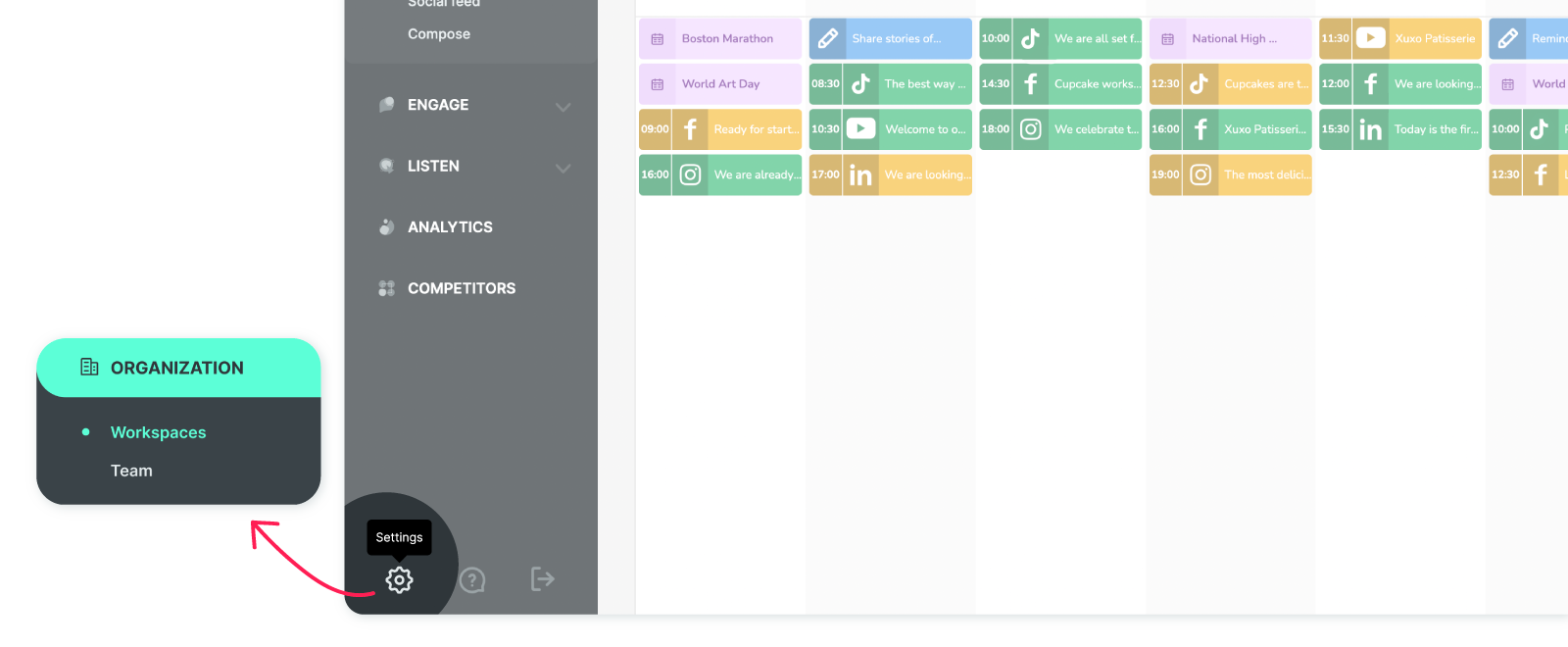
Click 'Settings,' and you’ll land directly in the 'Workspaces' section on the next screen.
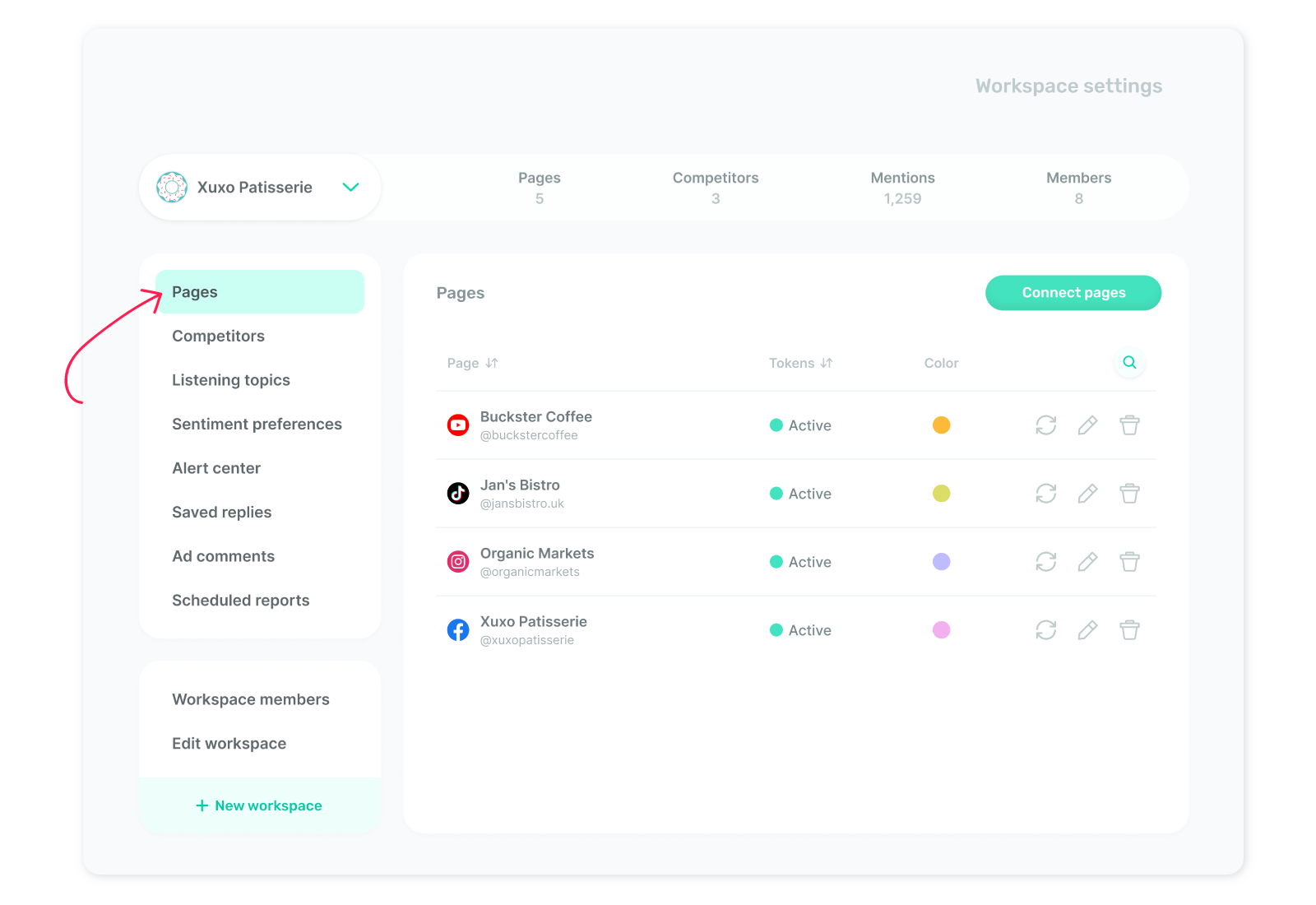
From the left menu, navigate to 'Pages’, then click on ‘Connect pages’ to continue.
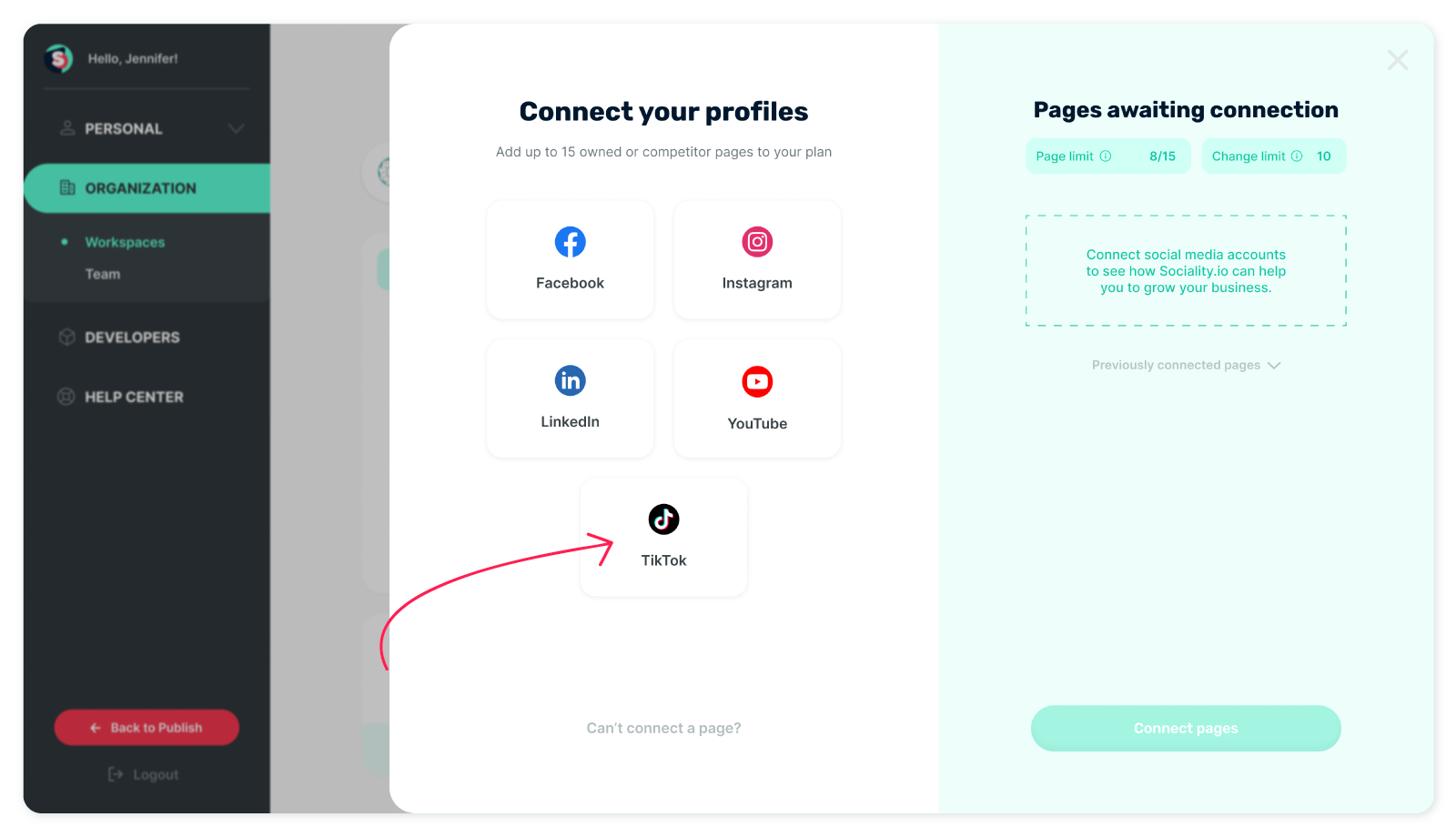
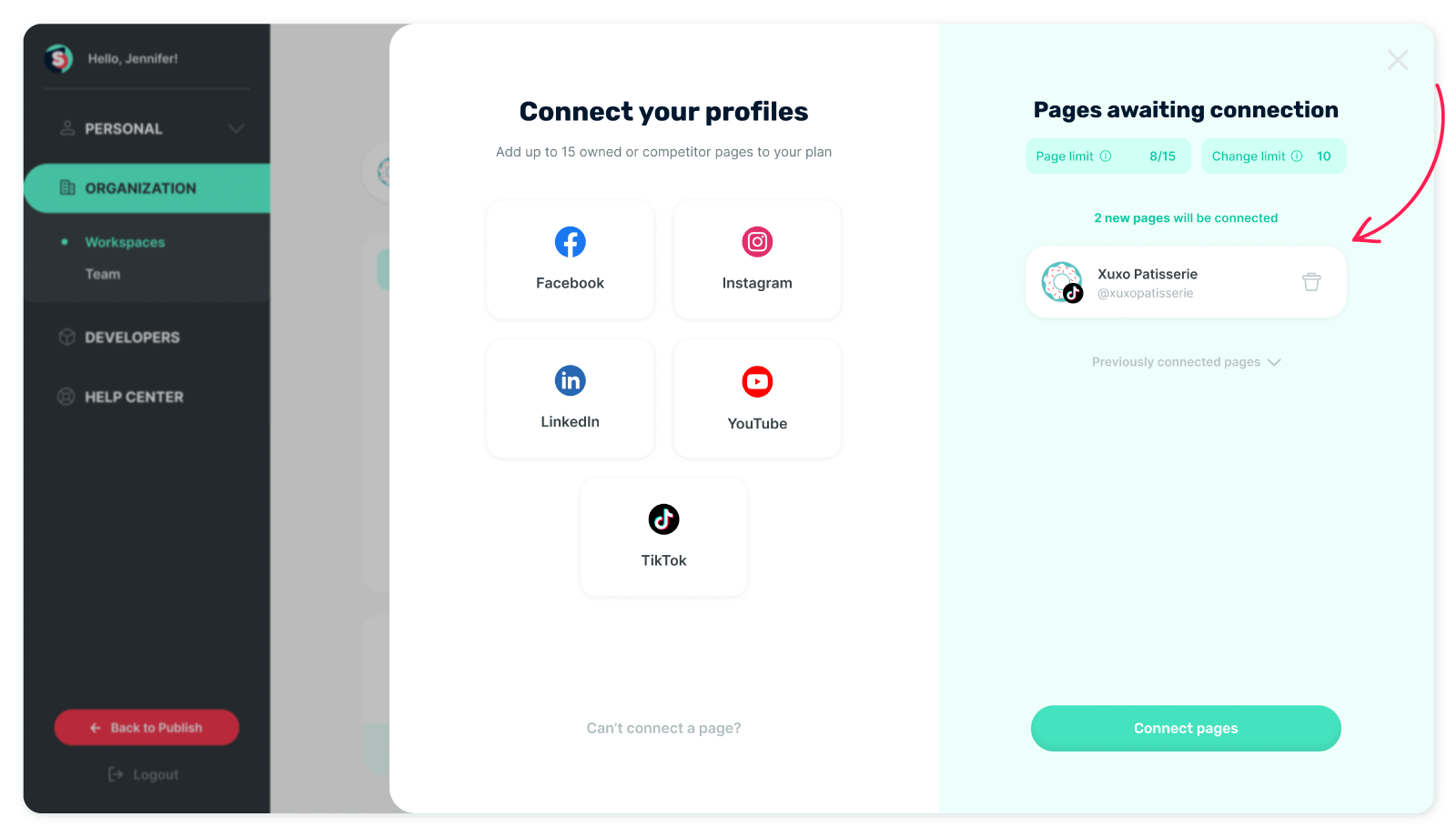
Select ‘TikTok’ when the 'Connect your profiles' screen appears.
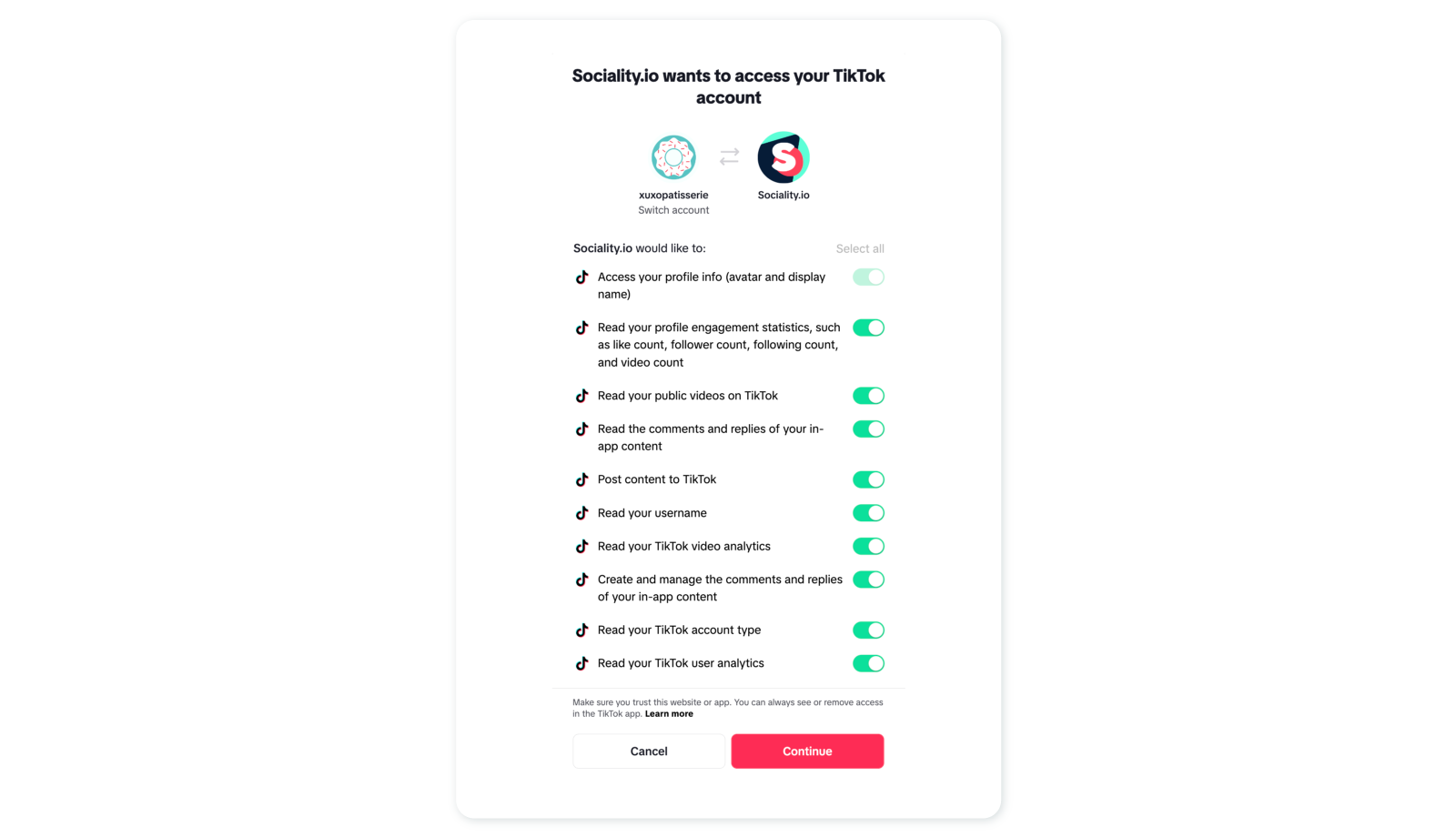
Please login into the social media platform you are willing to connect with Sociality.io — if necessary. Or, authorize Sociality.io app access to your account on the appearing screen.
Your TikTok page will appear under 'Pages awaiting connection' on the displayed screen. Click on ‘Connect pages’ to continue.
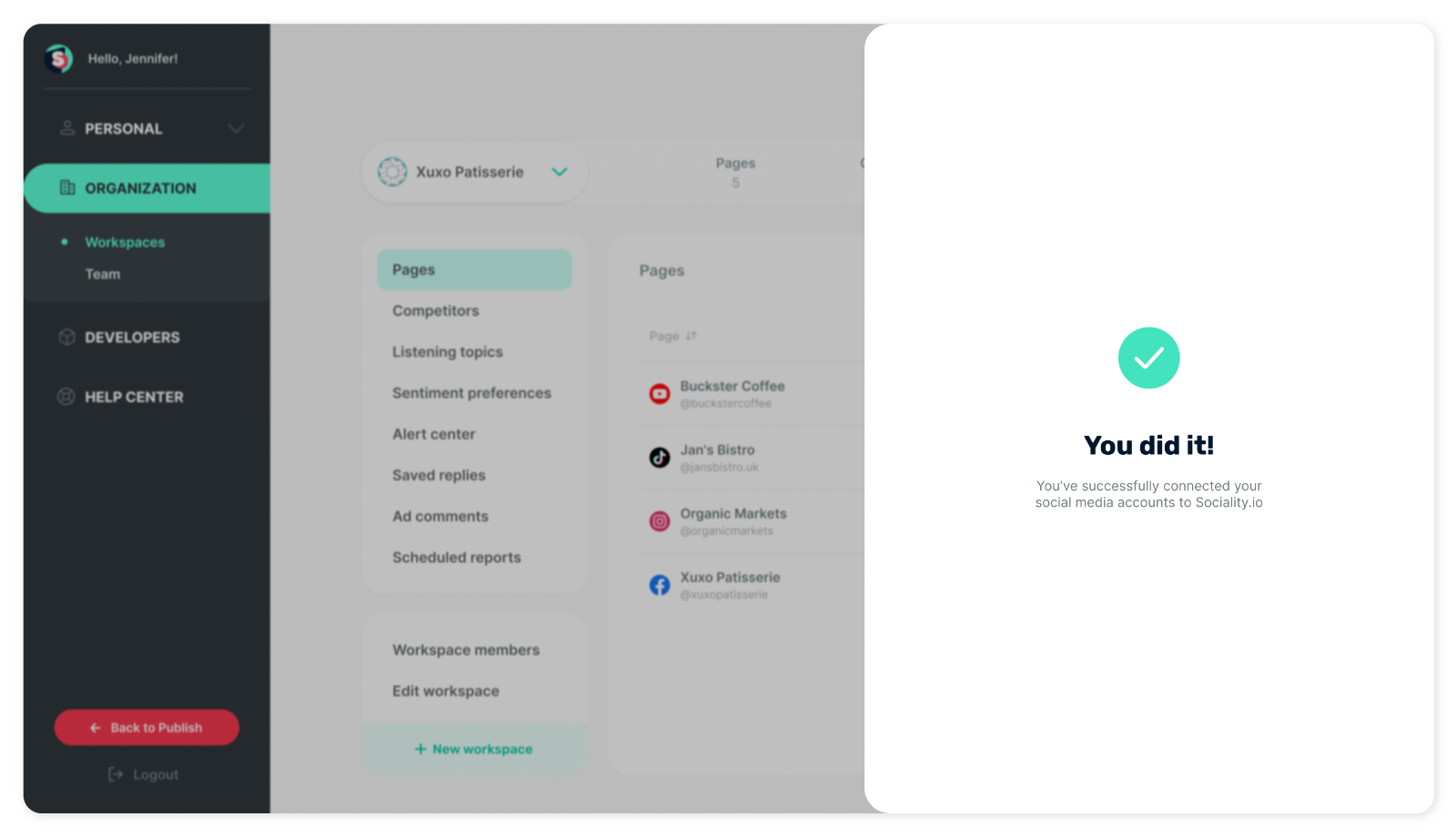
Cheers! 🎉 Your pages have been added to Sociality.io successfully. You can see the connected pages under the ‘Pages’ tab.
Platform-specific page connection shortcuts:
Experiencing difficulties with page connections? 👉 Troubleshoot connecting pages to Sociality.io. Here is the solution checklist!